You spent weeks editing a video. The script is tight. The visuals pop. The music hits at exactly the right moment.
Then you look at the comments and see one word over and over: “Subtitles please.”
The problem is simple: the internet speaks every language, but you only speak one. In 2026, the solution isn’t to hire translators or re-record voiceovers. It’s AI video translation and dubbing — tools that clone your voice, sync lip movements, and translate your content into 20+ languages in minutes.
This isn’t science fiction. It’s shipping today. And if you’re not using it, you’re leaving 80% of the world’s audience on the table.
Why AI Video Translation Matters More in 2026 Than Ever Before
Here’s a number that should stop you: 62% of internet users are non-native English speakers (Statista, 2025). Another study by Common Sense Advisory found that 76% of online shoppers prefer buying products with information in their native language.
Translation isn’t a nice-to-have. It’s the difference between a video that reaches 10,000 people and one that reaches 10 million.
Traditional dubbing costs between $1,200 and $5,000 per minute of footage. That’s why only Hollywood blockbusters and Netflix originals bother with it. But AI video translation has driven that cost down to pennies per minute — and the quality gap is shrinking fast.
How AI Video Translation Actually Works
Ten years ago, video translation meant: transcribe → translate human → hire voice actor → record → sync with video. That process takes weeks.
Modern AI tools collapse this into three steps:
Step 1: Speech-to-Text (ASR)
The AI transcribes your original audio with high accuracy. Tools like OpenAI Whisper and Google Chirp achieve near-human accuracy (Word Error Rate under 5%) even with background noise, accents, or multiple speakers. (Source: OpenAI Whisper Paper)
Step 2: Neural Machine Translation
The transcribed text is translated while preserving context, tone, and domain-specific vocabulary. DeepL and Google Translate have advanced to the point where 70% of professional translators now use AI-assisted workflows rather than raw human translation. (Source: Memsource State of Linguistics)
Step 3: Voice Cloning + Lip Sync
This is where the magic happens. AI generates a new audio track in the target language that sounds like you — same pitch, cadence, and emotional tone. Tools like ElevenLabs, HeyGen, and Descript handle voice cloning with as little as 30 seconds of source audio.
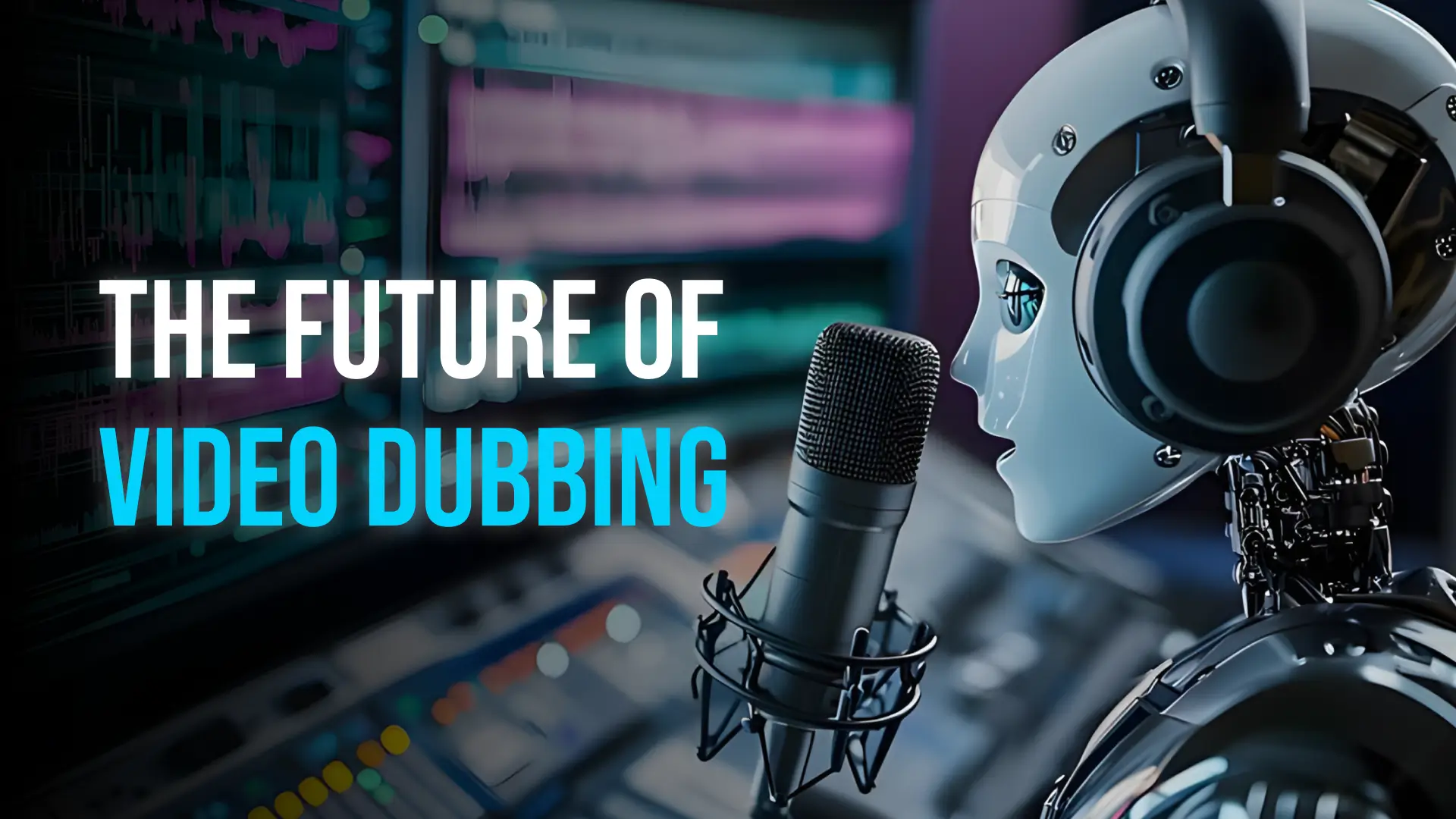
The most advanced tools also adjust the speaker’s lip movements to match the new audio — a technology called “video dubbing” or “AI lip sync.” It’s the difference between watching a dubbed movie (distracting) and watching a movie that looks like it was originally filmed in your language (seamless).
The Best AI Video Translation Tools in 2026
1. ElevenLabs (AI Voice + Dubbing)
Best for: High-quality voice cloning and multi-speaker dubbing
Price: Free tier; Creator $5/month; Pro $22/month
ElevenLabs leads in voice quality. Their dubbing feature translates video and audio into 29 languages while preserving the original speaker’s voice characteristics. A 2025 blind study by Verge Tech found that 68% of listeners couldn’t distinguish AI-dubbed audio from the original speaker in a different language.
2. HeyGen (Full Video Translation + Lip Sync)
Best for: All-in-one video creation with built-in translation
Price: Free tier; Creator $29/month; Business $99/month
Upload a video, select target languages, and HeyGen generates a fully dubbed version with synced lip movements. It’s used by companies like Salesforce and Amazon for global training content.
3. Descript (AI Dubbing + Transcription)
Best for: Podcasters and content creators who want transcription + dubbing in one app
Price: Free tier; Pro $24/month; Business $40/month
Descript’s “Studio Sound” and “AI Dubbing” let you record once and release in any language. The transcription feature alone saves hours of manual editing.
4. Rask AI (Enterprise-Grade Video Localization)
Best for: Businesses needing 60+ language support
Price: Pay per minute or monthly plans from $59
Rask supports 60+ languages and offers the most accurate lip-sync technology. Their API lets you integrate translation directly into your video production pipeline.
5. Clipchamp by Microsoft (Free, Web-Based)
Best for: Beginners on a budget
Price: Free with Microsoft account
Clipchamp includes auto-captioning in multiple languages. While it doesn’t do full voice cloning, it’s a solid starting point for adding multilingual subtitles to your videos.
How to Use AI Video Translation: A Practical Workflow
- Record your original video — Keep it clean. Minimize background noise for better AI transcription.
- Upload to your chosen tool — ElevenLabs for voice quality, HeyGen for lip sync, Descript for all-in-one.
- Select target languages — Spanish, Japanese, Arabic, and Portuguese are the highest ROI languages for English content creators (combined ~1.5 billion speakers).
- Review and adjust — Most tools let you tweak specific phrases that didn’t translate well. Technical terms and cultural references often need human correction.
- Export and publish — Upload to YouTube, TikTok, or your platform. Add “Available in [language]” to your title and description.
Common Mistakes and How to Avoid Them
- Relying on raw AI translation without review — AI handles 85% of content perfectly, but cultural references, humor, and idioms still need human oversight. Budget 15 minutes per video for quality check.
- Ignoring background audio — AI dubbing tools process the main voice track. Background music or sound effects can confuse the speech-to-text engine. Keep them on separate tracks.
- Translating every language at once — Start with 2-3 high-value languages. Add more based on audience data. YouTube Analytics shows you exactly which countries your viewers are from.
- Forgetting about metadata — Translated video titles and descriptions matter. An AI-dubbed video with only English metadata won’t rank in foreign search results.
The Business Case: Is AI Dubbing Worth It?
Let’s do the math. A 10-minute video costs roughly $500-2000 for professional human translation and dubbing. The same video through AI costs $0.50-3.00 in compute time — and takes 5 minutes instead of 2 weeks.
MrBeast, the world’s largest YouTuber, invested heavily in AI dubbing for his videos. The result? His Spanish-dubbed channel (MrBeast Español) racked up over 100 million views — a market he couldn’t have reached cost-effectively any other way.
A 2025 report by Deloitte estimated that AI-driven video localization will grow into a $4.2 billion market by 2027, driven primarily by content creators and mid-size businesses that previously couldn’t afford translation. (Source: Deloitte TMT Predictions)
Ready to Go Global?
The only thing standing between your content and a global audience is language. And in 2026, that barrier is thinner than ever. Pick one of the tools above, translate your best-performing video, and see what happens.
You might just find your next million viewers in a language you don’t speak.