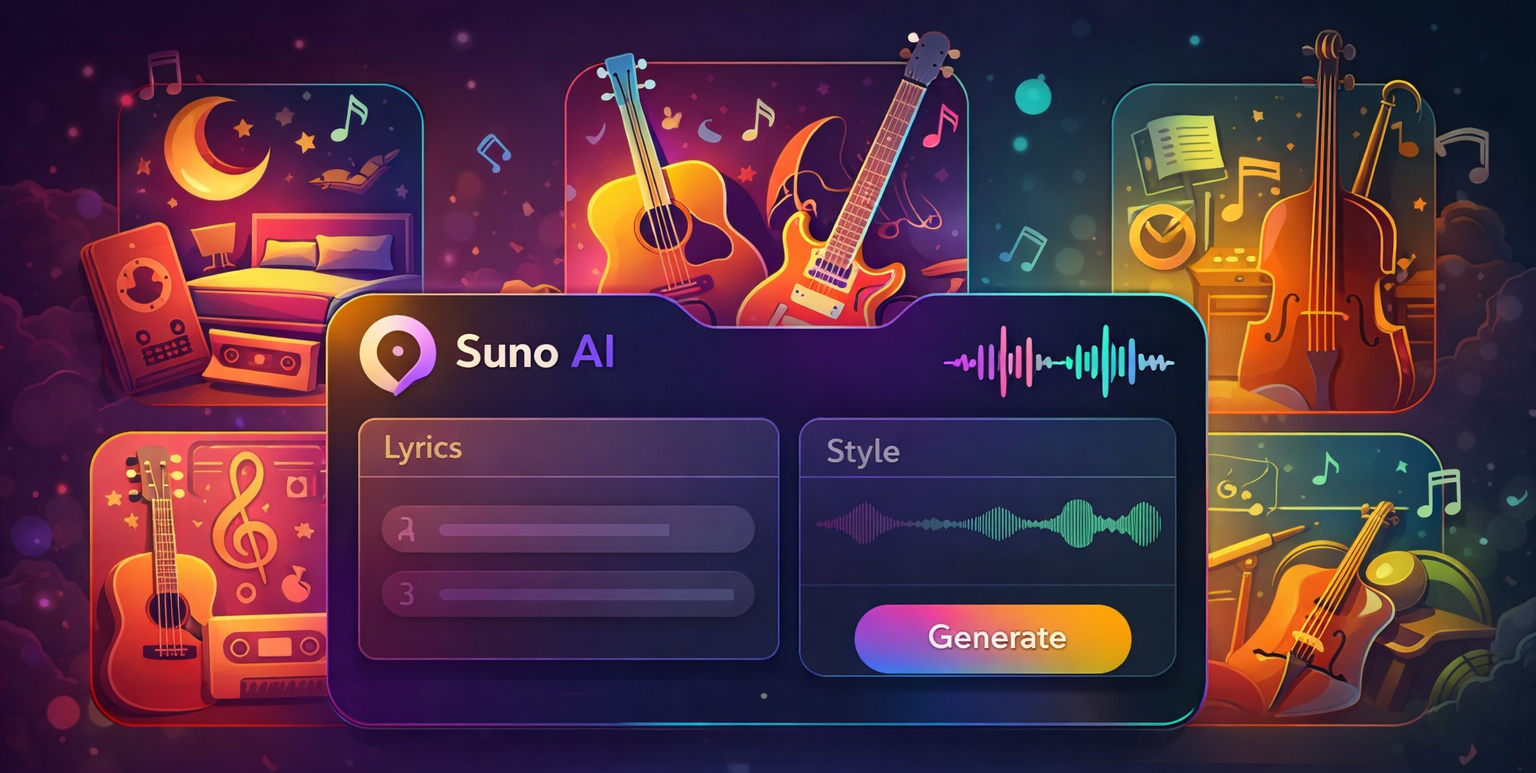
Free AI Music Generation Tools in 2026: How Anyone Can Create Original Songs Without Knowing a Single Chord

I still remember the first time I tried to write a song. I was fifteen, sitting on my bedroom floor with a borrowed acoustic guitar, trying to string together three chords that didn’t sound like a cat falling down the stairs. I gave up after about twenty minutes. That was two decades ago, before AI music generation tools made it possible for someone like me — someone with zero musical training and absolutely no sense of rhythm — to create a song that actually sounds decent.
Fast forward to 2026, and the landscape has completely flipped. According to a Statista report published in early 2026, the global AI music generation market is projected to exceed $3 billion by 2028. That kind of growth doesn’t come from professional musicians alone. It comes from people like you.
In this guide, I’m going to walk you through the best free AI music generation tools available right now, how they actually work, and how you can use them to create your own original tracks from scratch. No music theory required. No expensive gear. Just you, a browser tab, and maybe a good pair of headphones.
What Exactly Are AI Music Generation Tools?
AI music generators use machine learning models trained on massive datasets of existing music to understand patterns in melody, harmony, rhythm, and structure. When you prompt an AI music generator, you’re giving it direction — some tools let you type a text description, others let you pick a genre or upload a reference track. What makes 2026 different is the sheer quality of the output. A 2025 research paper from the University of Cambridge found that listeners could only distinguish AI-generated music from human-composed music about 58% of the time — barely better than a coin flip.

The Best Free AI Music Generation Tools in 2026
Suno — Still the King of Full Song Generation
Suno has been around since 2023. The free tier gives you ten generations per day, each producing a roughly 90-second track with lyrics, vocals, and instrumentation. What sets Suno apart is its ability to handle complex prompts — you can specify genre, mood, tempo, and lyrical themes. I’ve generated everything from lo-fi study beats to what I can only describe as “banjo techno” — which, against all odds, actually worked.
Udio — Best for Instrumental and Background Music
Udio focused on instrumental quality and audio fidelity. The free tier gives five generations per day with tracks up to two minutes. What I appreciate is the “steerability” — you can adjust variation, control intensity, and choose between different versions of the same prompt. For content creators who need royalty-free music that doesn’t sound like generic elevator music, this is the sweet spot.
Meta’s AudioCraft — The Open-Source Option
If you’re technically inclined, Meta’s AudioCraft is the leading open-source option. It’s completely free with no generation limits. For musicians and developers who want control, AudioCraft provides that flexibility.
Beatoven.ai and Soundraw — For Video Creators
Both Beatoven.ai and Soundraw target the video creator market specifically. They generate music that adapts to the mood and length of your video content. If you edit videos on YouTube, TikTok, or Instagram, these are worth testing.

How to Actually Create a Song Using Free AI Music Tools
Step 1: Start with a Clear Intent
Before you open any tool, ask yourself: what’s this song for? Background music for a video? A personal project? The purpose determines the parameters. I always write down three keywords before I start — for example: “melancholic, acoustic, mid-tempo.”
Step 2: Craft Your Prompt Like You Mean It
The quality of what comes out is directly related to the quality of what you put in. Vague prompts give vague results. Try something like “upbeat indie folk song with a driving acoustic guitar, light percussion, and a catchy chorus.” The more specific you are, the more the AI has to work with.
Step 3: Edit and Layer
Use a free DAW like Audacity or BandLab to trim your track, adjust levels, or layer multiple AI-generated segments. This is where “amateur” tracks become “almost professional” tracks.
The Legal Side: Can I Use AI-Generated Music Commercially?
Most free AI music generation tools grant you ownership of the output, but terms vary. A 2025 analysis by the Electronic Frontier Foundation suggests that as long as you’re not trying to replicate a specific existing song, you’re on solid legal ground.
Why You Should Try Making Music With AI Right Now
The barrier to entry is gone. You don’t need to spend years learning an instrument. You don’t need a studio. You just need an idea and a willingness to experiment. A McKinsey study estimated that generative AI could add between $2.6 trillion and $4.4 trillion annually to the global economy across all industries. When tools become available to anyone with an internet connection, the result is a creative explosion.
Final Thoughts on Free AI Music Generation Tools
If you’ve never tried generating music with AI before, pick one tool from the list — Suno is probably the easiest starting point — and just make something. It doesn’t have to be good. The point is to see what happens when you give a computer a creative prompt and let it run.