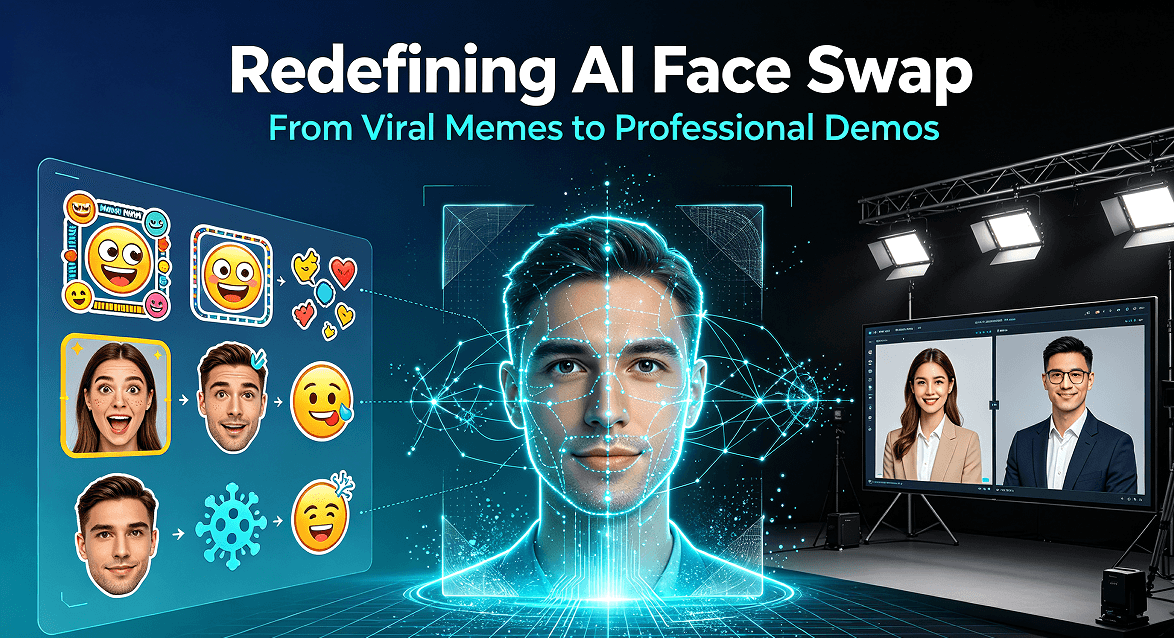
When people hear “AI face swap,” they picture deepfake memes and celebrity videos. Honestly, that was my first thought too, and it is exactly why I avoided the whole category for months. But I run a small SaaS and I needed a product demo video that showed a presenter walking through the interface — and I did not want to show my own face on camera. No camera crew, no studio, no retakes after a bad hair day.
So I picked up FaceRefine Pro, our local face swap studio, and forced myself to finish one real client demo with it. The result surprised me, and I want to be straight about both what it did well and the lines it must never cross.
The Problem I Was Trying to Solve
Here is the honest situation: my demo video needed a human face to keep viewers engaged — a face talking through the product, reacting, clicking. But I also value my privacy, and once a video with my face goes on the internet, it is there forever. One bad take, one awkward pause, and I am stuck re-recording.
The alternative everyone suggests is a cartoon avatar, but that reads as “small indie product” to a lot of buyers. A realistic presenter that is clearly not me, used for a legitimate product walkthrough, felt like the professional middle ground.
How I Actually Used It (Step by Step)
Here is the exact workflow that got me from zero to a finished 6-minute demo in about two hours:
- Record a base take. I filmed myself once, unpolished, going through the product flow. This becomes the motion and voice source — my actual actions and narration.
- Import into FaceRefine Pro. The tool maps a different face onto my recorded performance in real time, so the movements and timing stay natural.
- Preview before committing. The real-time preview let me catch bad frames (blinking, looking away) before exporting, instead of discovering them in post.
- Batch-clean the rough spots. For the handful of frames where the swap drifted, I re-ran just that segment instead of redoing the whole video.
- Export and add polish. Final export, then I dropped in captions and a CTA in my normal editor.
The finished piece looked consistent, the lip-sync held up across the whole take, and nobody in the client call asked a single question about the presenter. That is the outcome I was hoping for.
Real Talk: The Lines You Do Not Cross
I am writing this section because it matters, and because I think any tool like this needs to come with clear guardrails or it poisons the whole space.
- Never swap onto a real person without consent. Using someone’s face — a colleague, a celebrity, a stranger — without permission is not clever marketing, it is harassment and in many places illegal. Consent is non-negotiable.
- Do not create deceptive content. Fake news, impersonation, fraud, manipulated “evidence” — none of that is a legitimate use case, and it is the reason regulators keep circling this tech.
- Disclose synthetic media where it matters. For a sales demo, you do not need a watermark on every frame, but be ready to say a presenter is AI-generated if a viewer asks. Transparency builds trust; hiding it destroys it.
- Keep it for content you made. My rule: only use faces I have the right to use — mine, or a licensed/consented model. Everything else stays off the table.
If you cannot honestly tick those boxes, FaceRefine Pro is not the right tool for your project. Full stop.
Who It Is Actually Good For
Based on my experience, this earns its keep in three scenarios:
- Privacy-conscious founders who need a presenter in demos and tutorials without putting their own face online permanently.
- Agencies and tutorial creators producing client walkthroughs, onboarding videos, or course content where a consistent on-camera presenter is expected.
- Post-production teams fixing a single unusable shot (a blink, a look off-camera) by swapping in a clean face from another take, instead of reshooting.
It is a one-time purchase on a portable USB drive — no subscription, nothing expiring, and because it runs locally your footage never has to leave your machine, which is a real privacy point I value.
Bottom Line
Finishing that demo in two hours instead of a full day convinced me this category deserves more respect than the meme reputation it gets. Used responsibly, face swap is a genuinely useful production tool for people who need a presenter but do not want to be one.
If you are curious about the free side of AI imaging, we also have a free AI image upscaler and a free background remover that run in your browser with no signup. But for a full presenter workflow, FaceRefine Pro is what I reached for — and the guardrails above are exactly why I can recommend it with a clear conscience.