SiteGuard — Scan & Fix Your WordPress Site Locally
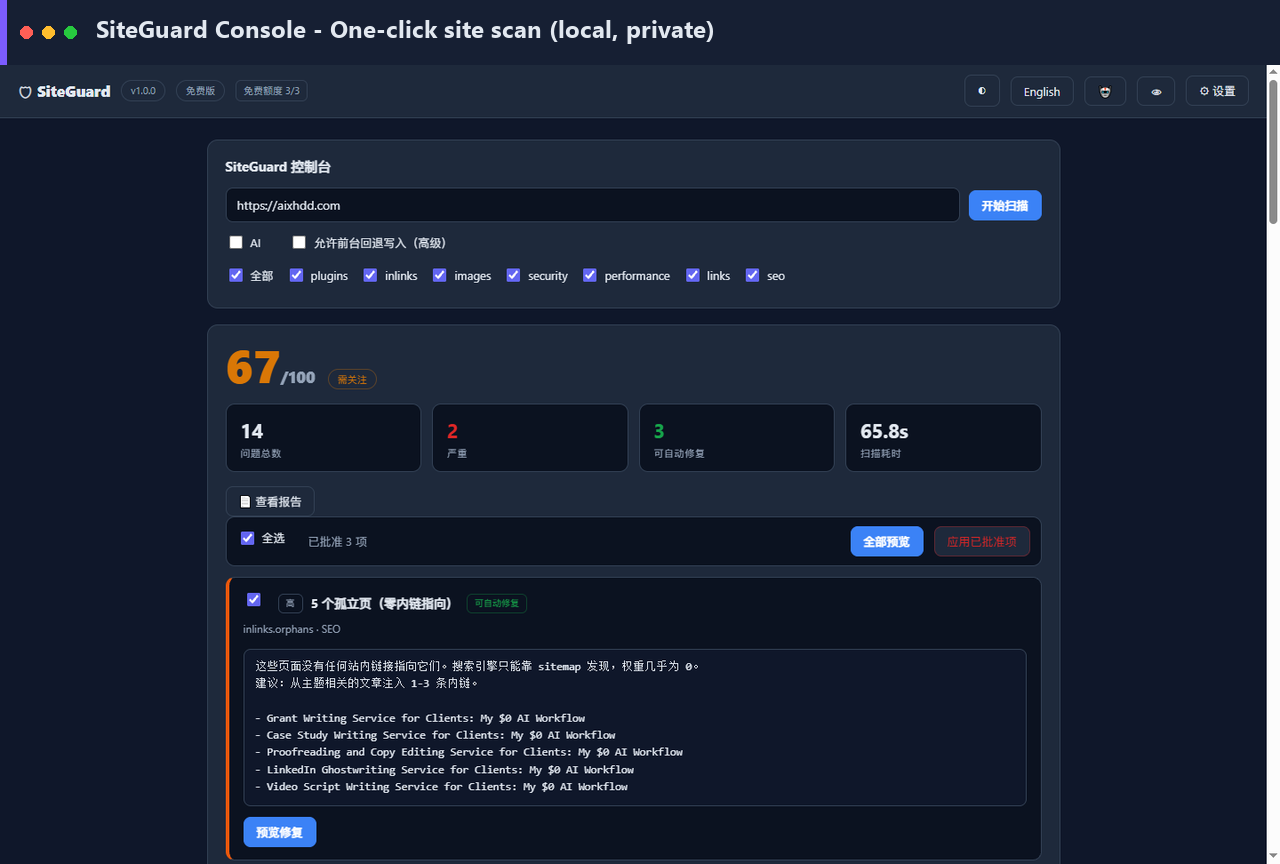
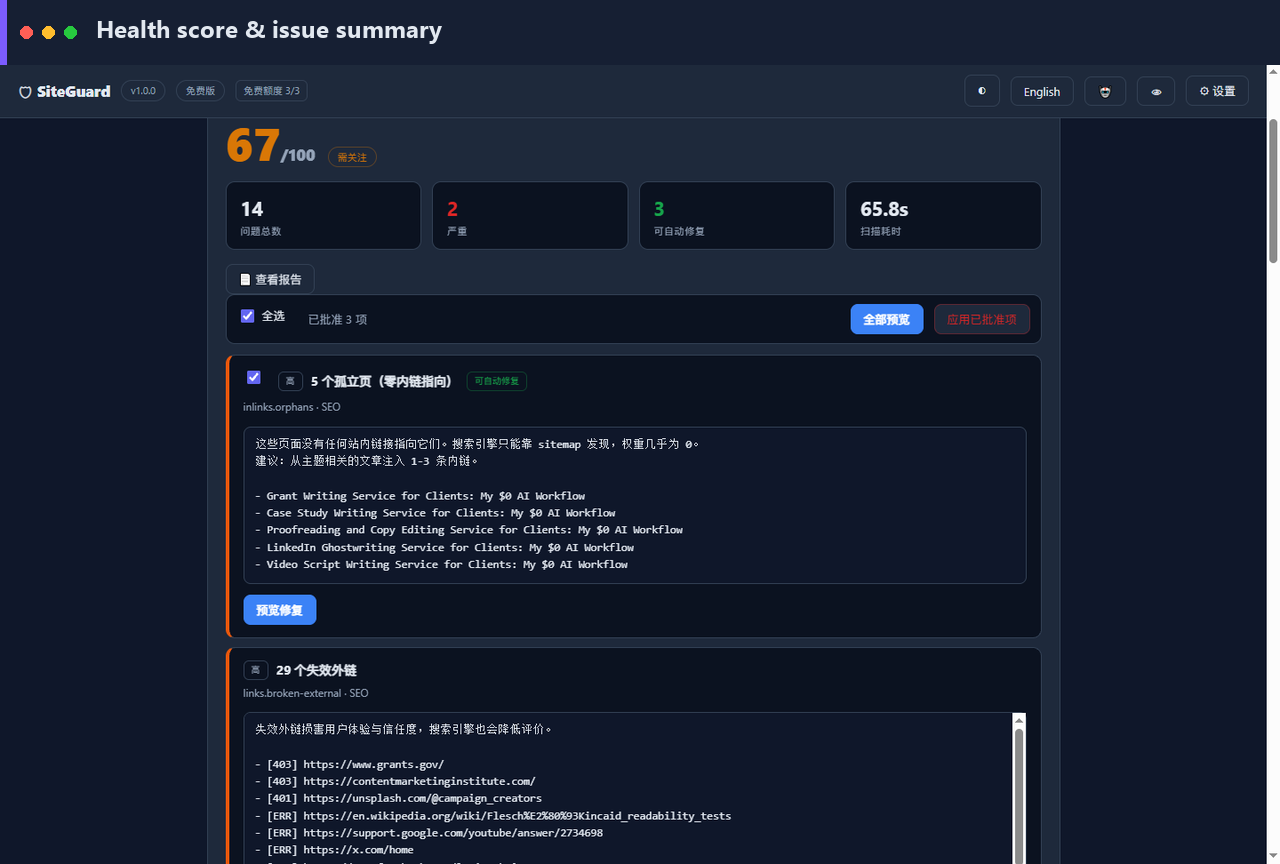
A desktop inspector that not only finds broken internal links, missing alt text, thin SEO metadata and security gaps — it fixes them. Runs on your machine. No cloud upload. No subscription.
See SiteGuard in action
Screenshots
Get SiteGuard Pro — $49
Already bought? Activate
Why SiteGuard is different
Lighthouse, Screaming Frog and Ahrefs are great at finding problems — then they hand you a list and wish you luck. SiteGuard finds and fixes, from a single local app.
Finds & fixes, not just finds
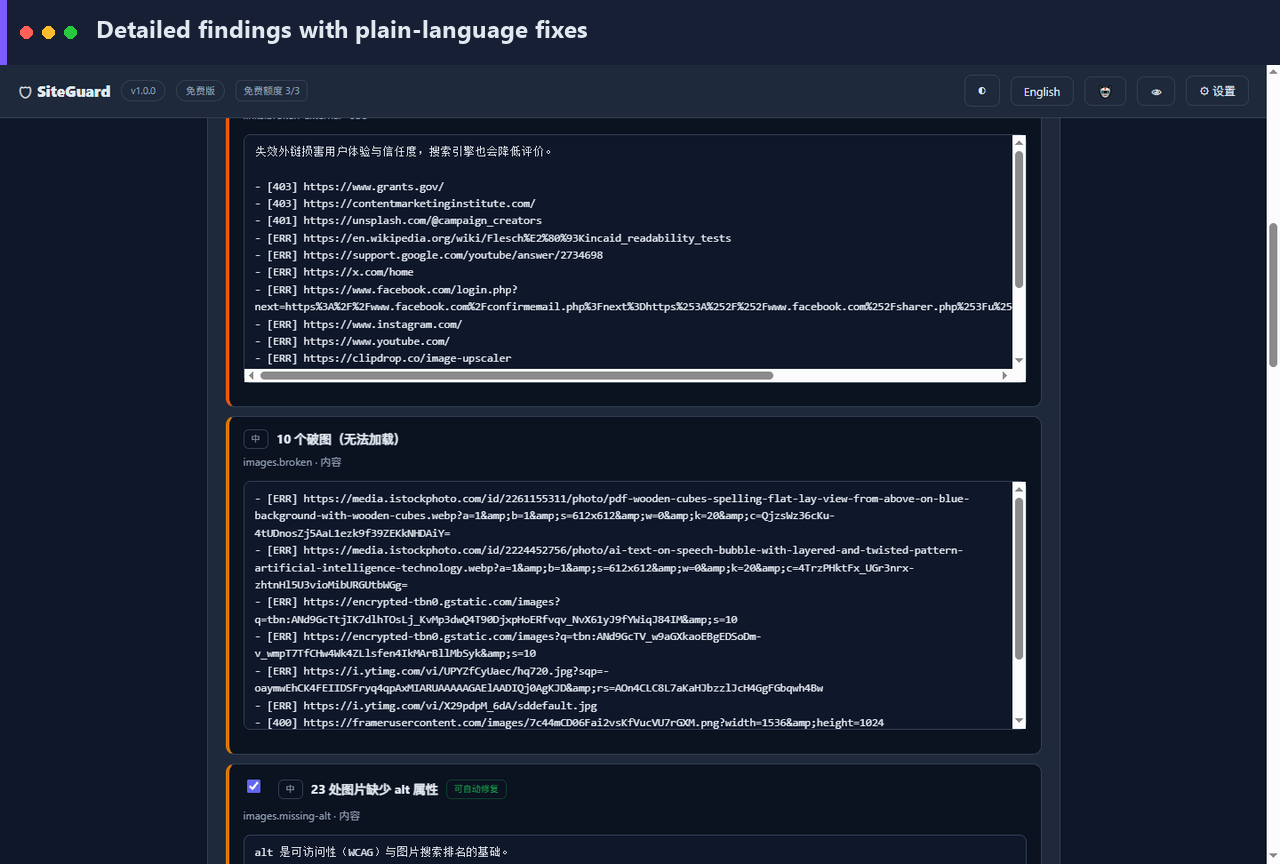
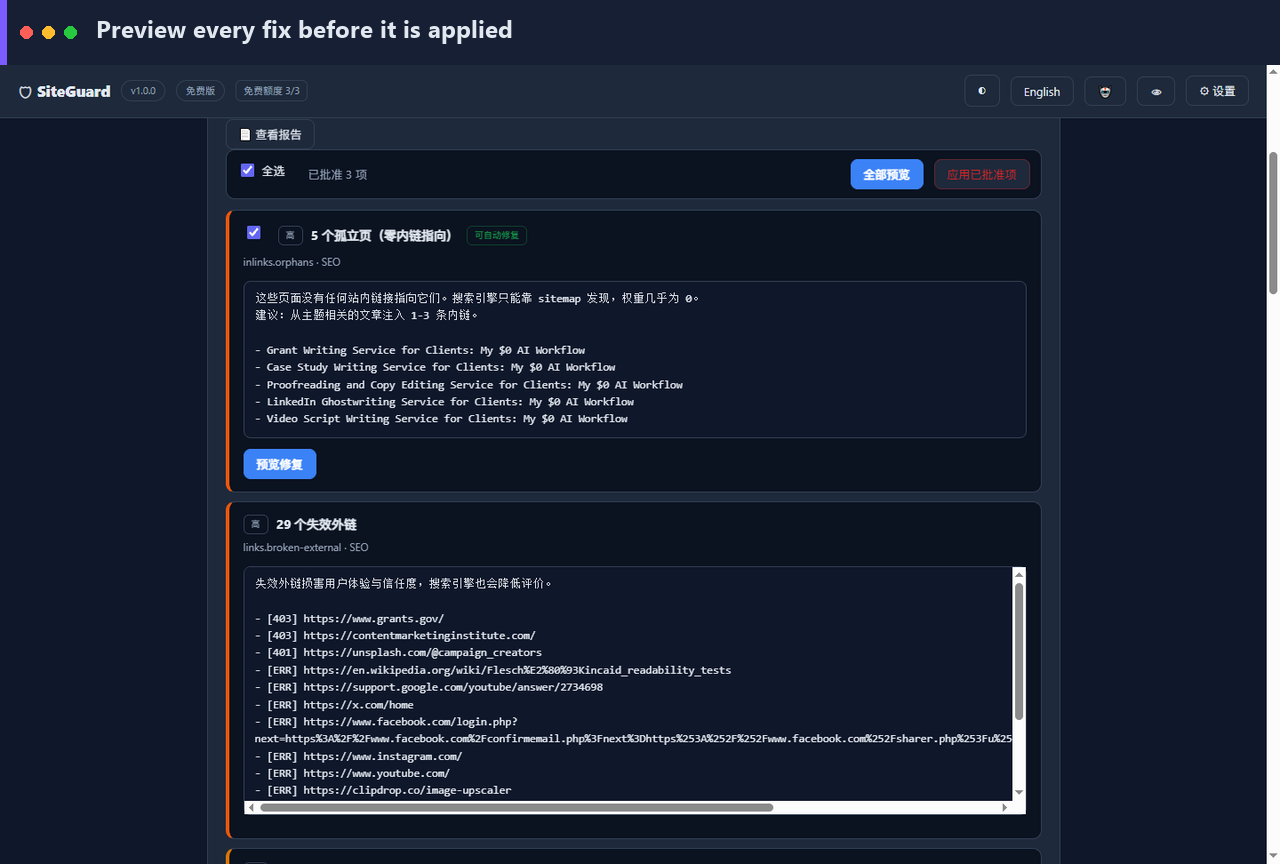
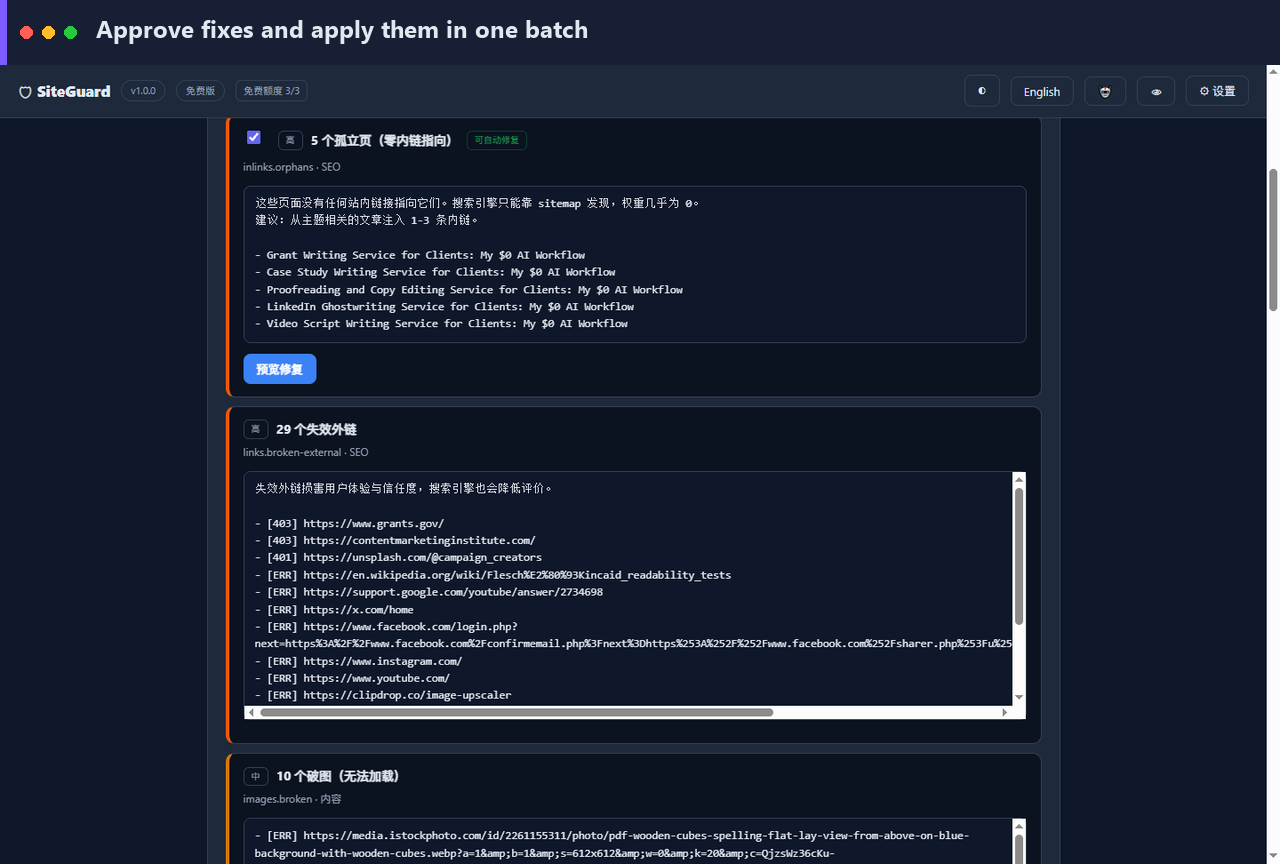
Automatic fixers repair broken internal links, add image alt text, write SEO titles & meta descriptions, and remove dead images — with one-click rollback.
100% local & private
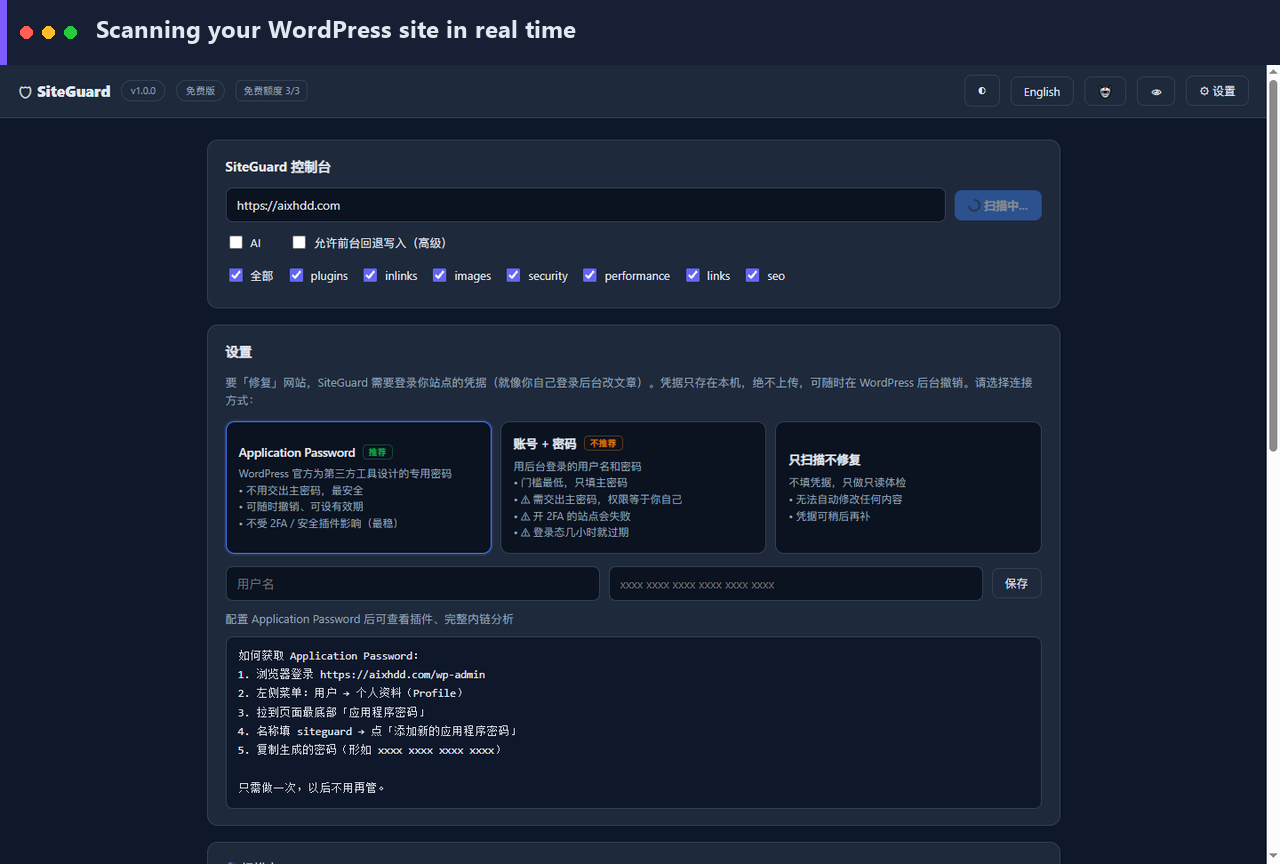
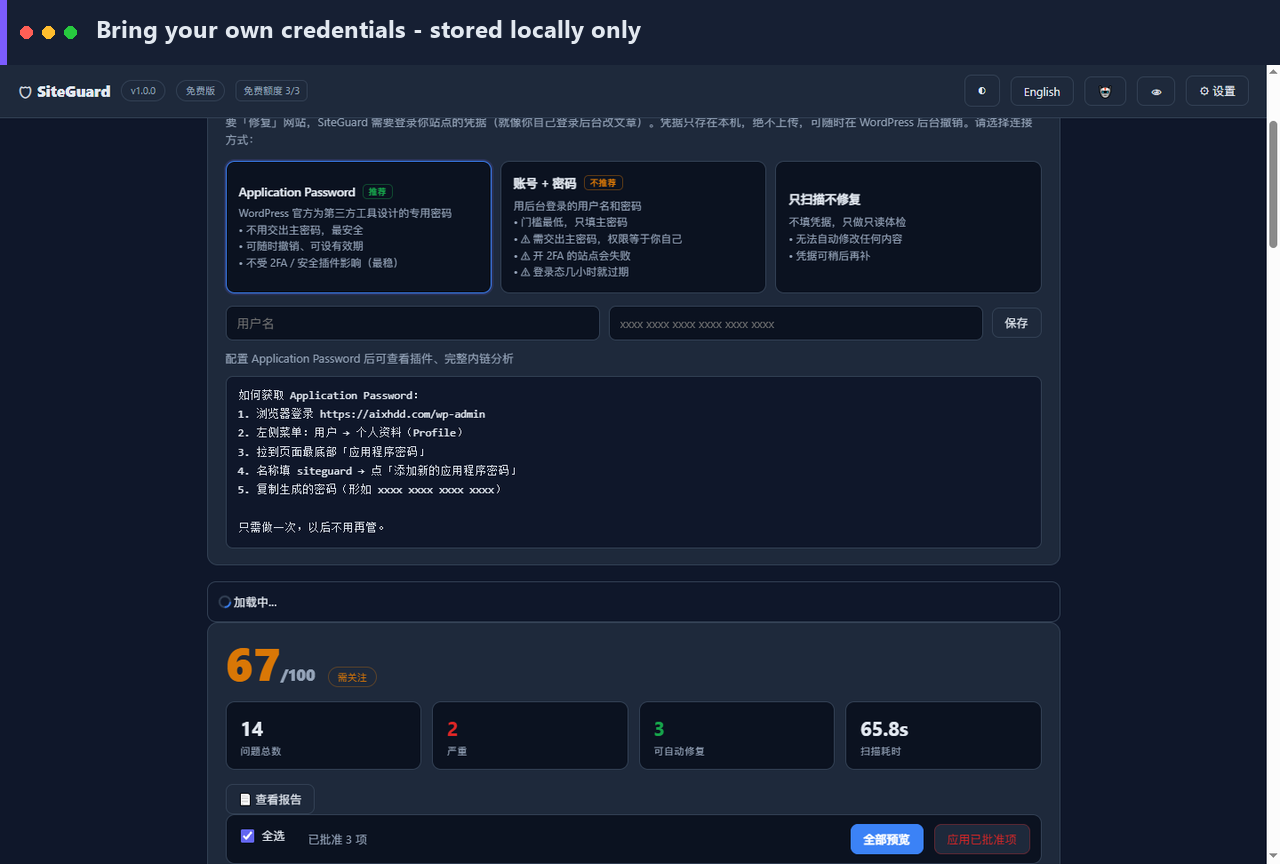
Your site URL, content and credentials never touch our servers. Everything runs on your PC. Perfect for client sites under NDA.
Finds orphan pages
Uncovers pages with zero internal links — invisible to Google and to most tools. Then builds the internal link for you.
Pay once, own forever
$49 one-time. Not $129/month. Offline license, no account required, works forever on up to 3 machines.
Simple, honest pricing
Start free with unlimited read-only scans. Upgrade only when you want the fixes.
Free
- Unlimited read-only scans
- All 8 checkers
- Console & JSON reports
- Local web console
- 3 real fixes / month
Pro
- Everything in Free
- Unlimited automatic fixes
- All 5 fixers (links, images, SEO)
- AI diagnosis
- HTML report export
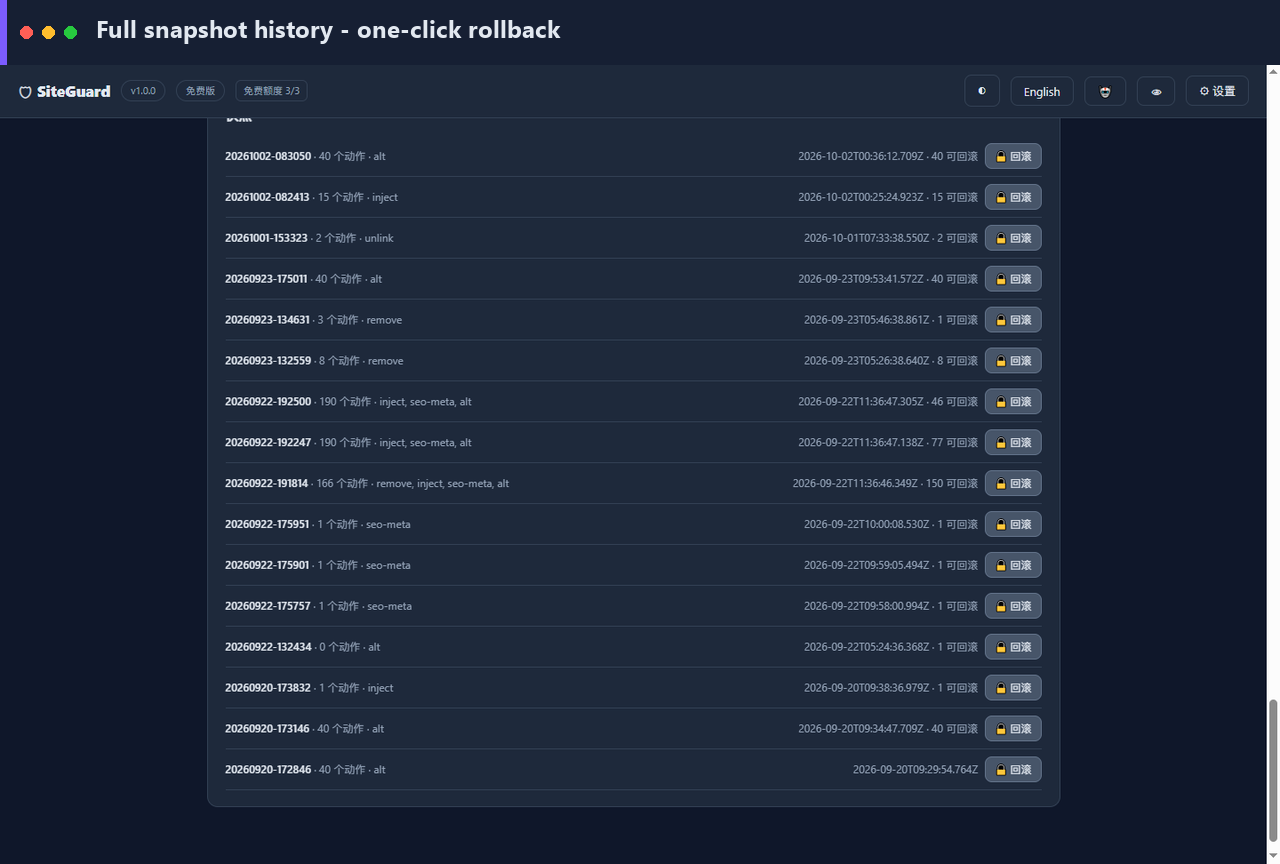
- One-click rollback
- Offline license · 3 machines
Cloud
- Everything in Pro
- Scheduled auto-scans
- Email & webhook alerts
- Multi-site dashboard
- Cross-site comparison report
Supported platforms
SiteGuard is a WordPress-only tool. It audits and auto-fixes WordPress sites — it is not a general-purpose website checker.
Supported
WordPress (self-hosted, incl. WooCommerce) and WordPress.com on Business plan or higher. Requires the REST API and, for auto-fix, an Application Password.
Not supported
Wix, Squarespace, Shopify, Webflow, Ghost, Joomla, Drupal, Magento and custom/static sites. WordPress.com Free/Personal/Premium plans are restricted and not supported.
Why?
SiteGuard doesn’t just find problems — it fixes them, which needs permission to write content, meta and settings back into the site. WordPress exposes this via an open REST API; most other platforms deliberately don’t.
Please confirm your site runs on WordPress before buying. Not a WordPress site? The Free Edition lets you test first — no purchase needed.
Frequently asked questions
Which platforms does SiteGuard support?
WordPress only. That includes self-hosted WordPress (and WooCommerce) plus WordPress.com on the Business plan or higher. It does not support Wix, Squarespace, Shopify, Webflow, Ghost, Joomla, Drupal, or custom/static sites. Auto-fixing requires a platform that exposes a writable REST API, which WordPress does and most closed platforms do not.
Do you upload my site data anywhere?
No. SiteGuard runs entirely on your PC. Your site URL, content and credentials stay local. The only optional network call is a lightweight license activation.
Will it break my site?
Every fix creates a snapshot first. If anything looks wrong, one click rolls the whole batch back. Fixers only touch clearly broken items (404/410 links, missing alt text) — never anything ambiguous.
Is $49 one-time or a subscription?
One-time. You pay $49 once and use it forever on up to 3 machines. Cloud monitoring is the only optional subscription.
Do I need to install Node.js?
No. The Windows release ships as a standalone .exe — double-click and go.
What does it fix exactly?
Broken & redirecting internal links, missing/oversized image alt text, broken images, orphan pages (adds internal links), and empty SEO titles/meta descriptions. Plus 8 checkers for security, performance, plugins and REST exposure.
Ready to stop fixing links by hand?
Download the free version, or unlock unlimited fixes with Pro.
