Why You Need an AI Background Remover
Clean, professional product shots and profile photos almost always have one thing in common: a tidy, distraction-free background. An AI background remover detects the subject and removes the backdrop in seconds — no Photoshop skills, no tedious lasso tool. And in 2026, the best options are free.
I tested the most popular free AI background removers on the same busy photo — a person in front of a cluttered room — to compare cut quality, edge detail, and how well they handled hair and tricky edges. Here is what I found.
How I Tested These AI Background Removers
I ran the same test image through every tool and scored each on:
- Cut accuracy — Did it cleanly separate subject from background?
- Edge quality — Did hair, fur, and fine details stay intact?
- Speed & limits — How fast is it, and what are the free caps?
- Output options — Transparent PNG, white background, or both?
The 7 Best Free AI Background Removers I Tested
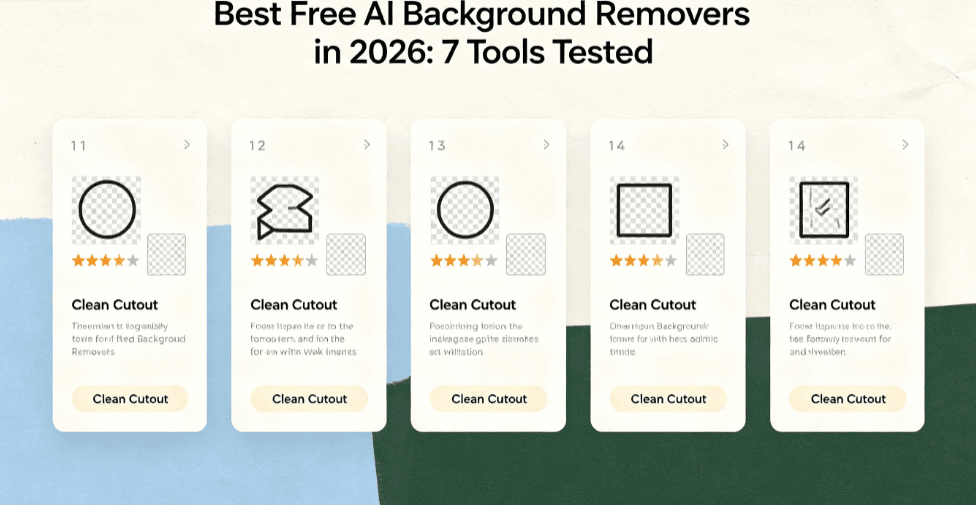
Here are the free tools that performed best in my tests, plus the trade-offs worth knowing:
- remove.bg (free tier) — The most accurate overall. Excellent edge detection, especially with hair. Free for low-res with attribution; paid for high-res and commercial use.
- Photoroom (free tier) — Great for product photos. One-tap background removal plus AI templates. Free plan includes watermarked exports.
- Canva Background Remover (free) — Integrated into the free Canva editor. One click, decent quality, easy to combine with other design tools.
- Adobe Express Background Remover (free) — Adobe’s free web tool removes backgrounds quickly with solid hair detection. No install needed, exports to PNG.
- SnapEdit (free tier) — Mobile-friendly with batch tools. Free version includes watermarks and caps resolution.
- Pixlr Background Remover (free) — Casual-friendly web editor. Quick cut, then adjust edges and add shadows.
- ClipDrop Background Remover (free tier) — Fast and accurate, built by the Stabilized Diffusion team. Free for light use with resolution limits.
How to Get the Best Results from an AI Background Remover
Whatever tool you pick, these tips make the biggest difference to cut quality:
- Use high-contrast lighting — a subject lit separately from the background cuts far cleaner.
- Start with the highest-resolution image you have; sharp edges cut better than soft ones.
- For hair and fine edges, zoom in and use the manual refine brush if the tool offers one.
- Export to PNG to keep transparency instead of a white square.
Try the Free AI Background Remover on This Site
Want to test background removal right now without signing up? The free AI background remover here at AIXHDD removes backgrounds instantly in your browser — no account, no install, no watermark. Upload a photo, get a clean transparent PNG in seconds. It is the fastest way to see what an AI background remover can do with your own images.
FAQ: AI Background Removers, Answered
Q: Are free AI background removers any good?
A: Yes — the top tools (remove.bg, Photoroom, Canva) rival paid software for most photos. The main limits are resolution caps and watermarks on free tiers.
Q: Can I remove a background for free without a watermark?
A: Often yes. Desktop tools and some web tools (like the AIXHDD free remover) export clean PNGs. Paid tiers remove watermarks on others like Canva.
Q: How do I remove the background from a photo on my phone?
A: Use a mobile-friendly tool like SnapEdit or Photoroom. Both have free apps that cut backgrounds in one tap and export transparent PNGs.
Q: Is an AI background remover good for product photos?
A: Yes — it is the standard workflow for e-commerce listings. A clean white or transparent background boosts perceived quality and helps your product stand out.
The Bottom Line
An AI background remover is one of the fastest wins in photo editing. Whether you are cleaning up product shots, profile photos, or design assets, the best free tools handle the job in seconds.
Start free, test with a real photo, and keep a browser tool like the AIXHDD remover handy for quick edits. Your images — and your audience — will thank you.