You’re building a project — maybe a landing page, a mobile app concept, or a portfolio site — and you hit the wall that stops everyone without a design degree: it looks terrible. Buttons are in the wrong place. The colors hurt to look at.
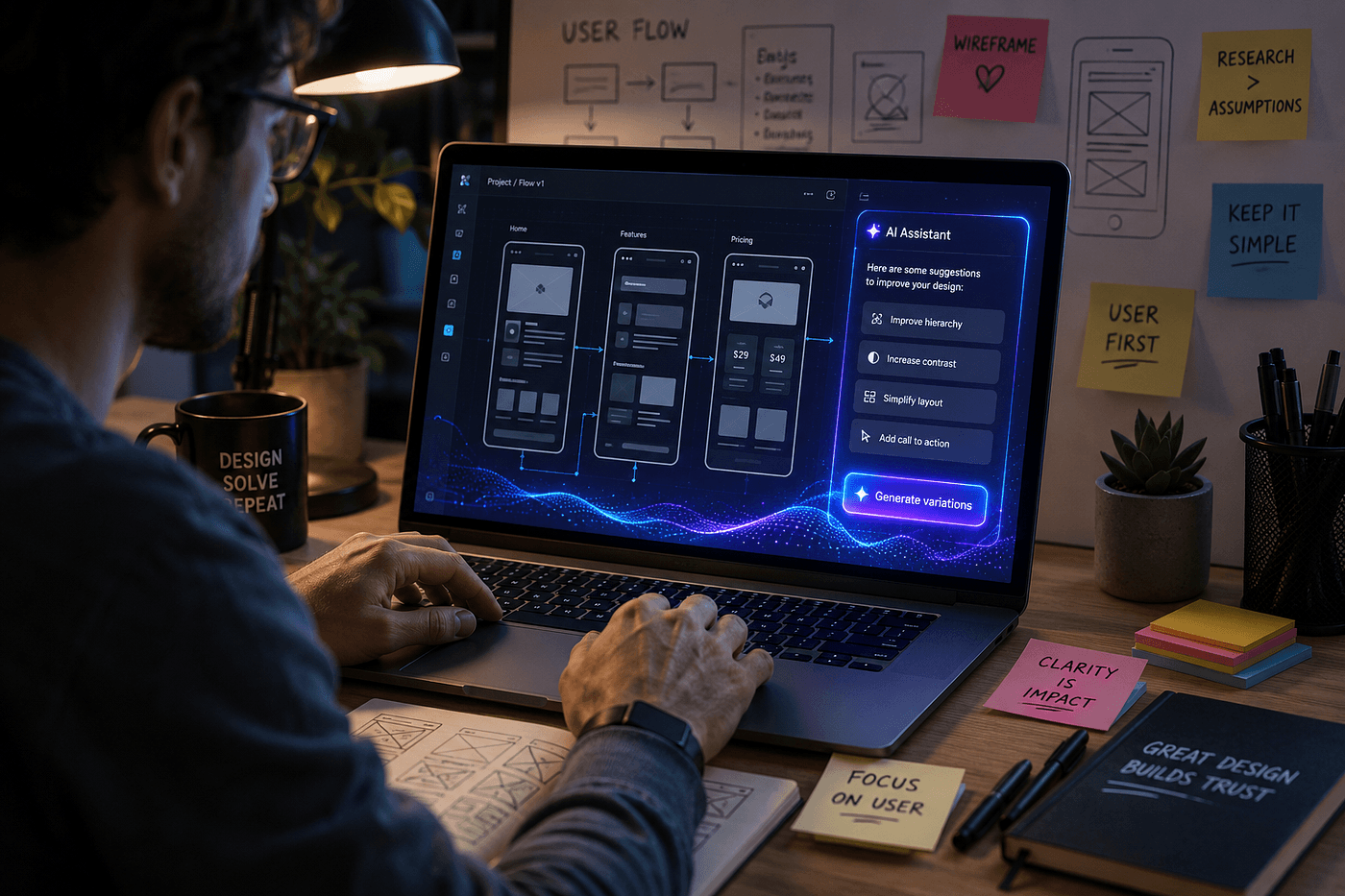
The old solution was to hire a designer (expensive) or suffer through tutorials for weeks. The new solution: AI tools for UI design that let you describe what you want and get back production-quality layouts, color palettes, and even interactive prototypes.
Design Has Always Been About Taste, Not Technical Skill
Here’s a secret designers don’t advertise: the most important skill in design isn’t knowing how to use Figma or Photoshop — it’s having good enough taste to know when something looks right. You already have that. You can tell when a website looks polished versus slapped together.
What you lack is the vocabulary and tools to translate that taste into reality. And that’s exactly where AI tools for UI design step in.
A 2023 report by Adobe found that 75% of non-designers said lack of design skills prevented them from bringing ideas to life. AI-assisted design tools reduced the time to create a branded asset by an average of 47%. (Source: Adobe State of Create 2023)
The Best AI Tools for UI Design (Free and Paid)
1. Canva AI (Magic Studio)
Best for: Landing pages, social media visuals, simple mockups
Price: Free tier is generous; Pro $13/month
Canva’s AI suite generates entire website layouts from a text description. Type “modern SaaS landing page with hero, feature cards, and testimonial strip” and get layout options in seconds.
2. Midjourney
Best for: Visual inspiration, UI concepts
Price: Starts at $10/month
Try prompts like: “Mobile banking app interface, modern dark theme, clean UI, high fidelity –ar 3:4”
3. Uizard
Best for: Turning sketches into digital wireframes
Price: Free tier; Pro from $12/month
Upload a photo of a napkin sketch or screenshot of an app you like — Uizard converts it into an editable wireframe.
4. Galileo AI
Best for: High-fidelity UI from text descriptions
Price: Free tier; Pro $15/month
Generates complete Figma-like interfaces with real attention to layout hierarchy and typography. A 2024 Forrester report noted AI-assisted design tools reduced UI iteration cycles from weeks to hours. (Source: Forrester)
Practical Workflow: Idea to Design in One Hour
- Inspiration: Ask Midjourney or Canva AI for visual examples of your industry
- Layout: Upload screenshots to Uizard, let it generate wireframes
- Polish: Import into Canva AI to auto-select fonts, colors, and spacing
- Export: Download as PNG/PDF or generate HTML/CSS via Galileo AI
Common Mistakes Beginners Make (and How AI Fixes Them)
- Too many fonts → Canva AI auto-pairs fonts
- Bad color contrast → AI palettes include WCAG accessibility checks
- Inconsistent spacing → Uizard snap-to-grid is AI-powered
- Cluttered layouts → Galileo AI follows design system rules
Can AI Replace a Human Designer?
No — and it doesn’t need to. AI tools for UI design remove the technical barrier to entry. Professional designers use them to iterate faster. Beginners use them to ship projects they’d otherwise abandon.
Ready to Design Something?
Pick one tool. Spend 30 minutes. See what happens. The worst outcome is you learn something. The best outcome is you build something you’re proud of.