A white paper is one of the few content assets that still closes enterprise deals. It’s the document a procurement team forwards to a VP, the PDF that gets attached to a sales email, and the thing a prospect reads before they ever book a call. The problem is that agencies and B2B freelancers quote $3,000–$10,000 for one, and the turnaround runs four to six weeks.
I write white papers for clients for far less, and I do it without a research team, without a subscription stack, and without handing client strategy documents to a random SaaS server. This is the exact workflow I use — the tools, the process, the pricing, and the honest limits.
What a white paper actually is (and why clients pay for it)
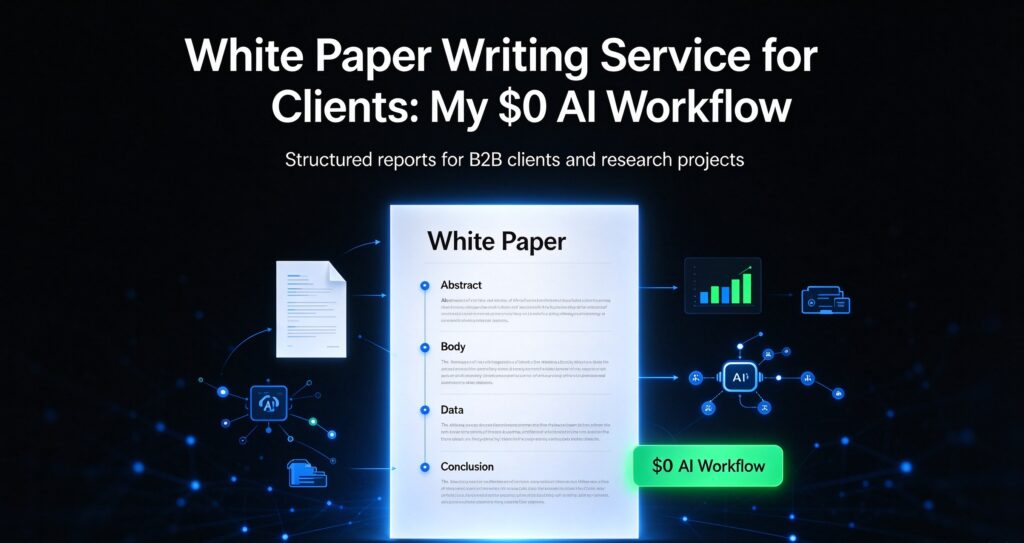
A white paper is a persuasive, research-backed document that solves a specific business problem for a specific audience. It’s not a blog post with a fancier title. The defining traits:
- One narrow thesis — e.g. “why mid-market manufacturers lose margin on manual QA.”
- Evidence — data, industry sources, or client-provided research.
- A business audience — decision-makers, not casual readers.
- A soft call to action — the reader should end up wanting the client’s product or expertise.
That’s why a good white paper commands B2B pricing. A B2B SaaS company using a white paper as a gated lead magnet will value a single qualified lead at hundreds or thousands of dollars. A $1,000 white paper that generates ten qualified leads is cheap to them.
Why most freelancers overprice their own time
The first thing to understand is that a white paper isn’t harder to write than a long-form article — it’s just more structured. The research is mostly synthesis (you’re organizing what’s already known), and the writing follows a predictable skeleton. Once you have that skeleton, you can produce a solid draft in a few hours instead of a few weeks.
The freelancers charging $5,000 aren’t necessarily better writers. They’re selling the perception of a research process. You can deliver most of that perception honestly with a disciplined workflow.
The $0 tool stack I use
I keep the stack deliberately small. Every tool below is free, and the ones marked “browser” run client-side — meaning client text never leaves the page.
1. Outline first (free AI article outline generator)
I never start drafting without a locked outline. I use a free article outline generator to produce a first-pass skeleton from the thesis, then I heavily edit it. The AI gives structure; I give it judgment. A white paper outline is typically:
- Executive summary (write this last)
- Problem definition
- Current approaches and why they fall short
- The client’s approach / framework
- Evidence and results
- Implementation considerations
- Conclusion and next step
2. Draft in plain text, section by section
I write each section against the outline, one at a time. Writing in sections keeps the argument tight and stops the draft from drifting into blog-post casualness. The register should be neutral and confident — no hype, no “revolutionary.”
3. Edit for readability, not just grammar
Two passes matter here. First a grammar checker for the mechanical errors, then a readability score checker for the structure. Business readers skim, so I aim for short paragraphs, clear subheads, and a reading ease that doesn’t punish a non-native English reader. If a section scores as dense, I split sentences rather than cut substance.
4. Produce a clean executive summary
The executive summary is the only part most executives will read. I write it last, using a free summary generator to compress my own full draft, then rewrite it in the client’s voice. This is where a lot of the perceived quality lives.
5. Package the title and description
White papers live or die on how they’re framed in a download link, a landing page, or an email. I generate title options with a free blog title generator and a two-line pitch with a free meta description generator, then tighten both by hand.
Keeping client documents private
Here’s where the free browser tools matter more than people expect. When a client sends you their positioning, pricing, or unreleased product details, pasting that into a random web app means it’s now on someone else’s server. For agencies working under NDA — or any freelancer handling sensitive B2B strategy — that’s a real risk.
The tools I use for the light work (outlines, grammar, readability, titles, summaries) run in the browser, so the text stays in the page. For the heavier work — turning a finished draft into formatted deliverables, batch-generating versions, or working fully offline — I use a one-time desktop app that runs entirely on my machine. Nothing is uploaded, there’s no subscription, and I can work on a plane with no connection.
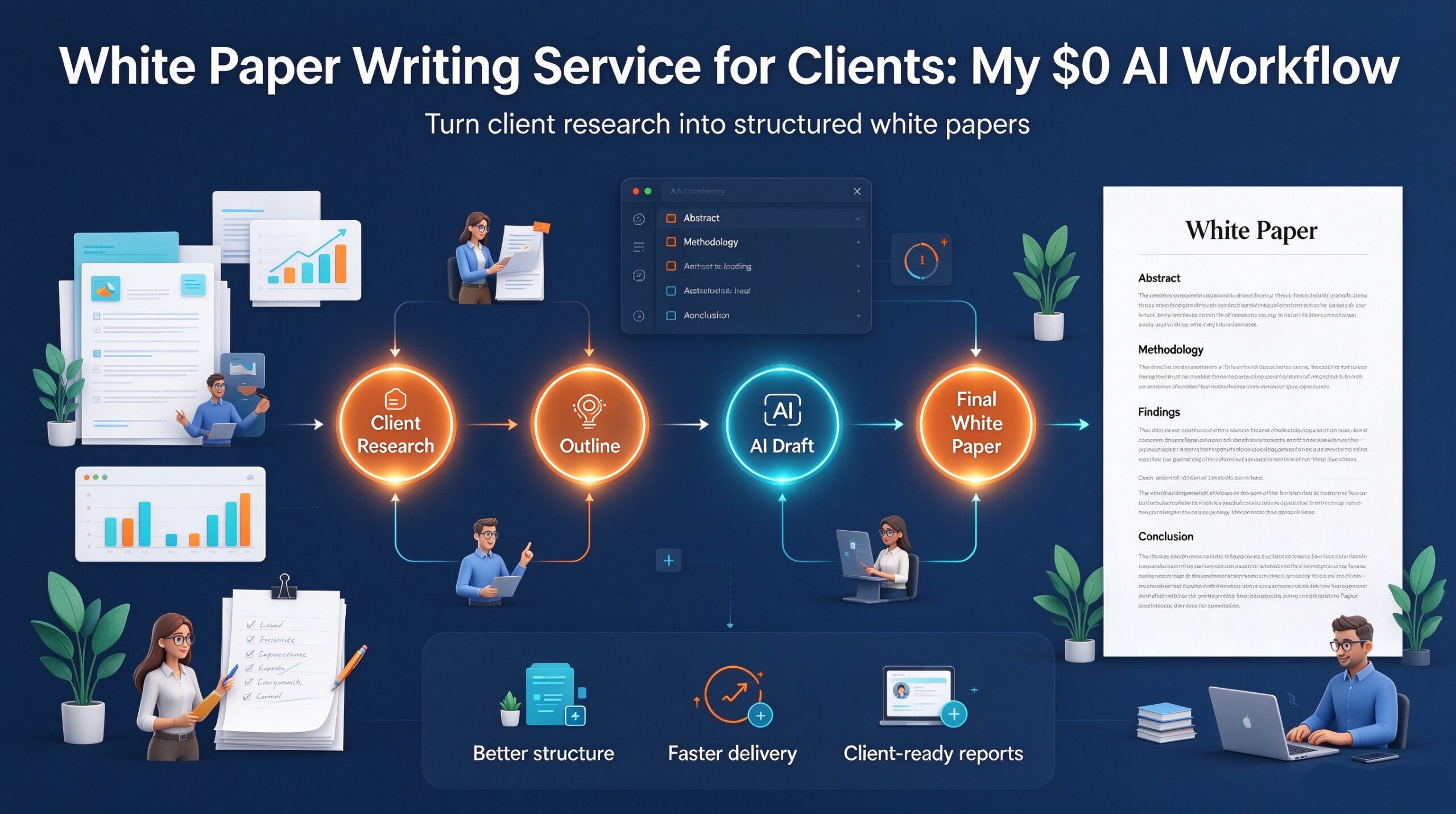
The full workflow, step by step
- Discovery (30–45 min). Interview the client on their ideal reader, the one problem the paper solves, and the proof points they own. Record it; the transcript becomes raw material.
- Thesis lock (15 min). Write the one-sentence thesis. Get the client to approve it before you write a word. This prevents the #1 cause of rewrites.
- Outline (30 min). Build the skeleton with the outline generator, then edit it into a real argument.
- Draft (2–4 hours). Section by section, against the outline.
- Edit (1–2 hours). Grammar pass, then readability pass. Read it aloud once for rhythm.
- Executive summary (30 min). Written last, compressed from the full draft.
- Package (30 min). Title options, two-line pitch, and a short section on the client’s product to close the loop.
- Delivery (15 min). Send the draft as a plain document plus a note on any claims that need client verification.
That’s a realistic day of work for a document that agencies quote thousands for. The variable isn’t writing speed — it’s how clean your outline and discovery are. I’ve also written about how I run a research report service and how I handle API documentation, both of which share this same skeleton-then-draft discipline.
How I price white paper work
I don’t price by the hour — I price by the asset. A realistic range for a clean, single-thesis white paper:
| Scope | Typical price | Turnaround |
|---|---|---|
| Short paper (1,500–2,500 words) | $400–$800 | 2–3 days |
| Standard B2B white paper (3,000–5,000 words) | $800–$1,500 | 4–6 days |
| Technical / research-heavy paper + data | $1,500–$2,500 | 1–2 weeks |
That’s still a fraction of agency rates, and the work is genuinely the same quality when the outline and discovery are done well. If you’re starting out, quote the short-paper tier first — it’s easier to over-deliver on a smaller scope than to lose a client by overpromising on a big one.
Where clients actually come from
White papers sell best to companies that already publish content: B2B SaaS, consultancies, manufacturing and logistics firms, and professional-services shops. They all need gated assets and none of them want to pay a research firm five figures.
The pitch that works is narrow and specific. Don’t say “I write white papers.” Say: “I noticed your blog covers X but you have no gated asset. I can turn your existing content into a 4-page white paper on Y that you can use as a lead magnet.” Show one relevant sample and you’re in the conversation.
Honest limits
The free-tool workflow is genuinely capable, but it is not a research department. You still have to:
- Verify every claim. If you cite a statistic, confirm it and cite the source. AI tools organize; they don’t fact-check.
- Own the strategy. The AI can’t decide what the client’s argument should be. That’s the part they’re really paying you for.
- Match the client’s voice. A white paper that sounds generic gets rejected. Read their existing material before you write.
None of that requires expensive software. It requires you to do the thinking — which is exactly what clients should be paying for.
Frequently asked questions
Do I need a paid tool to write white papers?
No. Outlines, grammar, readability, titles, and summaries are all covered by free browser tools, and the formatting can be done with a one-time desktop app instead of a recurring subscription. The paid tools save some time, but they’re not the difference between a good paper and a bad one.
How long should a white paper be?
Long enough to prove the thesis and short enough that a busy executive finishes it. For most B2B topics that’s 3,000–5,000 words. A focused 2,000-word paper beats a padded 8,000-word one almost every time.
Is it safe to use AI on client documents?
Only if the tool keeps the text on your machine. Browser-based tools keep light edits client-side, and desktop apps that run offline never upload anything. Avoid pasting confidential client material into any web app that sends text to a server.
Can I really charge hundreds for work that takes a few hours?
Yes, because you’re selling the asset and the judgment, not the hours. A white paper that generates ten qualified leads is worth far more than your time on it. Price the outcome, not the clock.
Start with one paper
You don’t need a portfolio to begin. Pick one company whose content you already understand, write a one-page outline for a white paper they obviously need, and send it as a pitch. Once you’ve shipped one, the workflow becomes muscle memory — and the second one takes half the time.
If you want the free tools I use for the drafting and editing stages, they’re all in one place at aixhdd.com/free-ai-tools/ — no signup, no credits. And if you want the heavier offline and batch work, there’s a one-time bundle of desktop apps that runs entirely on your own machine.