Most WordPress “site audit” advice tells you to install three plugins, sign up for a $99/month dashboard, and “monitor your scores.” That is not an audit — that is a subscription. A real audit answers one question: what is broken on my site right now, and what will fixing it actually change? This guide walks through the eight checks that catch the vast majority of silent WordPress problems, how to run them yourself, and which ones you can fix automatically. If you would rather skip straight to the answer, you can run a free WordPress health check on your own site and get a report back.
Why most WordPress sites quietly lose traffic
WordPress is forgiving. A missing meta description, an image without alt text, an orphan page that no other page links to — none of these throw an error. The page still loads. The dashboard is still green. So the problems accumulate, invisible, and the compounding cost shows up months later as pages that will not rank, images that never appear in search, and internal link equity that leaks out through 404s nobody notices.
The fix is not more content. It is finding and repairing the structural leaks first, because a broken link on a page you already have devalues every page that links to it. That is the entire premise behind SiteGuard, and it is why we start an audit with structure, not prose.
The 8-point WordPress audit checklist
Run these in order. The first four are structural and have the highest leverage; the last four are hygiene that protects the gains from the first four.
1. Broken internal links (404s)
Every internal link that resolves to a 404 is a leak. Visitors bounce, and the authority you earned on the linking page stops flowing to the target. Start by pulling your published URLs, then crawl each page’s outbound internal links and record any that do not return a 200.
Two rules when you fix these: never delete a link if the target still exists under a new URL — redirect or re-point it. And never “fix” a link that failed with a 403 or a timeout by deleting it; those usually mean the server blocked the crawler, not that the link is dead. That single distinction prevents more accidental link loss than any other habit.
2. Orphan pages (zero internal links pointing in)
An orphan page has no internal links pointing to it. Google can still find it through your sitemap, but it gets almost no internal PageRank, so it rarely ranks — and because nothing links to it, you often forget it exists. Every blog grows a handful of these: old landing pages, tag archives, comparison posts nobody linked to.
Find them by building the full set of published URLs, then subtracting every URL that appears as an internal link target on some other page. Whatever is left is an orphan. Fix it by adding two or three contextual links from genuinely related pages — not by stuffing a link block in the footer.
3. Images missing alt text
Alt text is an accessibility requirement (WCAG) and a ranking signal for image search. On a content-heavy site it is common to find dozens or hundreds of images with an empty alt attribute — usually uploaded before anyone told you to add one. The check is simple: extract every <img> tag and flag any without a non-empty alt. The fix is to write a short, descriptive phrase — not a keyword dump — for each.
4. Missing or malformed SEO metadata
For each indexable page, confirm you have a title tag under about 60 characters with the primary keyword near the front, a meta description that reads like ad copy and fits under ~160 characters, and a canonical tag pointing at the page’s own URL. Missing canonicals on paginated series and parameterised URLs are one of the most common causes of “duplicate content” warnings that nobody ever resolved.
5–8. The hygiene layer: security headers, performance, plugins, indexability
Once structure is clean, the remaining four checks protect it. Security: an HTTPS redirect, HSTS, X-Frame-Options, a Content-Security-Policy, XML-RPC disabled if you do not need it, and author enumeration closed off. Performance: response time, gzip/brotli compression, a working cache layer, a CDN, and no more external scripts than necessary. Plugins: deactivate and remove anything you are not using — inactive plugins are still attack surface. Indexability: make sure robots.txt and your sitemap agree, and that nothing important is accidentally set to noindex.
How to run an audit yourself (the DIY version)
You can approximate this with a stack of free tools: a crawler for links, the Media Library for alt text, your SEO plugin for metadata, and a header checker for security. The friction is not the tools — it is stitching their outputs together, and then actually making the edits. A crawl of a 200-page site produces a spreadsheet nobody wants to work through by hand.
If you would rather get the diagnosis without the setup, our free WordPress audit runs the eight checks above against your site and sends back a plain-English report with your health score, the issues found, and a clear list of what can be repaired automatically. It is read-only and needs no login. For sites you want to scan privately and fix yourself, SiteGuard is the desktop app behind it.
What can be fixed automatically — and what cannot
Be skeptical of any tool that claims to fix everything. The honest split looks like this:
- Automatically fixable: adding alt text, re-pointing broken internal links to the correct URL, removing genuinely dead images, writing SEO titles and meta descriptions, and injecting missing internal links to orphan pages.
- Needs a human: deciding which pages deserve to exist, rewriting thin content, choosing the right canonical strategy, and any security change that could break a live integration.
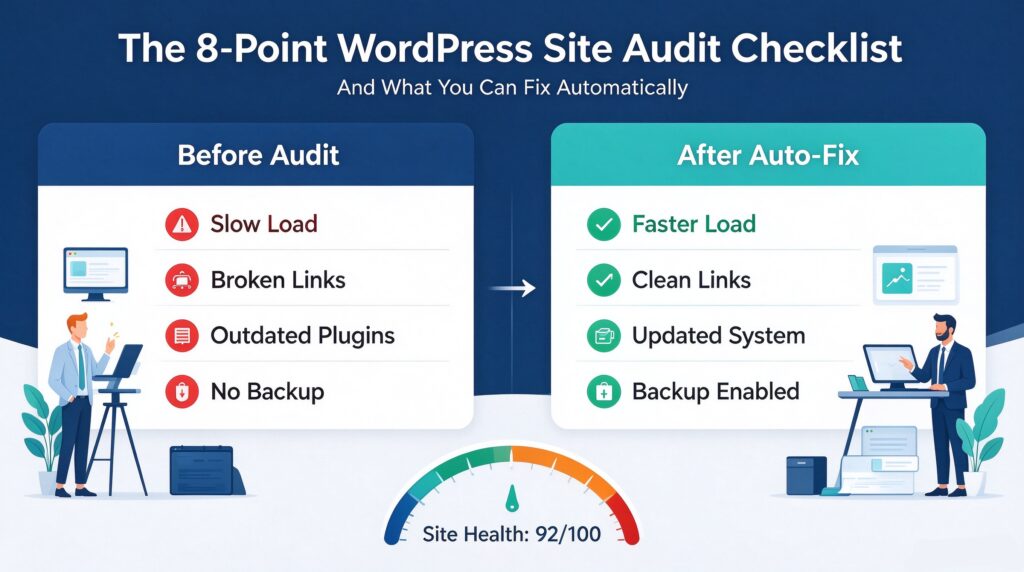
A good workflow auto-fixes the first category in a batch, with a preview and a one-click rollback, and flags the second for your judgement. That is how you go from a 60/100 audit score to the nineties without rewriting a single article.
The order that actually pays off
Fix structure before content. A single missing internal link on a page you already rank for can do more for your traffic than a new 2,000-word post, because it repairs equity that already exists instead of trying to earn new equity from scratch. Audit, fix the leaks, then publish. In that order, every new page lands on a foundation that is not actively leaking.
Run the checklist above on your own site this week. If you want to see what it finds first, get your free WordPress health check here — read-only, no login, report in minutes.