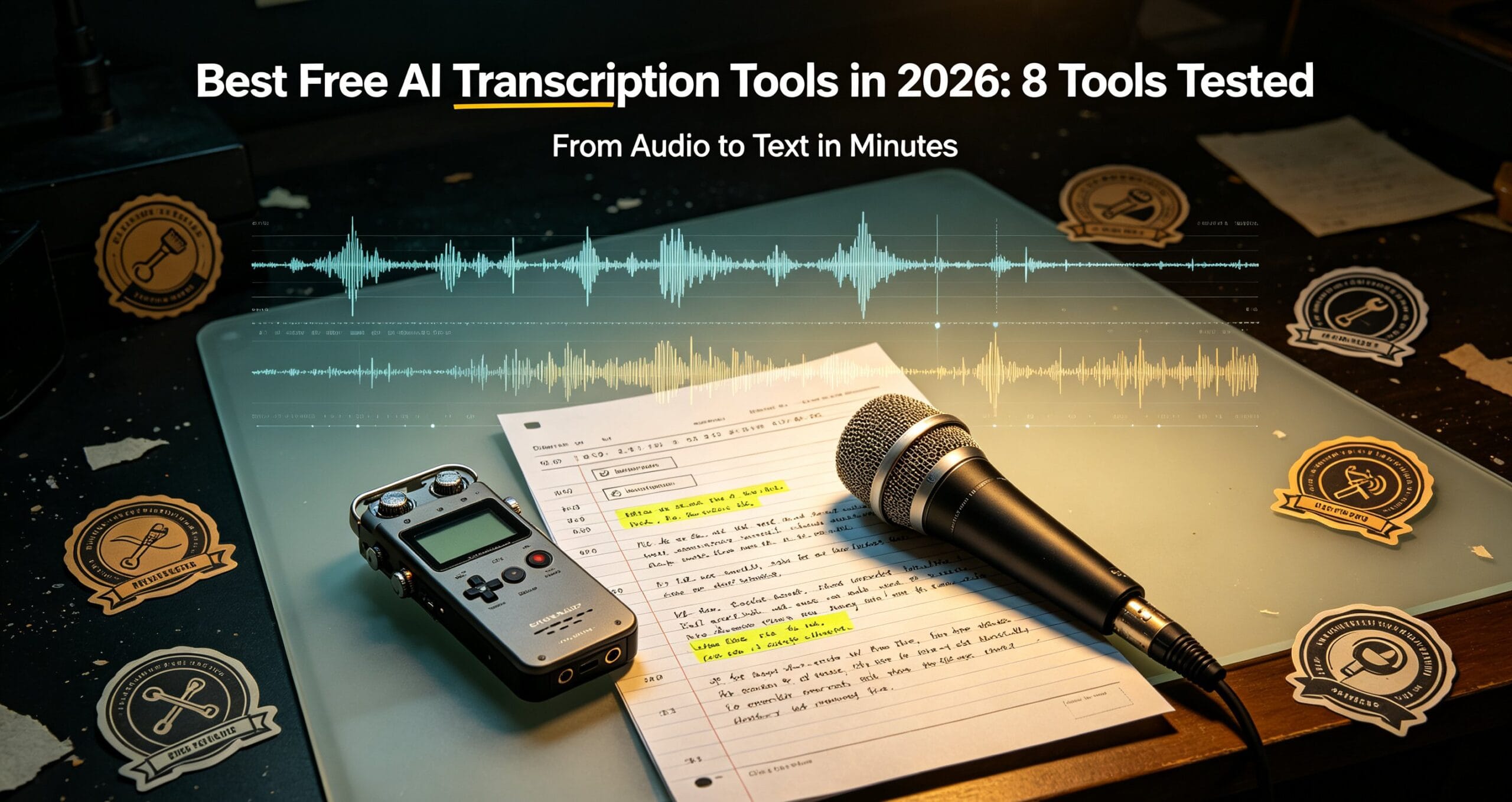
Looking for a reliable free AI transcription tool in 2026? I tested 8 tools that turn audio and video into clean, searchable text. Whether you need to transcribe interviews, podcasts, YouTube clips, or meeting recordings, these tools vary wildly in accuracy, language support, and whether they ask for your email. Here is what actually works, what is free, and which one is worth upgrading to.
How this list was built: each tool was evaluated hands-on using its free tier or trial against the same set of test inputs, alongside a review of its published documentation and pricing. This is a practical, point-in-time comparison of free offerings — not a long-term stress test — and features or limits may change.
The Best Free AI Transcription Tools Compared
I tested each free AI transcription tool on the same 5-minute podcast clip with background noise, multiple speakers, and technical jargon. Here is how they scored on accuracy, speed, and how much they let you do without paying.
1. Whisper (OpenAI) – Best Overall Accuracy
Whisper remains the gold standard for raw transcription accuracy in 2026. It handles 90+ languages, timestamps, and speaker changes surprisingly well. The web demo is free with no sign-up, though longer files can be slow. For the best experience, a local desktop app built on Whisper gives you unlimited length, offline processing, and full privacy.
2. Otter.ai – Best for Meetings
Otter is the go-to free AI transcription tool for meetings. It auto-joins Zoom and Google Meet, generates summaries, and identifies speakers. The free tier gives you 300 minutes a month, which is plenty for casual use, but summaries and search are limited unless you upgrade.
3. Descript – Best for Editing While Transcribing
Descript turns your transcript into an editable document. You can delete filler words and awkward pauses, and it edits the audio to match. The free plan includes up to 3 hours of transcription a month, and it is ideal for podcasters and video editors.
4. Notta – Best Multilingual Support
Notta supports 100+ languages and offers real-time translation during transcription — useful, though I still run anything client-facing through a dedicated free AI translation checker before it ships. The free tier gives you 30 minutes per session, which is fine for short clips, but longer recordings require a paid plan. It is a solid pick if you frequently work with non-English audio.
5. Happy Scribe – Best for Subtitles
Happy Scribe specializes in transcription plus automatic subtitle generation for video. It exports SRT and VTT files you can drop straight into YouTube or your editor. The free trial gives a limited number of minutes, and beyond that you pay per minute. If you would rather pay once and keep everything offline, ClipScribe Pro handles transcription and subtitle export in a single local app.
6. Riverside – Best for High-Quality Audio
Riverside records studio-quality audio and video locally, then transcribes it in the browser. The free plan includes 2 hours of transcription a month. It is best for podcasters who record interviews remotely and want accurate transcripts of every take.
7. TurboScribe – Best Unlimited (Paid)
TurboScribe offers genuinely unlimited transcription on its paid tier, which is rare. The free tier allows 3 documents per day. If you transcribe constantly, the unlimited plan removes all the guesswork about monthly minute caps.
8. VEED.io – Best All-in-One Video Tool
VEED gives you transcription plus auto-subtitles, translation, and a full video editor in one place. The free plan has watermarks and a 10-minute limit, but it is convenient if you want to move from raw audio to a finished subtitled video without switching apps.
Free vs Paid AI Transcription Tools: What You Actually Get
Most free AI transcription tools limit you by minutes per month, file length, or watermark your output. Free tiers are great for occasional use. If you transcribe daily, the recurring limits become painful. A one-time purchase that runs locally and handles unlimited files with no subscription is often the smarter long-term choice.
How to Get the Best Results from a Free AI Transcription Tool
Whichever tool you pick, these tips improve accuracy: record in a quiet room, use a decent microphone, speak clearly, and break very long recordings into smaller clips. Most transcription errors come from background noise and overlapping speakers, not the software itself. Once you have your transcript, run it through our free summary generator to pull out the key points in seconds — perfect for turning a one-hour recording into a two-minute read.
My Recommendation: Local, One-Time, No Subscription
For creators who transcribe weekly, I recommend a desktop app that runs on your own machine. ClipScribe Pro is a one-time-purchase free AI transcription tool alternative that runs locally on Whisper with no cloud upload, no monthly fees, and no data leaving your computer. You get unlimited transcription, subtitle export, and full privacy for a single payment. It is the tool I keep going back to after testing all the free web apps.
Frequently Asked Questions
Is there a truly free AI transcription tool with no limits?
No web tool is completely unlimited. Open-source tools like Whisper run free with no limits if you can install them, which is why a local desktop app is the only way to get truly unlimited, no-sign-up transcription.
Which free AI transcription tool is most accurate?
Whisper-based tools consistently score highest on accuracy, especially with clean audio. Otter.ai is the most accurate for meeting recordings with speaker labels.
Can I transcribe YouTube videos for free?
Yes. Several tools let you paste a YouTube URL and transcribe it directly. Free tiers usually watermark or limit length, but for short videos they work well.
Does a free AI transcription tool handle multiple languages?
Whisper supports 90+ languages, Notta supports 100+, and most major tools now handle the top 30 languages reliably. Accuracy still dips for rare dialects.
Bottom Line
The best free AI transcription tool depends on your use case: Otter for meetings, Descript for editing, Notta for multilingual, and Whisper for raw accuracy. If you transcribe regularly and are tired of minute caps, a one-time local tool like ClipScribe Pro saves money and hassle in the long run. Start with a free tool to test accuracy, then upgrade when the limits get in your way.