Ask any working designer and they’ll tell you the same thing: most “free AI logo generators” are a trap. They hand you a pretty icon you can’t edit, a vector file locked behind a paywall, or a logo built with fonts you don’t have the license to use. After testing more than a dozen tools over the past few months, I found exactly six that actually respect the designer’s workflow. Here’s my honest, hands-on rating of the best free AI logo generators in 2026 — judged the way a real designer would judge them: vector export, editability, and licensing.
How I Tested These Free AI Logo Generators
I didn’t just type “logo” into a prompt and call it a day. For every free AI logo generator on this list, I ran the same five-step test: (1) generated a logo from a plain text description, (2) tried to export it as SVG or a lossless PNG, (3) opened the result in a vector editor to check node quality, (4) checked the license terms for commercial use, and (5) timed how fast the free tier actually let me work. Tools that gated the vector file entirely or buried commercial rights in fine print got dropped, no matter how pretty the preview looked.
The 6 Best Free AI Logo Generators in 2026
Here are the six tools that made the cut, ranked by how well they serve a real design workflow rather than how flashy their demos are.
1. Looka — Best Overall Free AI Logo Generator
Looka remains the most polished free AI logo generator for a simple reason: it actually produces clean, editable vector output. The free preview gives you a handful of low-res PNGs, but the killer feature is the SVG download on the paid tier — and unlike most competitors, the vector nodes are genuinely tidy, so you can open them in Illustrator or Figma and reshape them without exploding the geometry. For a designer who wants a starting point, not a finished product, Looka is hard to beat.
2. LogoAI — Best for Brand Kits
LogoAI shines when you need more than a mark — it generates a full mini brand kit with color palettes and font pairings around your logo. The free AI logo generator tier is generous enough to iterate quickly on concepts, and the visual style presets feel less generic than most. My main gripe: the highest-quality exports sit behind a paywall, so budget for that if you plan to use it commercially.
3. Canva’s Logo Maker — Best for Non-Designers
Canva’s built-in logo maker is free with a Canva account and is genuinely capable if your logo is simple. Because it leans on Canva’s template library, editing is drag-and-drop easy, and you can export transparent PNGs at no cost. It’s not a true AI logo generator in the prompt-to-vector sense, but for a quick, editable result with zero learning curve, it’s the most accessible option on this list.
4. Hatchful by Shopify — Best Free Unlimited Downloads
Hatchful is Shopify’s surprisingly capable free AI logo generator, and its biggest selling point is that the free tier really is free — unlimited downloads, including transparent PNGs, with no watermark. You trade some creative control for that (you pick styles rather than describing your logo in free text), but for a client deliverable or a quick social avatar, it’s the fastest path from zero to a clean file.
5. Brandmark — Best for Minimalist Marks
Brandmark uses AI to generate logo ideas and then lets you apply color schemes and a layout to refine them. The free AI logo generator preview is low-res, but if your brand is minimalist — a single, well-drawn icon plus logotype — Brandmark’s output has a more “designed” feel than the default outputs of the big-name tools. Commercial licensing requires the paid plan, so check that before you ship it.
6. Ideogram — Best Text-in-Logo Typography
Most AI logo generators mangle text. Ideogram is the rare free AI logo maker that renders logotype typography well, which matters if your logo is wordmark-heavy. You get a handful of free generations daily, and its SVG export quality is decent. It’s a strong companion tool — generate the mark in one tool, then refine typography here and finish in your vector editor.
Free AI Logo Generator vs. Hiring a Designer
Let’s be real about the trade-off. A free AI logo generator costs nothing and gives you a usable starting point in minutes, which is fantastic for side projects, early-stage startups, or internal mockups. But it won’t replace a professional designer for a brand that needs strategic positioning, a unique mark, and a full identity system. My rule of thumb: use AI to explore directions fast, then invest in a designer (or careful manual refinement) for anything that goes on a business card. If part of your branding work involves cleaning up product images, our BulkPhoto AI batch workflow can help.
Licensing Traps to Avoid With AI-Generated Logos
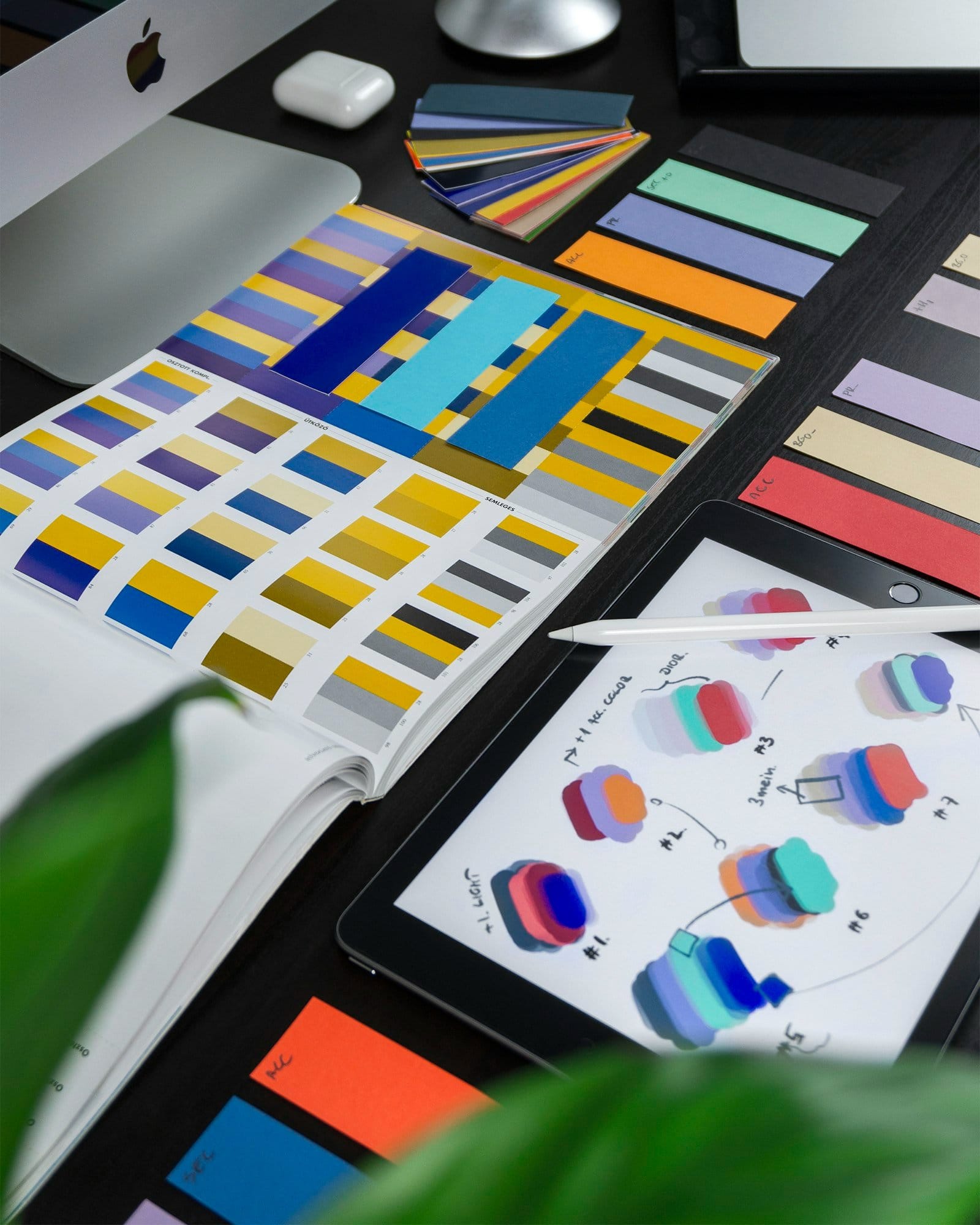
This is where most people get burned. Many “free” AI logo generators grant you commercial rights only on a paid plan, keep your vector file hostage, or let the tool itself own the mark it generated for you. Before you use any AI-generated logo commercially, read these three things: (1) whether the license transfers to you, (2) whether the export is high-res and vector, and (3) whether the tool’s terms let you claim the mark as yours. When in doubt, keep your source files and your receipts. Pairing your new mark with a consistent palette? Try our free color palette generator.
How to Clean Up an AI-Generated Logo
Even the best free AI logo generator output needs cleanup before it’s production-ready. Export to SVG, then simplify the paths — most AI tools generate far more anchor points than you need. Run the file through a good image upscaler if you’re working from a raster preview, and always test your logo at tiny sizes (favicon scale) to make sure it stays legible. A logo that reads at 16 pixels is a logo that works.
Frequently Asked Questions
Is there a truly free AI logo generator with no watermark?
Yes — Hatchful by Shopify offers unlimited free downloads with transparent PNGs and no watermark, though you trade some creative control. Most other tools reserve their best, watermark-free exports for paid plans, so check the free tier limits before committing to a tool.
Can I use an AI-generated logo commercially for free?
It depends entirely on the tool’s license. Hatchful and Canva (with a Pro subscription for commercial use) are the most permissive on free tiers. Tools like Looka, LogoAI, and Brandmark typically require a paid license for full commercial rights, including the vector file. Always read the terms before using a logo in any paid work.
What file format should a logo be exported in?
Always export your logo as SVG (vector) as your master file, plus a transparent PNG for web use. Vector files scale infinitely without losing quality and are editable in tools like Illustrator or Figma. Avoid relying solely on JPG — you’ll need transparency for nearly every real-world use.
Can a free AI logo generator replace a professional designer?
For quick ideas and side projects, absolutely. For a strategic brand identity, no. Use AI to generate and explore concepts fast, then bring in a designer or invest time in manual refinement for anything that represents a real business. The best workflow combines both.
The Bottom Line
If you only try one free AI logo generator this year, start with Looka for the cleanest vector output, or Hatchful if you need unlimited free downloads today. Pair whichever you choose with our free image upscaler to polish raster previews, and you have a solid free logo pipeline from concept to production file. For creators who want the whole toolkit in one place, see the AI Power Suite bundle. The tools in this list won’t replace a designer, but they’ll save you hours of blank-canvas staring — and that’s worth something.