BulkPhoto AI — AI Batch Image Processor
$29.00
AI-powered batch photo processing: remove backgrounds, resize, convert format, add watermarks, and more. One click processes hundreds of images.
Secure checkout. Tax handled at checkout. Instant download after payment.
Secure checkout powered by Dodo Payments. Instant license + download after payment.
Description
See BulkPhoto AI in action
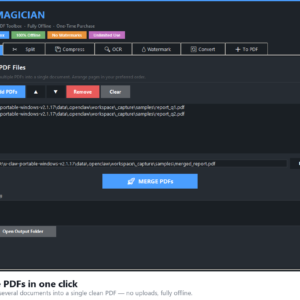
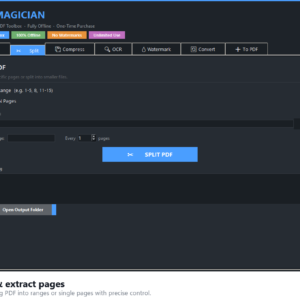
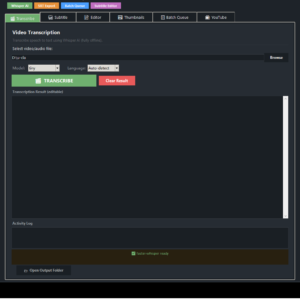
Screenshots
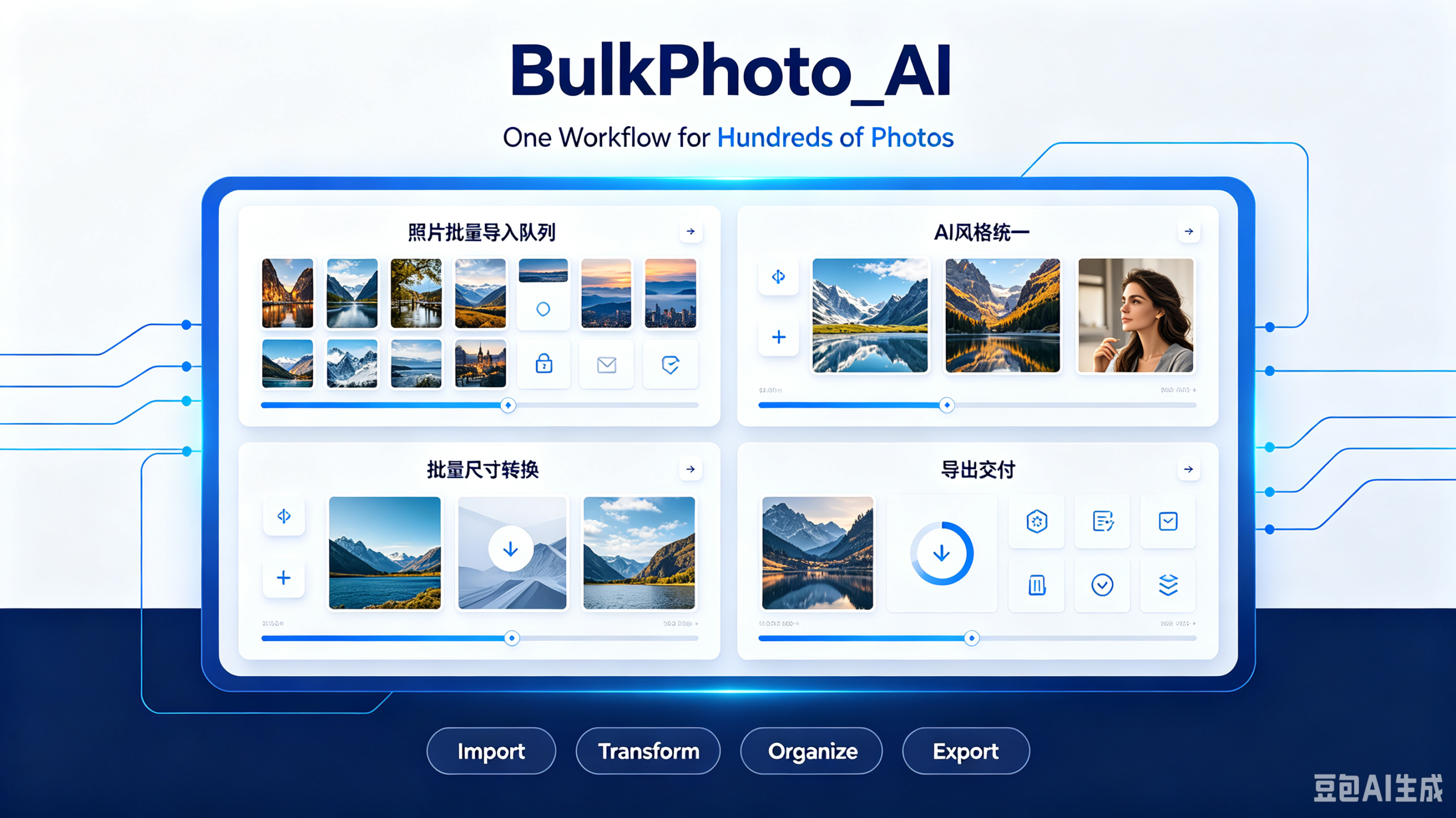
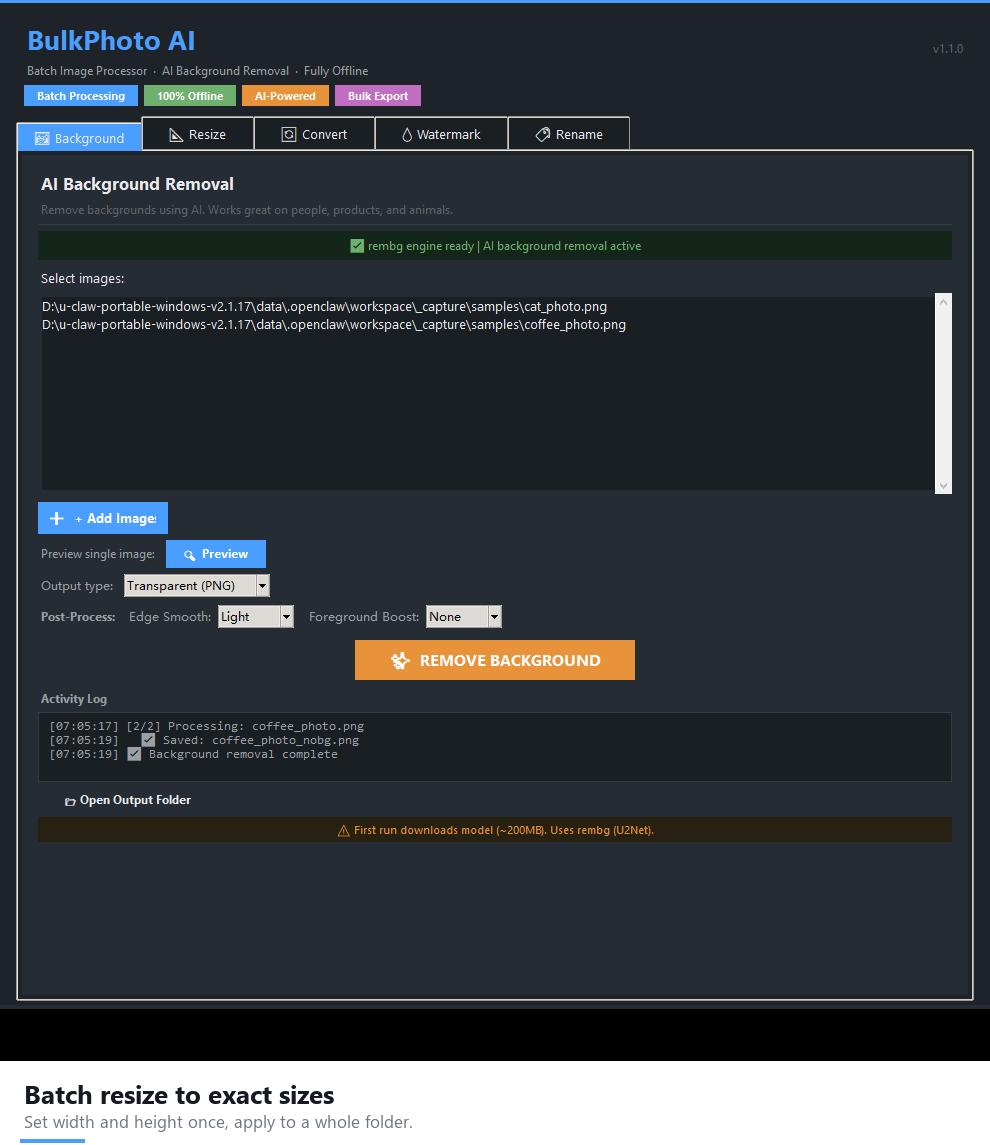
Stop paying $0.20/image for background removal. BulkPhoto AI brings professional-grade batch image processing to your desktop: AI background removal, batch resize, format conversion, watermarking and smart renaming — all offline, all unlimited. Buy once, own it forever. No credits, no subscriptions, no uploads.
Features
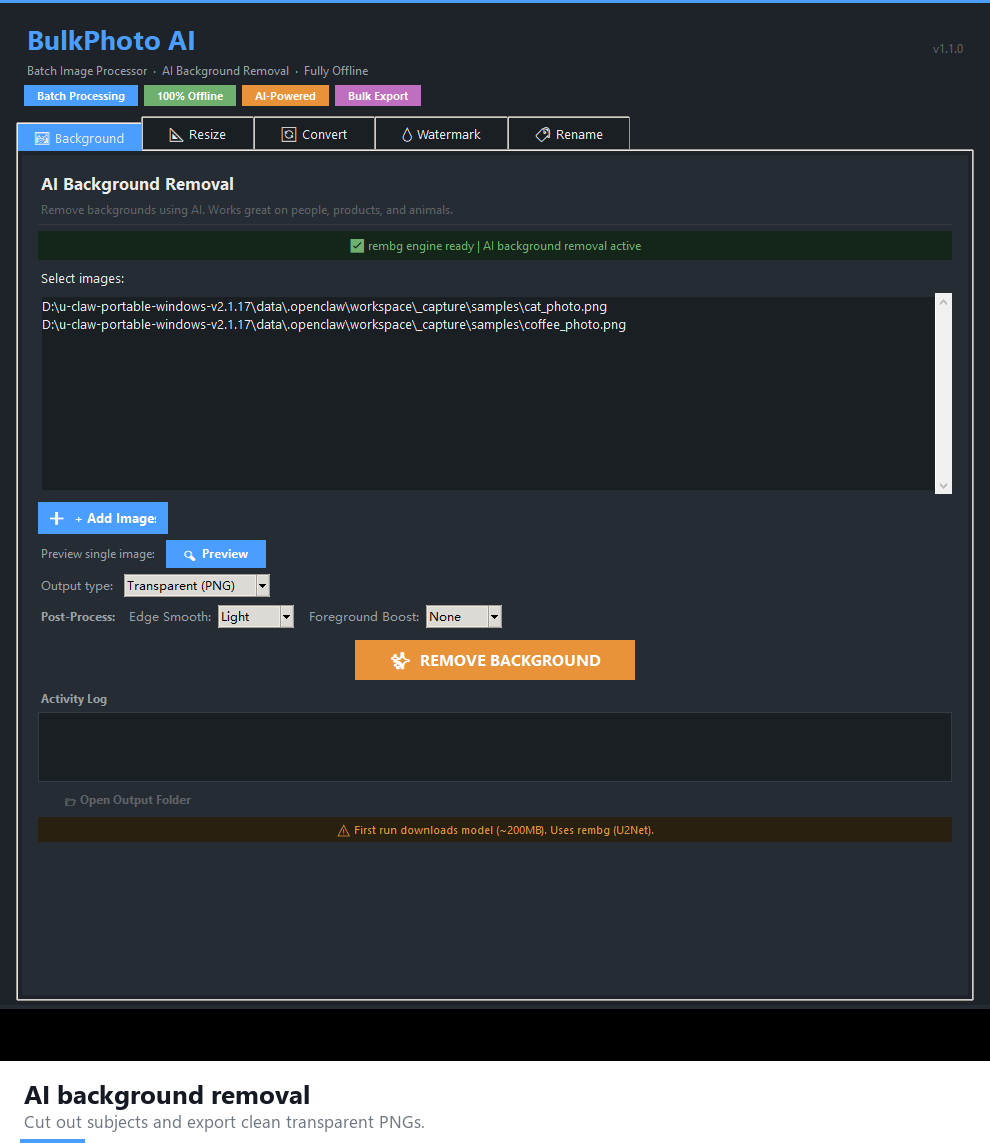
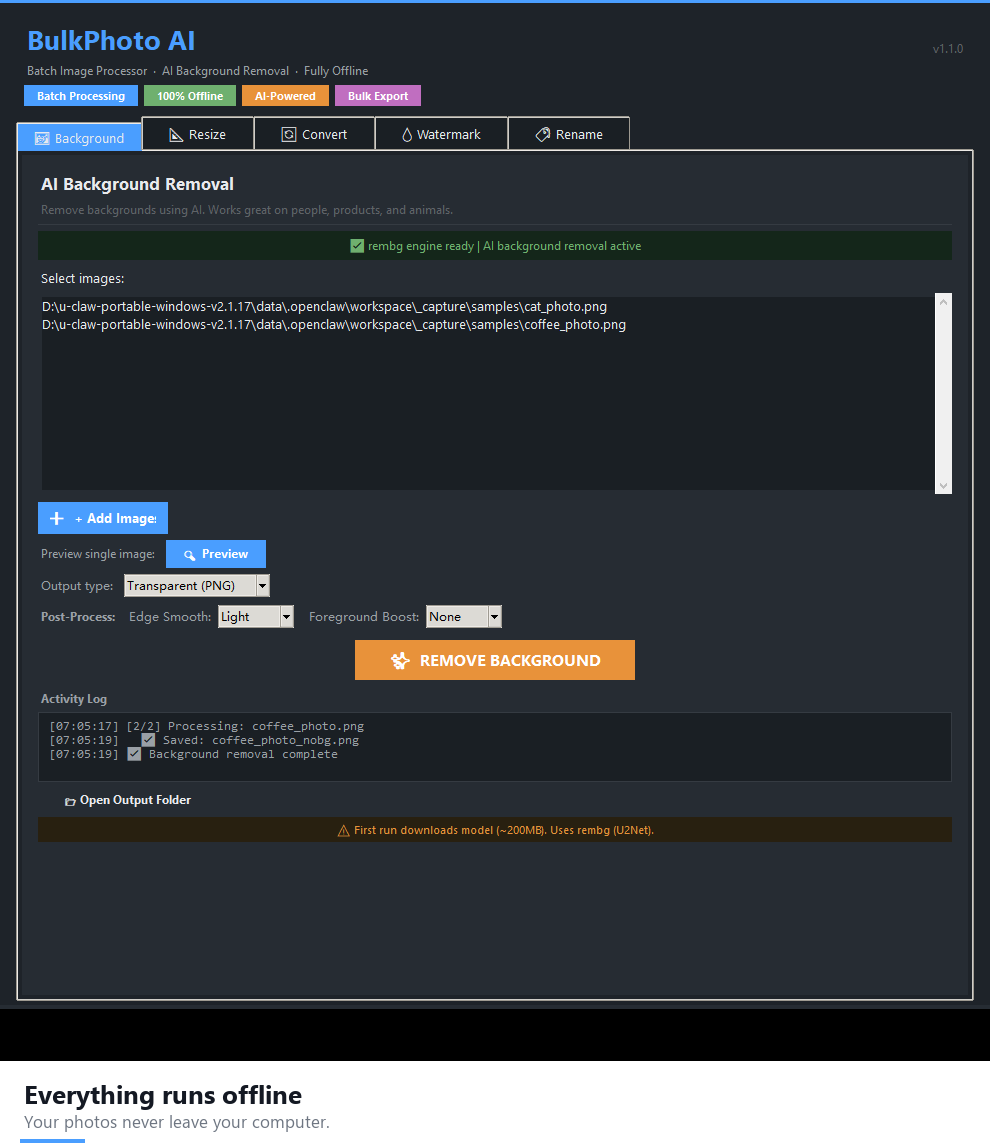
- AI Background Removal — RMBG-1.4 model, 100% local
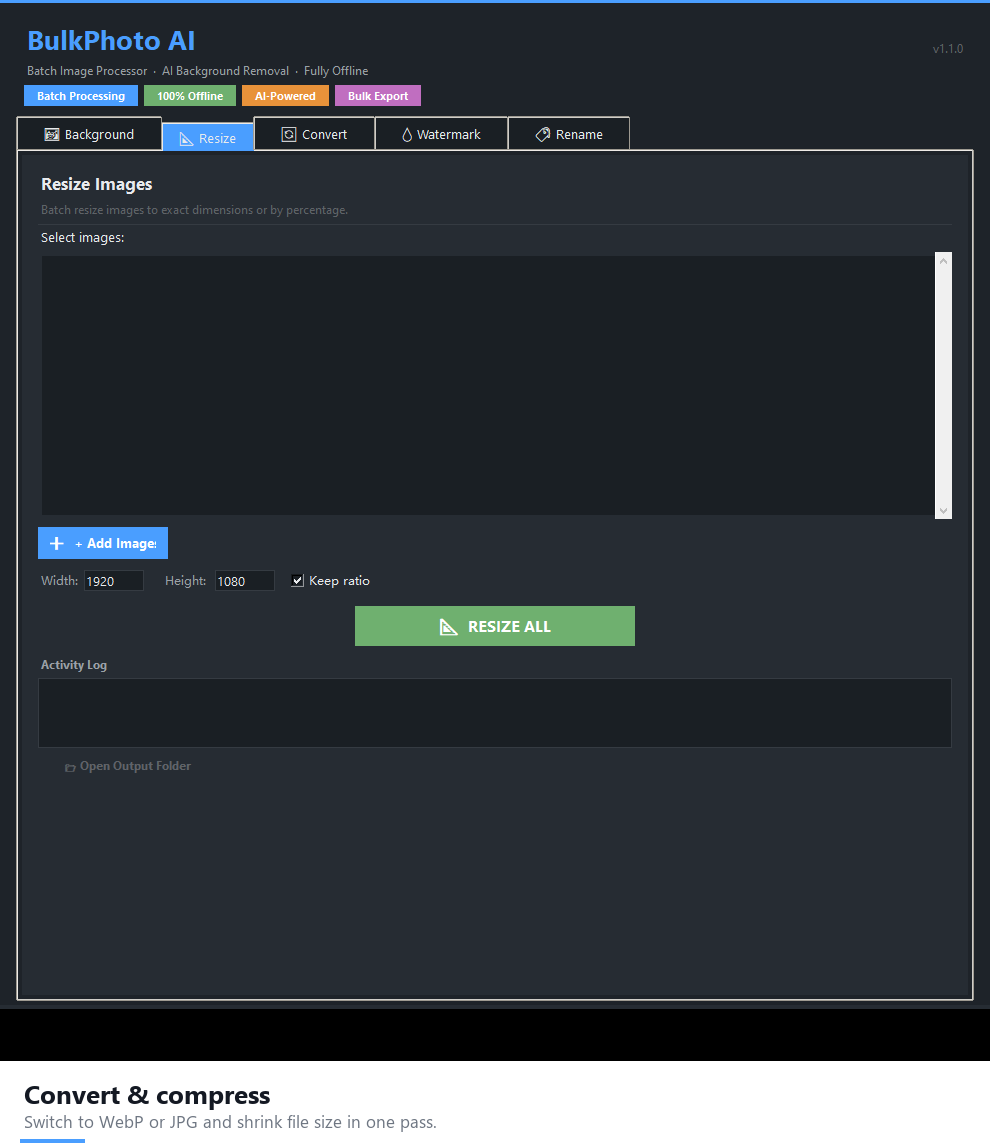
- Batch Resize — presets for Shopify, Amazon and eBay
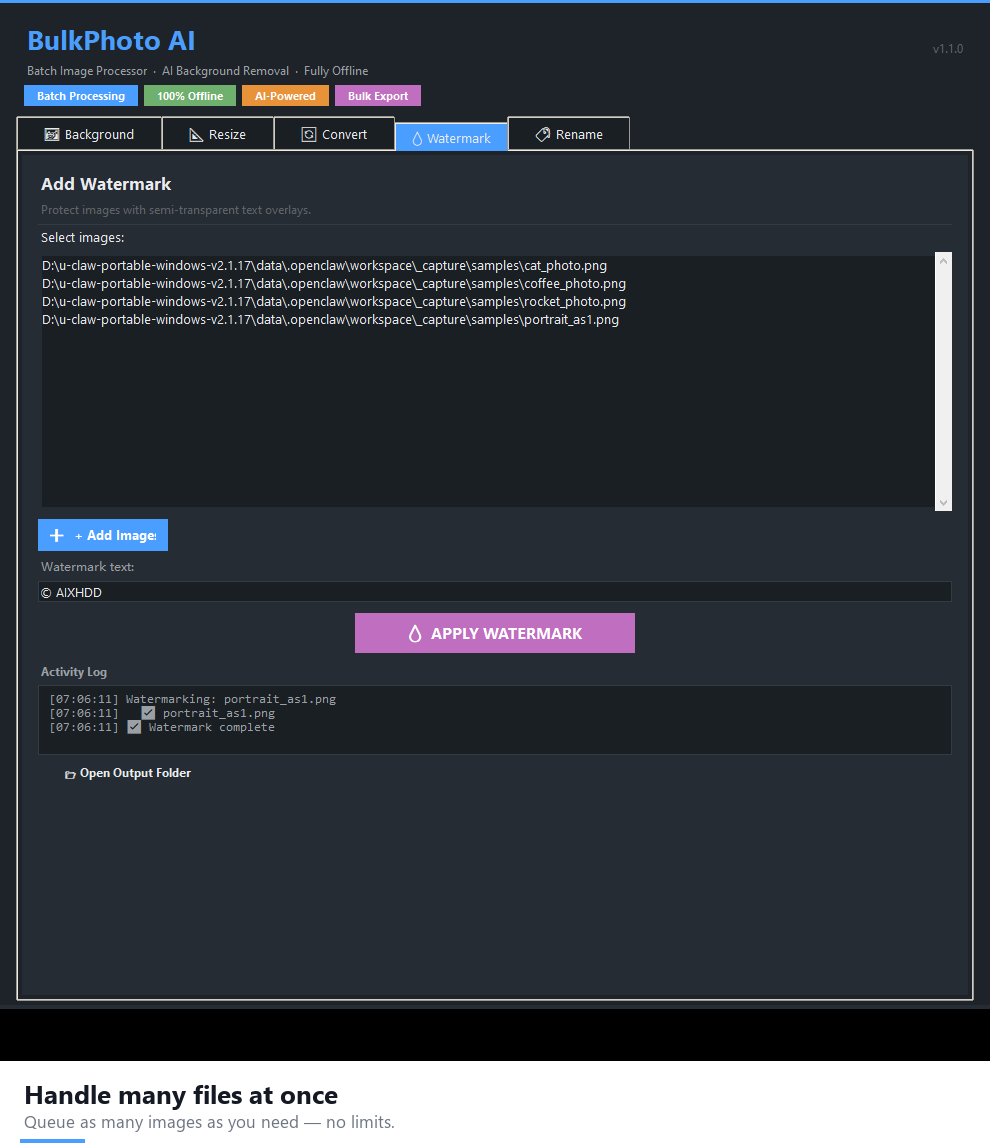
- Watermark — text and image watermarks, any position
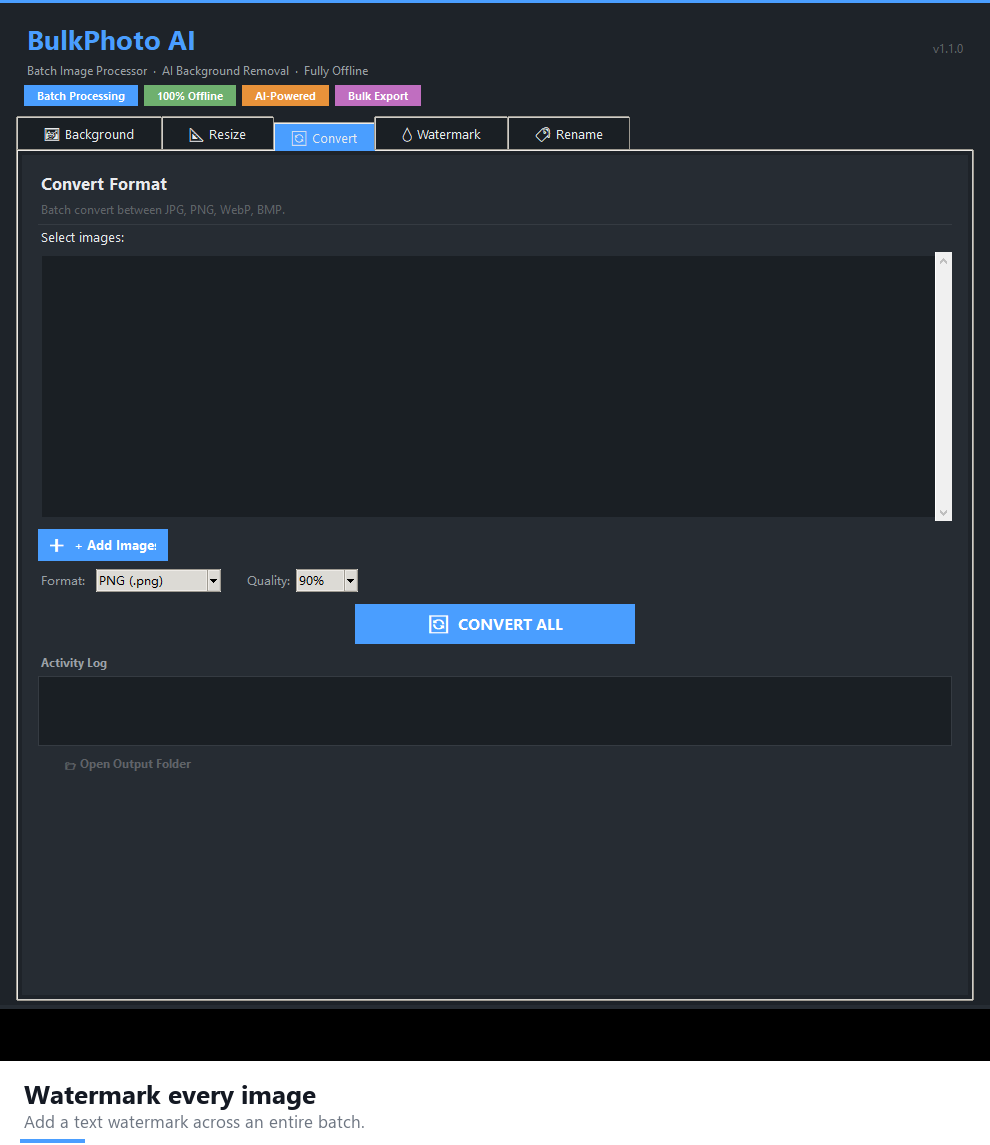
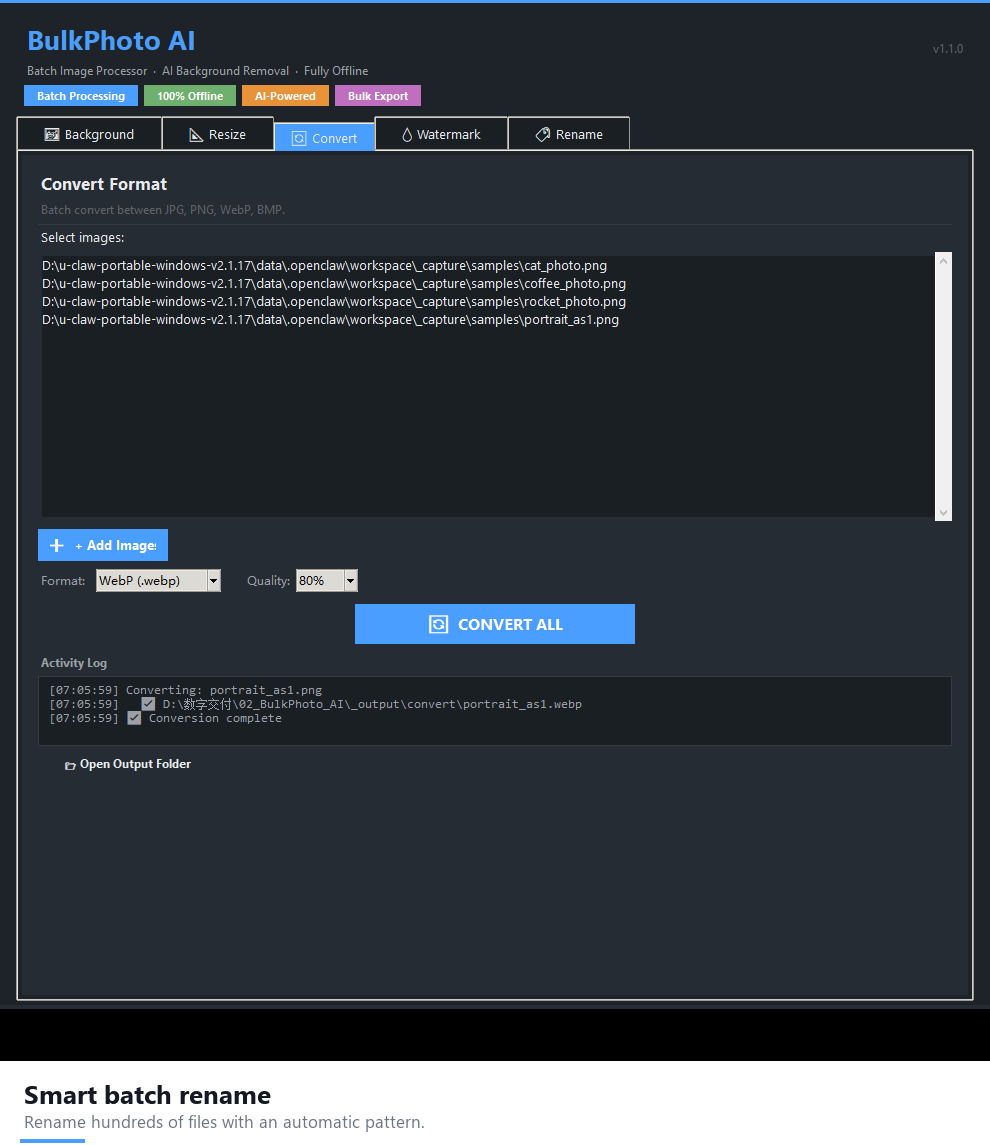
- Format Conversion — JPG / PNG / WebP / AVIF with quality control
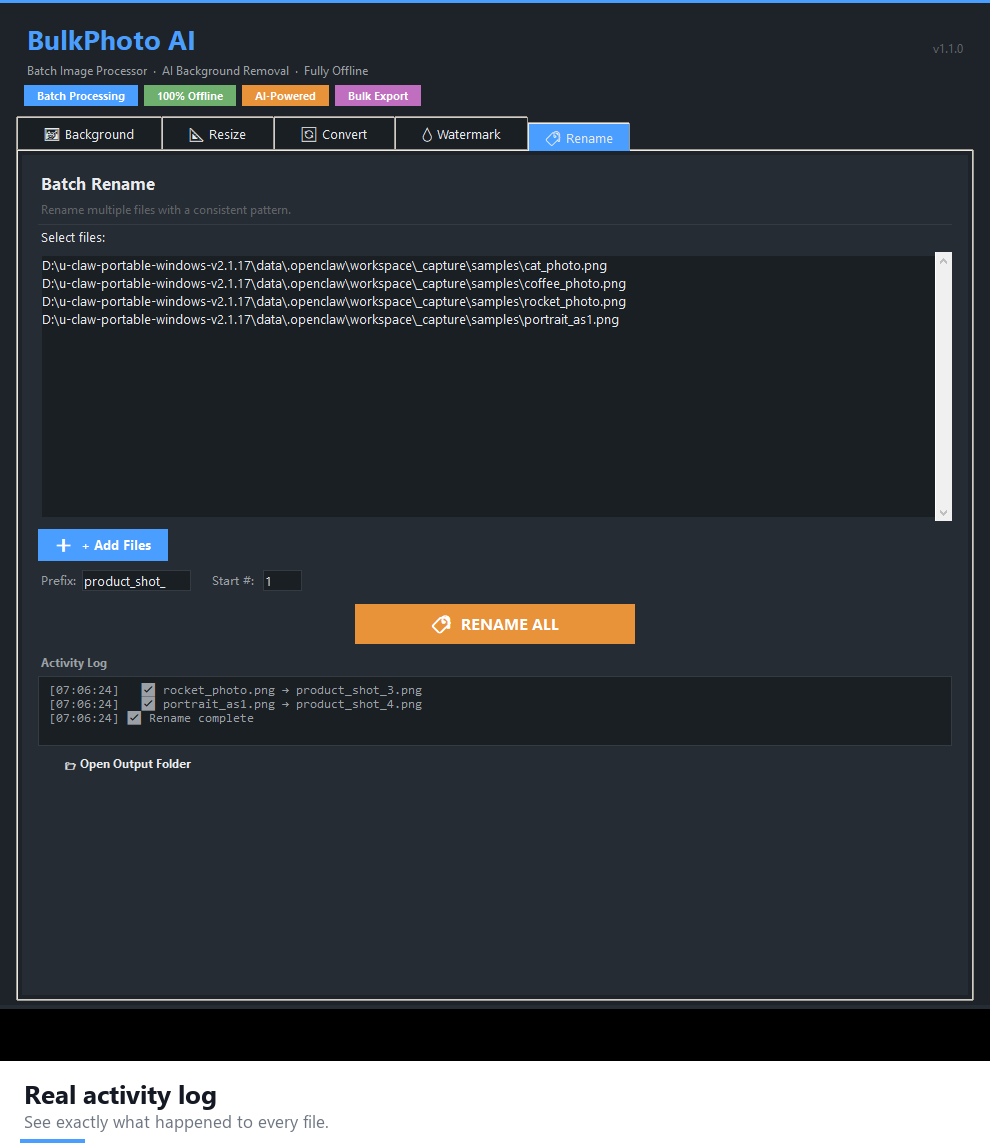
- Auto Rename — prefix + sequence number system
- Batch Queue — process hundreds of images in one click
Why choose BulkPhoto AI over pay-per-image tools
Most background-removal services charge per image or credit — remove 500 product photos and the meter keeps running. BulkPhoto AI runs the model on your own machine, so the 500th image costs exactly the same as the first: nothing extra. Your photos also never leave your computer, which matters for client work and unreleased products.
- No API costs — forever. No credits, no per-image fees.
- 100% private. Images never leave your PC.
- Lightweight — under 600MB, fast even on a laptop.
- One-time payment, lifetime use.
What you can do with BulkPhoto AI
- Prepare e-commerce product photos in bulk — strip backgrounds and apply Shopify/Amazon/eBay resize presets to a whole catalogue. Full workflow: bulk-editing e-commerce product photos.
- Clean up a client shoot — batch-remove backgrounds, watermark proofs and export web-ready formats.
- Convert a whole folder of images — turn PNGs into WebP for a faster website with one click.
- Brand your images at scale — stamp a logo or text watermark across hundreds of files at once.
- Organise messy downloads — auto-rename with prefixes and sequence numbers instead of IMG_4821.jpg.
System requirements
- OS: Windows 10 / 11 (64-bit)
- RAM: 8GB minimum
- Storage: 1GB
FAQ
Is this a subscription?
No. One-time payment, lifetime access. No credits and no per-image fees.
Does it require internet?
No. It runs 100% offline on your computer.
How many images can I process?
Unlimited. There are no credits, caps or watermarks on your output.
Does it work on Mac?
Windows 10/11 only. It may work via Wine on macOS/Linux, but this is not officially supported.
What about refunds?
Covered by a 14-day money-back guarantee.
Can I get it inside a bundle?
Yes — BulkPhoto AI is part of the AI Power Suite — 9 Premium Tools Bundle ($169 for $281 of software).
14-Day Money-Back Guarantee
If BulkPhoto AI does not run properly on your system and we cannot resolve it within 14 days, you get a full refund. No questions asked.
Download BulkPhoto AI today and clear your whole image backlog for one small one-time price.



Reviews
There are no reviews yet.