




VideoForge — Offline Video Compressor & Converter (No Subscription)
$34.00
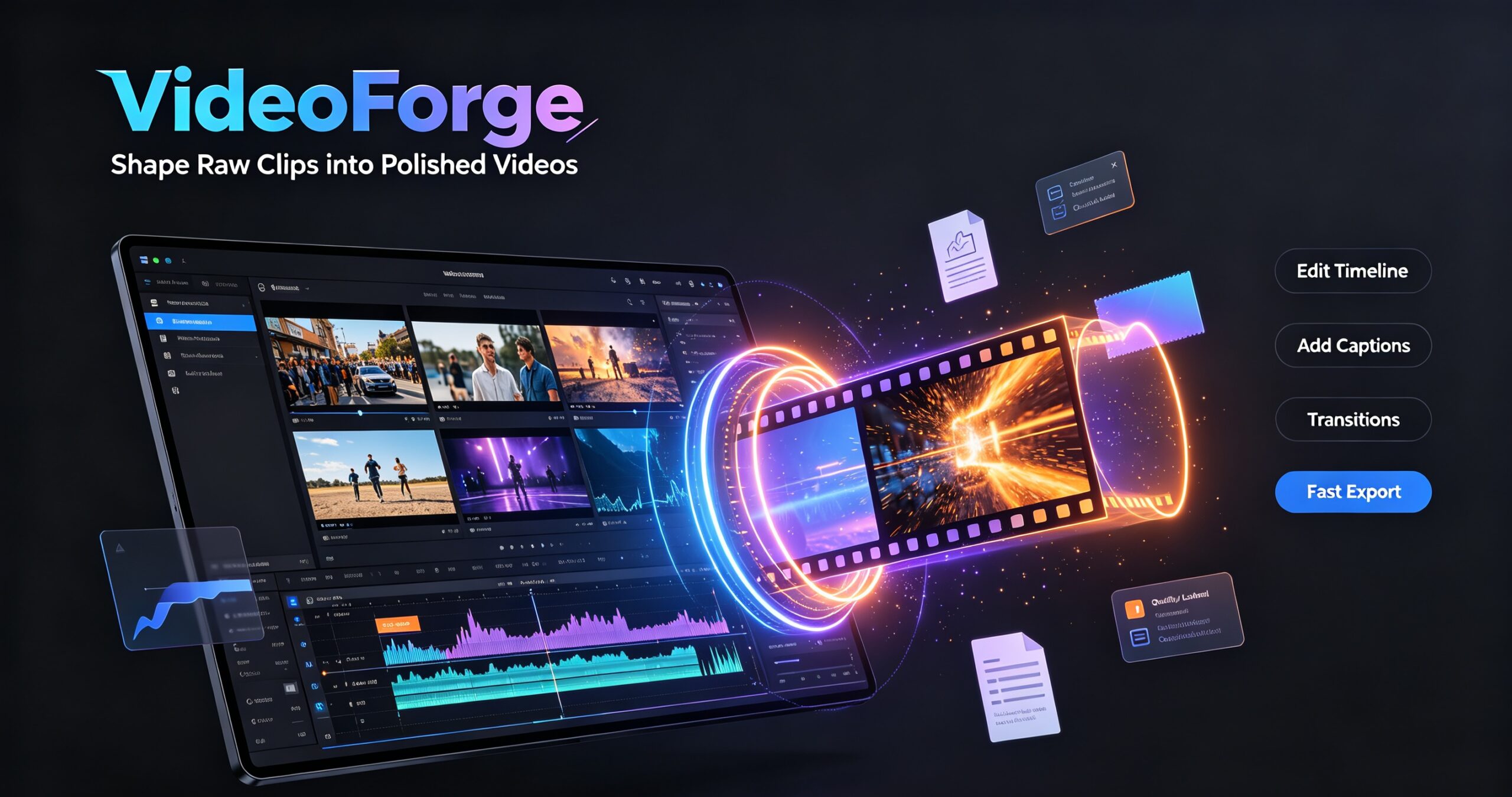
Compress, convert, trim, merge, extract audio, make GIFs and burn subtitles — 100% offline on Windows. One-time purchase, no subscription, no watermarks, no upload limits.
Secure checkout. Tax handled at checkout. Instant download after payment.
Secure checkout powered by Dodo Payments. Instant license + download after payment.
Description
Stop paying monthly for a video tool you use twice a month. VideoForge is a fast, fully offline video compressor and converter for Windows: compress, convert, trim, merge, extract audio, make GIFs and burn in subtitles — all from one clean window. Buy once, own it forever. No subscription, no watermarks, no upload limits.
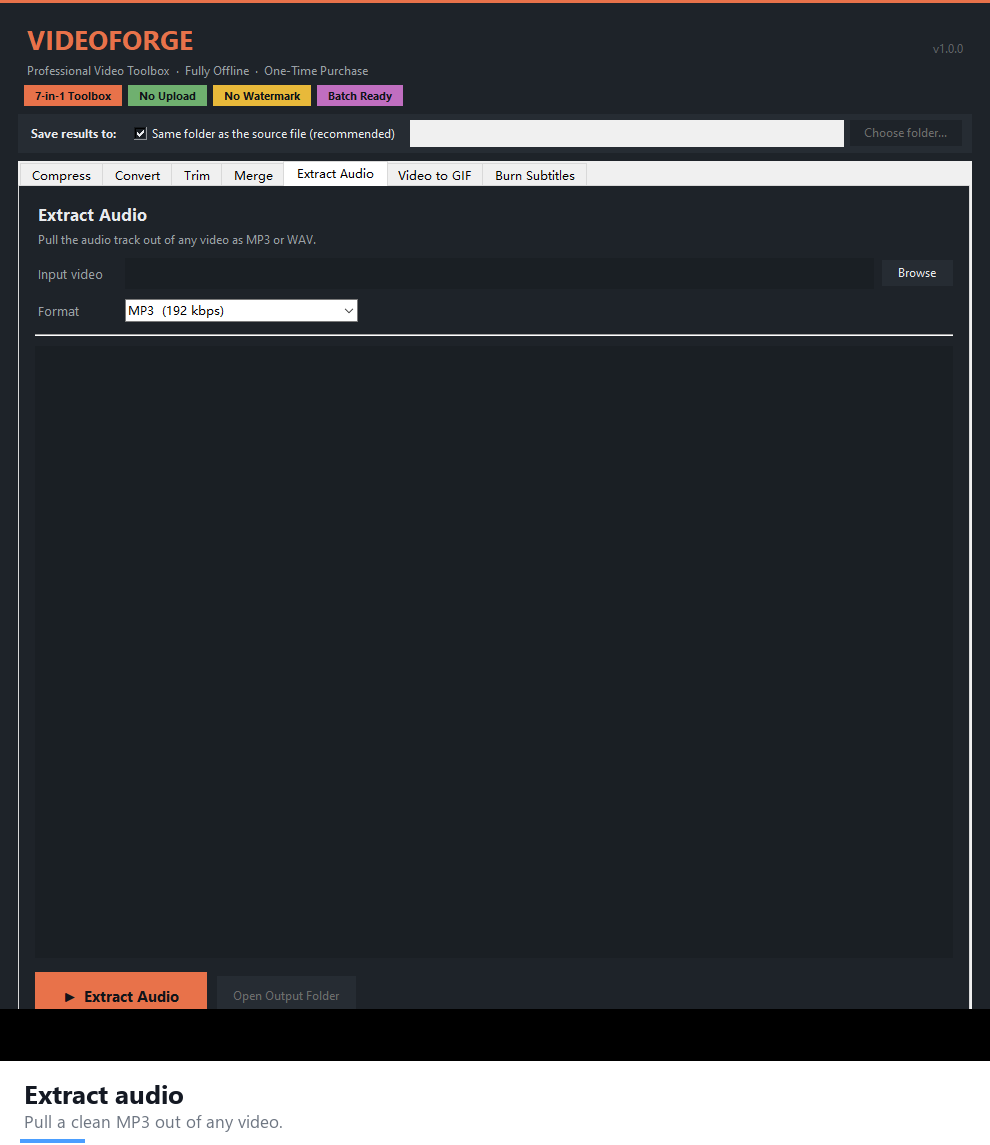
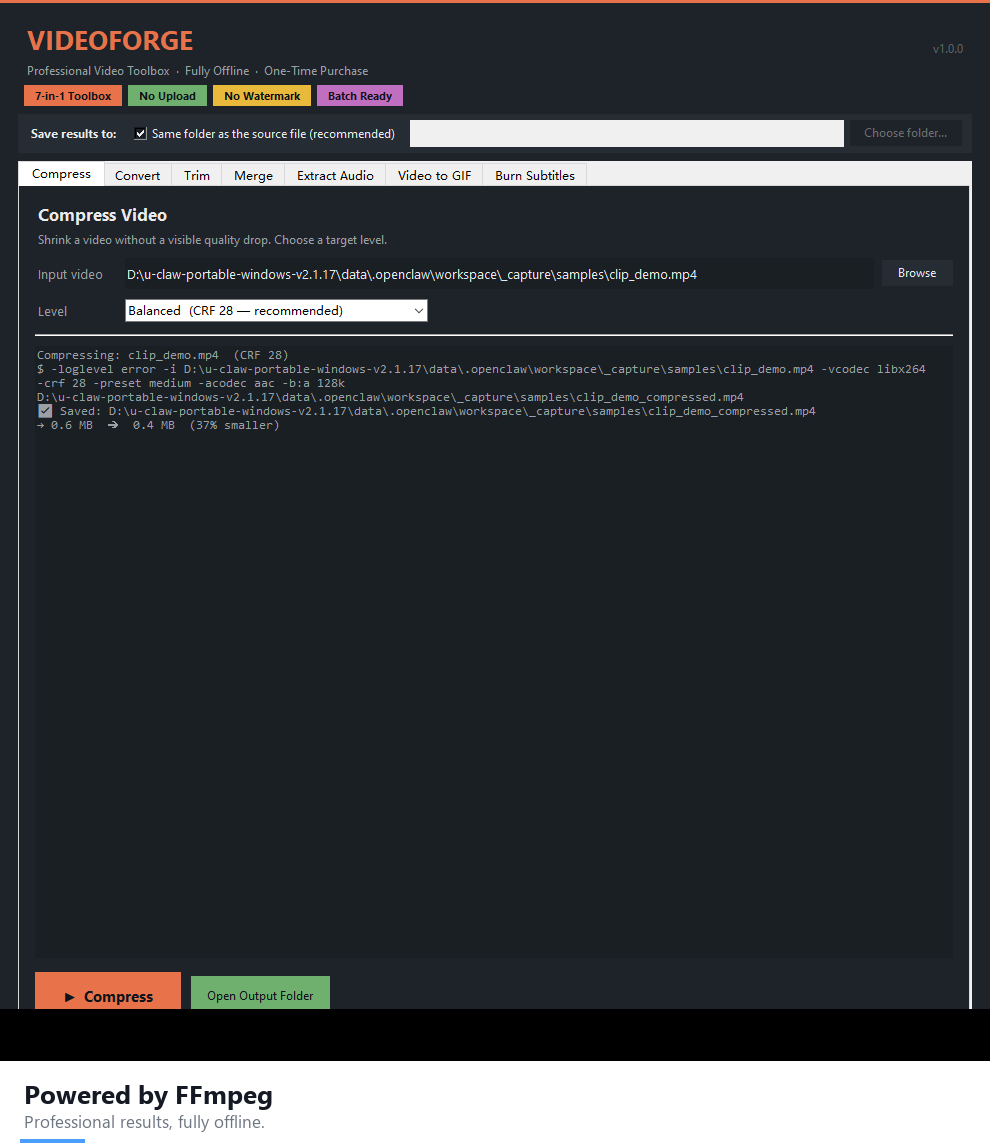
See VideoForge in action
Screenshots

VideoForge Studio is now available on the Microsoft Store — install it with one click, updates handled automatically by Windows.
Everything you need, in one window
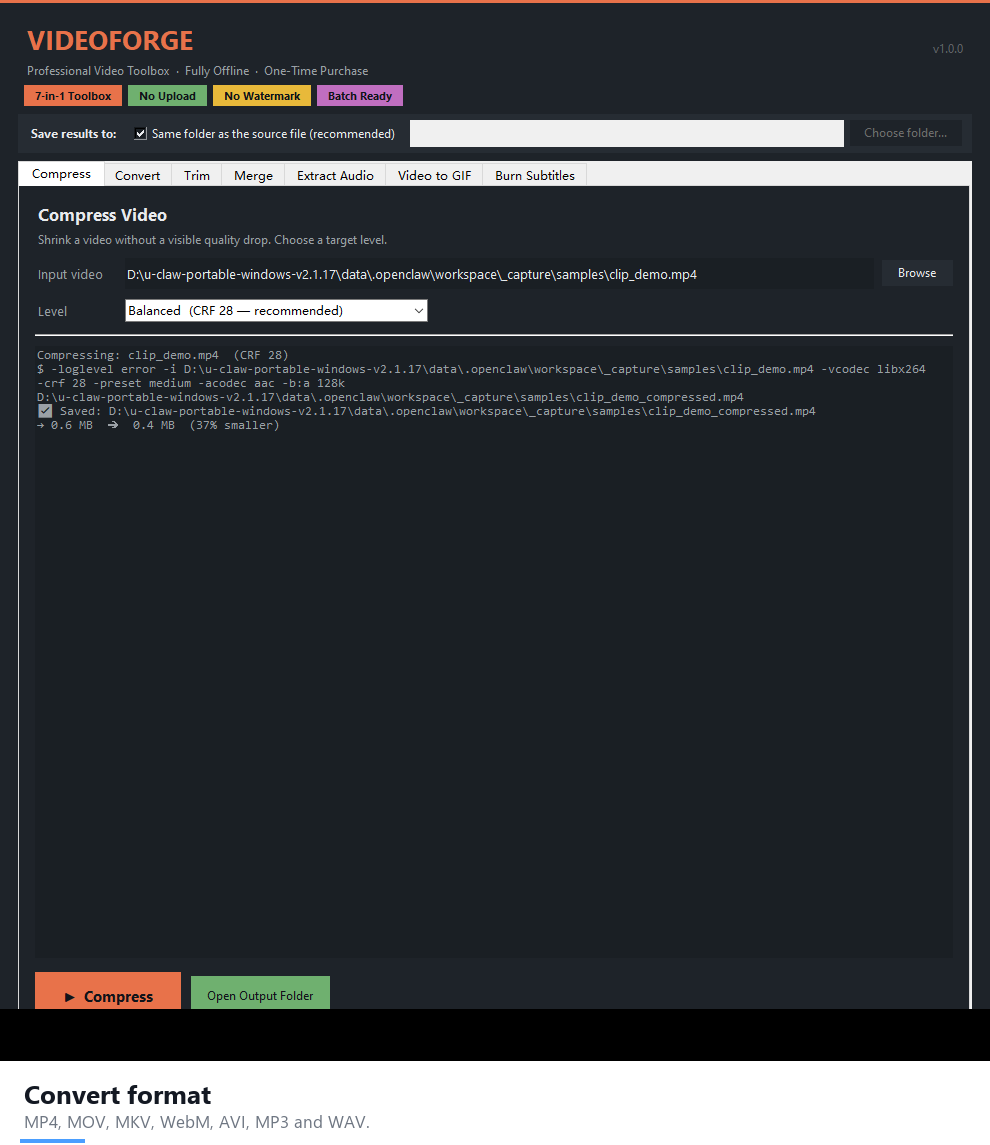
- Compress — shrink large videos with 4 quality levels (Light / Balanced / Strong / Extreme).
- Convert — MP4, WebM (VP9), MOV and more.
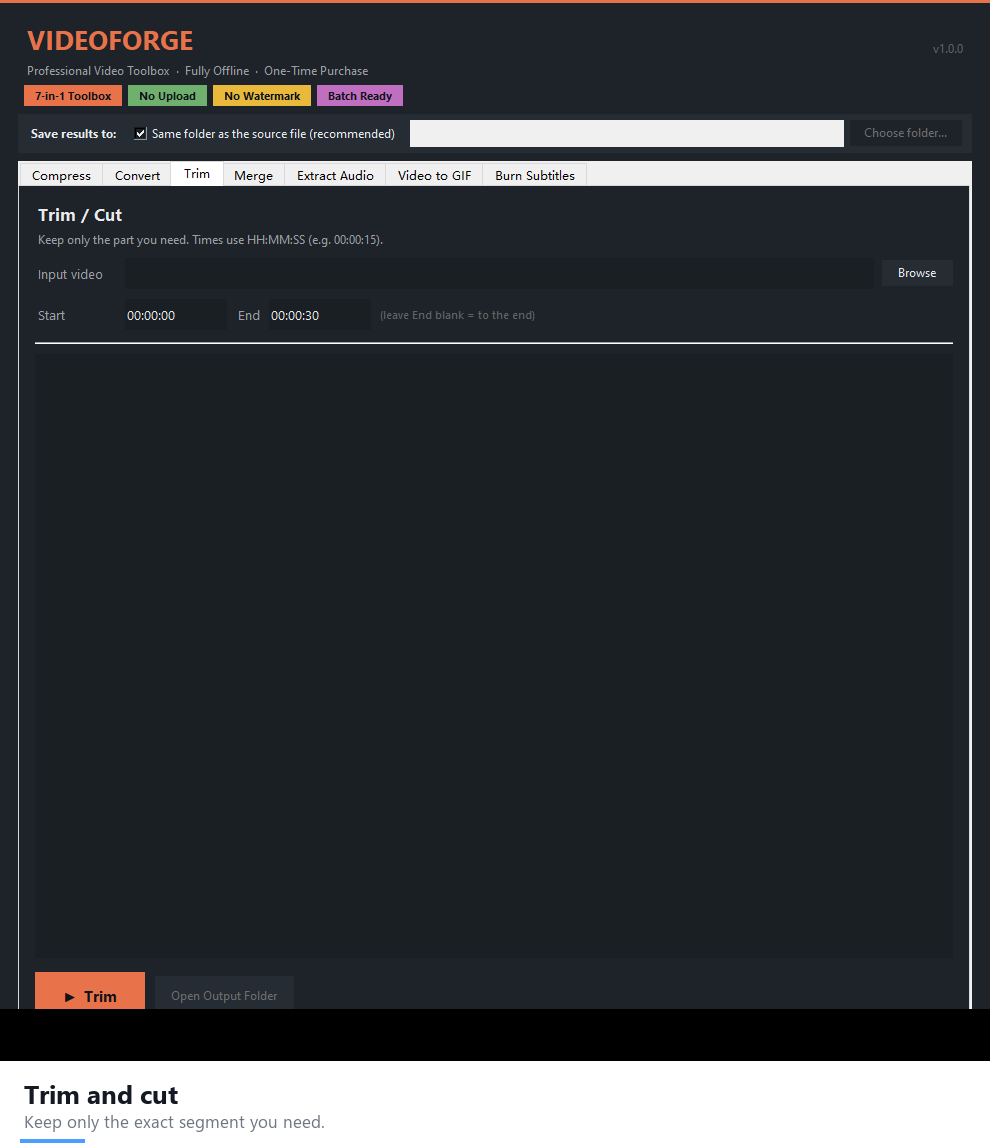
- Trim — cut a clip by start and end time, instantly.
- Merge — join multiple clips into a single file.
- Extract Audio — save MP3 or WAV in one click.
- Video to GIF — perfect for social media and chat.
- Burn Subtitles — hard-code an .srt file permanently into the video.
Why people choose VideoForge as their offline video compressor
- 100% offline — your files never leave your computer. No uploads, no accounts, no telemetry.
- One-time purchase — pay once, use it forever. No monthly fees, ever.
- No watermarks, no file-size limits — process as many videos as you like.
- Portable .exe — no installation, no Python required. Just double-click.
- Results saved next to your source file (or pick any folder).
What you can do with VideoForge
- Cut client video delivery costs — compress a 2 GB export down to a shareable size while keeping it watchable. Read the full workflow: how to compress client videos offline.
- Convert formats for any platform — MP4 for YouTube, WebM for the web, MOV for editors.
- Repurpose long videos — extract an MP3 for a podcast or a GIF for social in seconds.
- Deliver subtitled videos — burn a translated .srt straight into the file so it plays anywhere.
- Batch your weekly video chores — the same window handles compression, trimming and merging without opening an editor.
VideoForge vs. cloud video tools
Cloud compressors make you upload gigabytes, wait in a queue, hit file-size caps and accept watermarks unless you subscribe. VideoForge does the same job locally: no upload, no cap, no watermark, no recurring fee. For anyone handling client footage or private material, keeping files on your own machine is both faster and safer.
System requirements
- Windows 10 / 11 (64-bit)
- Microsoft Store version: FFmpeg is already included — nothing to install. Direct .exe version: needs FFmpeg on your PC (free, one command:
winget install Gyan.FFmpeg) — the app tells you if it is missing.
FAQ
Is this a subscription?
No. It is a one-time purchase. You own it forever and receive the version you bought with no recurring fees.
Do I need to install anything?
The app ships as a single portable .exe. FFmpeg (a free, open-source video engine) needs to be on your PC; a one-line install command is included in the README.
Are my videos uploaded anywhere?
Never. Everything runs locally on your machine.
Can it compress video without losing quality?
You choose the level. Light compression is nearly visually lossless, while Strong and Extreme shrink files dramatically for email and messaging. Test the level on one clip and pick what looks right.
Does it work on macOS or Linux?
VideoForge is built for Windows 10/11 64-bit.
Can I get it inside a bundle?
Yes — VideoForge is part of the AI Power Suite — 9 Premium Tools Bundle, nine offline tools for one one-time price of $169 (a $281 value).
Download VideoForge today and put your video chores on autopilot — for one small one-time price.






Reviews
There are no reviews yet.