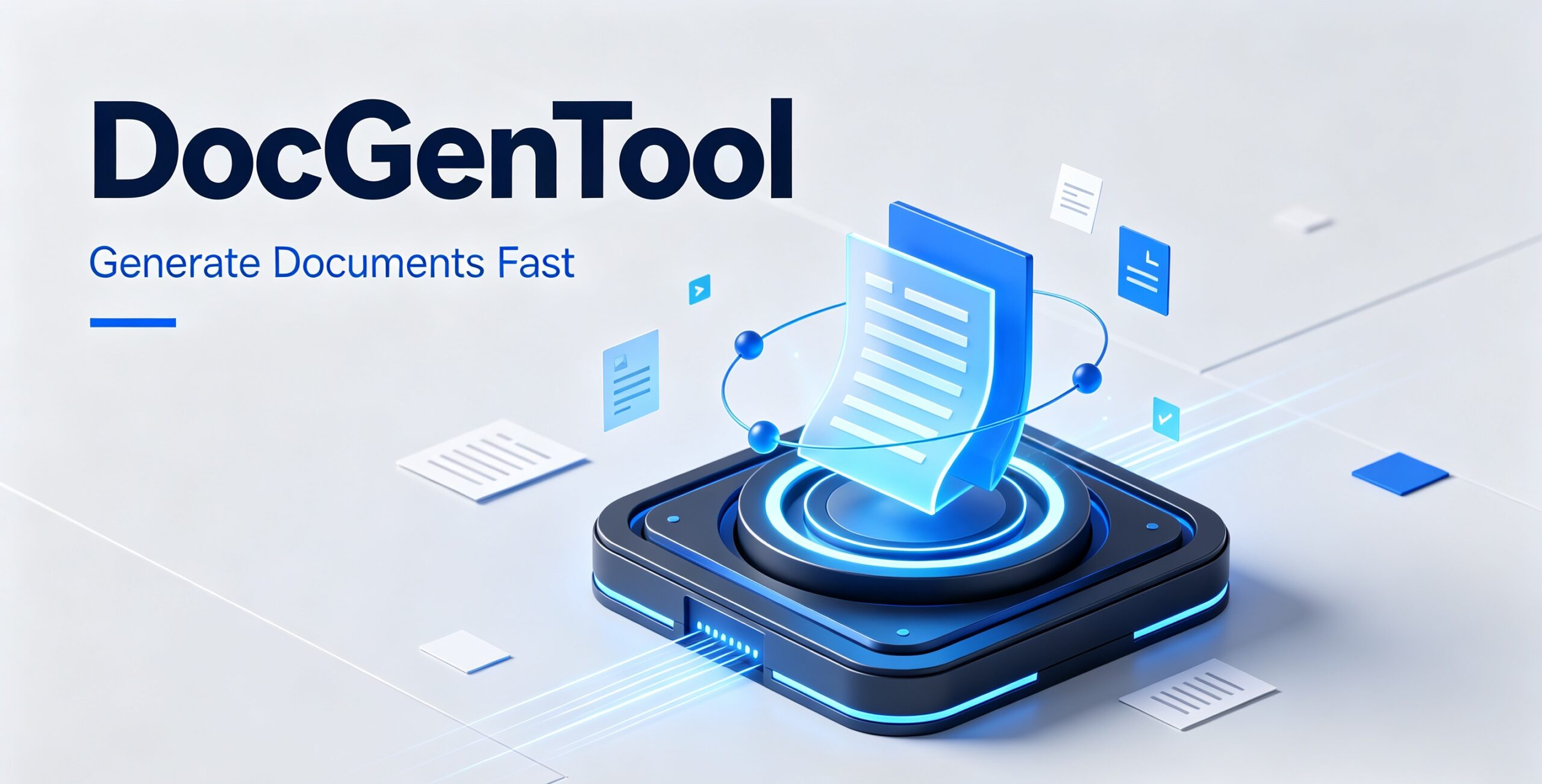
DocGenTool — Local AI Document Generator (PDF, Word, PPT, Excel)
$39.00
Turn photos and a short brief into polished PDF, Word, PowerPoint or Excel documents — using the AI engine you choose. 100% local, no subscription, your data never leaves your PC.
Secure checkout. Tax handled at checkout. Instant download after payment.
Secure checkout powered by Dodo Payments. Instant license + download after payment.
Description
Stop wrestling with Word templates and half-broken “AI” document sites. DocGenTool is a local AI document generator that turns a photo, a short brief, or a messy pile of notes into a polished, professional document — PDF, Word, PowerPoint, or Excel — in under a minute. Runs 100% on your own computer. Your data never leaves your machine.
What It Does
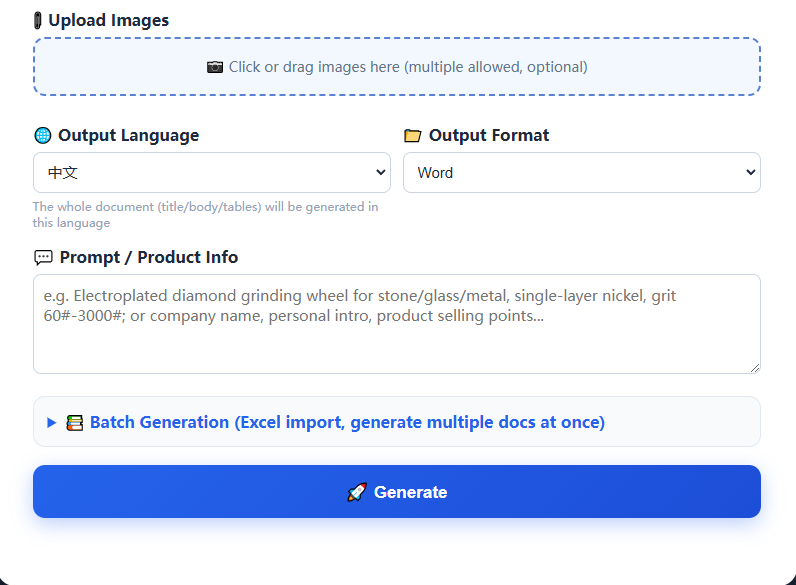
Upload one or more images (product photos, screenshots, scanned pages) and type a short prompt. DocGenTool reads the text with built-in OCR, then calls the AI model of your choice to write and structure a complete document — then exports it in the format you need.
- 📄 4 output formats — PDF, Word (.docx), PowerPoint (.pptx) and Excel (.xlsx)
- 🔍 Built-in OCR — reads text straight off photos, scans and screenshots
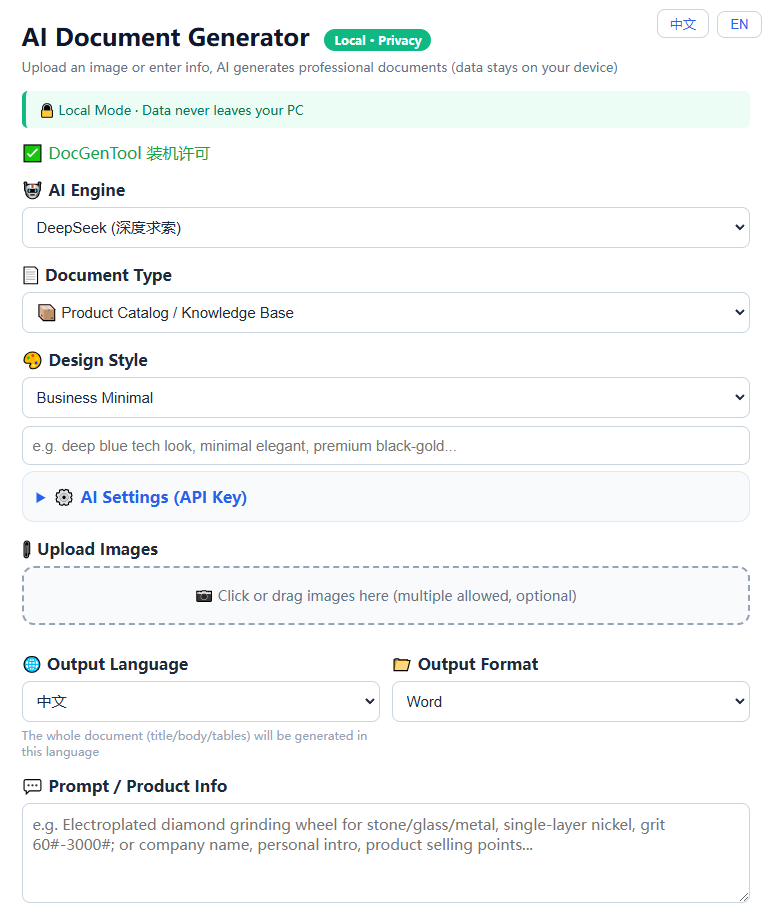
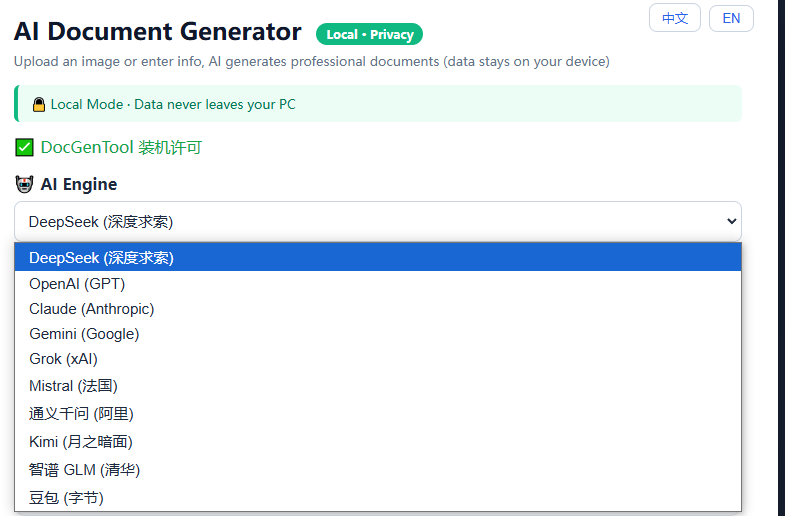
- 🤖 10+ AI engines — DeepSeek, OpenAI, Claude, Gemini, Grok, Mistral, Qwen, Kimi, Zhipu and Doubao. Bring your own API key; switch anytime
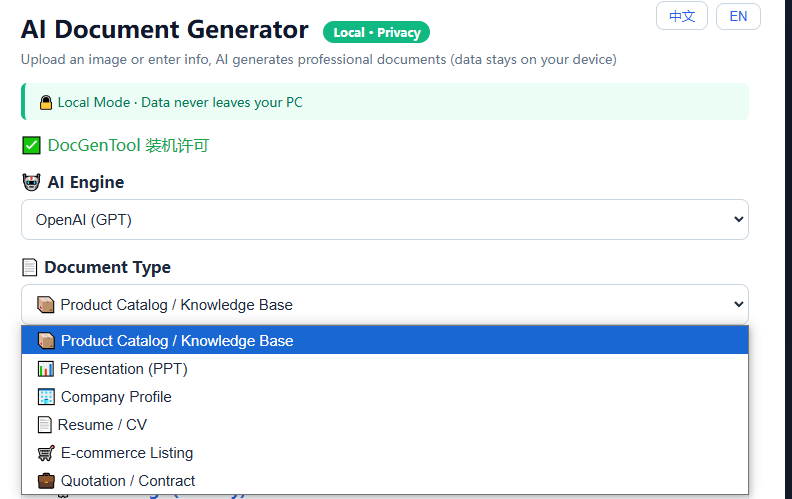
- 📚 6 document templates — product brochure, slide deck, company profile, resume, e-commerce listing, quotation
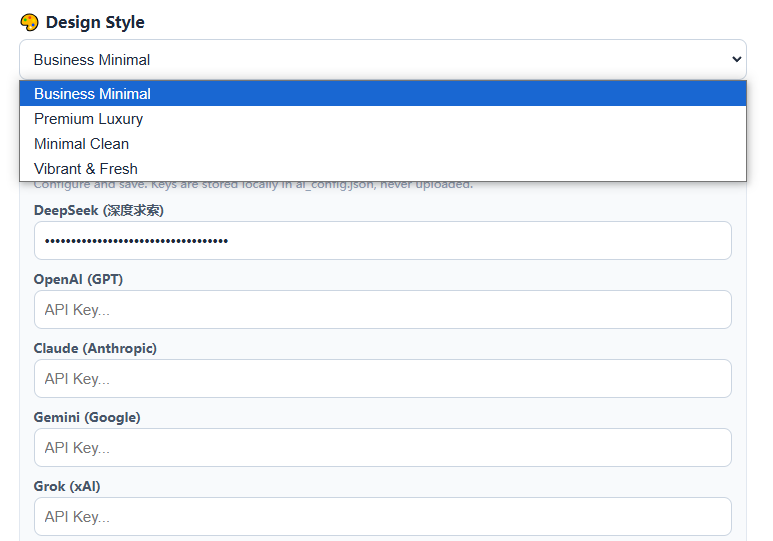
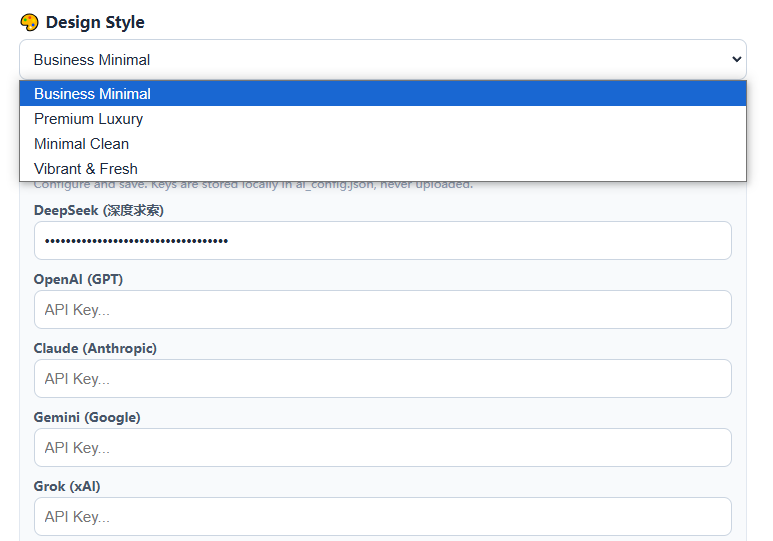
- 🎨 4 design styles — Business, Premium, Minimal, Vibrant — plus a free-text custom style box
- 🌐 8 languages — English, Chinese, Japanese, Korean, Russian, Spanish, German, French (whole document, including tables)
- 📦 Batch mode — drop in an Excel file and generate dozens of documents in one run, packaged as a ZIP
- 🏷️ White-label branding — put your own company name, logo, phone, email and website on every cover and footer
- 🔒 100% local processing — no cloud upload, no account, no subscription
Who It Is For
- Freelancers and agencies — deliver client-ready brochures, quotes and decks without touching Canva or InDesign
- E-commerce sellers — turn supplier photos into professional product sheets and listing documents
- Job seekers — generate a tailored resume and cover document from your existing CV images
- Small businesses — company profiles, quotations and proposals with your own branding on every page
- Anyone tired of subscriptions — pay once, own it forever, run it offline
How It Works
- Download and launch the app (Windows). It opens a local page at
127.0.0.1:5000in your browser — nothing is exposed to the internet - Paste your own AI API key once (DeepSeek, OpenAI, Claude, Gemini) — the key is stored only on your machine
- Pick a document type, style, language and output format
- Drag in your images and write a short prompt
- Click Generate and download your finished PDF / Word / PPT / Excel file in seconds
Why Local Matters
Most “AI document generators” are websites: you upload your files, and they land on someone else server. DocGenTool runs entirely on your PC. Your product photos, client documents and business data stay where they belong — on your machine. The only thing that leaves your computer is the text prompt sent to the AI provider you chose, using your own key.
Pricing
- ✅ One-time payment — no monthly fee, no subscription, ever
- ✅ Lifetime access to the current version
- ✅ Machine-bound license — activates automatically on first run
- ✅ Free re-license if you change computers (just send us your machine code)
- ✅ You supply the AI key — so you control your own usage cost (DeepSeek keys are extremely cheap)
What You Get
- The DocGenTool application (download link delivered instantly after checkout)
- Quick-start guide
- Automatic activation — no manual license entry needed
Requirements
- Windows 10 / 11 (64-bit)
- ~1 GB free disk space
- An API key from any supported AI provider (DeepSeek recommended — cheapest and strongest for Chinese)
- No internet needed after setup, except for the AI calls you choose to make
Generate your first professional document in the next 5 minutes. Buy once, use forever — and keep your data on your own machine.



Reviews
There are no reviews yet.