
PhotoRevive AI — Offline Photo Upscaler & Enhancer (No Subscription)
$29.00
Upscale up to 4x, enhance, denoise, sharpen and restore old photos — 100% offline on Windows. One-time purchase, no subscription, no watermarks, no upload limits.
Secure checkout. Tax handled at checkout. Instant download after payment.
Secure checkout powered by Dodo Payments. Instant license + download after payment.
Description
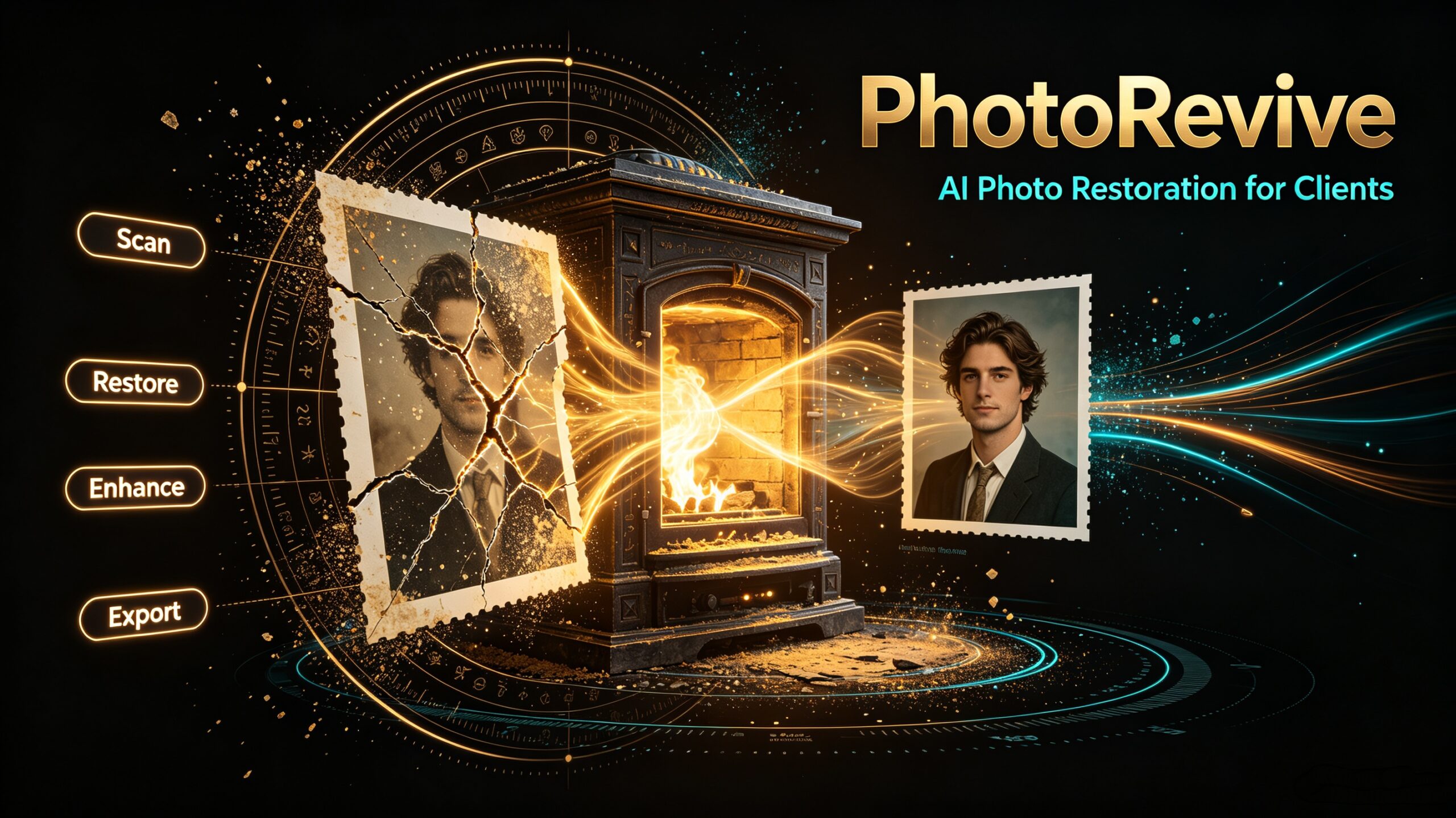
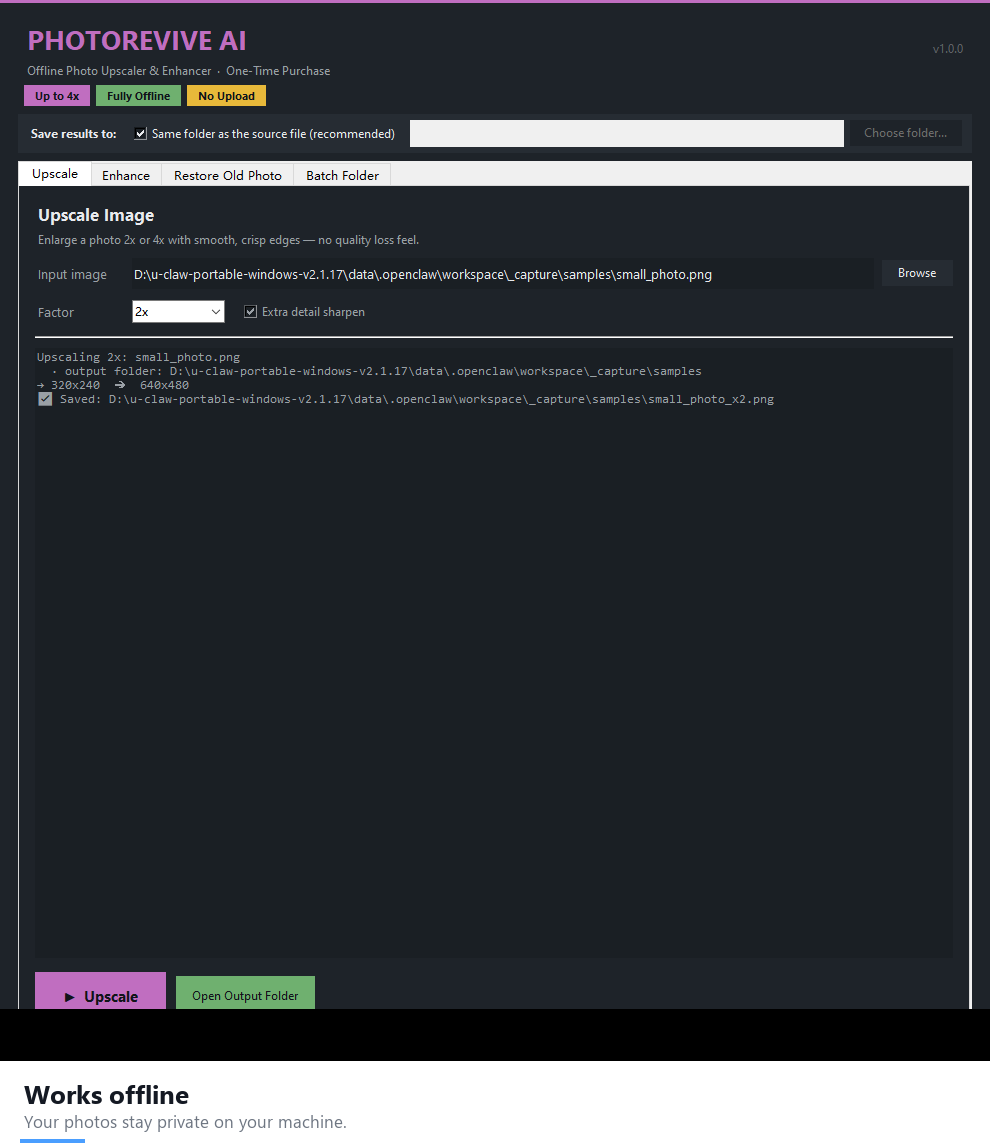
Bring old or low-res photos back to life — without uploading them to anyone. PhotoRevive AI is a fully offline photo upscaler, enhancer and restoration tool for Windows. Enlarge up to 4x, remove noise, sharpen, restore faded colors, or batch-process a whole folder. Buy once, own it forever. No subscription, no cloud, no uploads.
See PhotoRevive AI in action
Screenshots
What it does
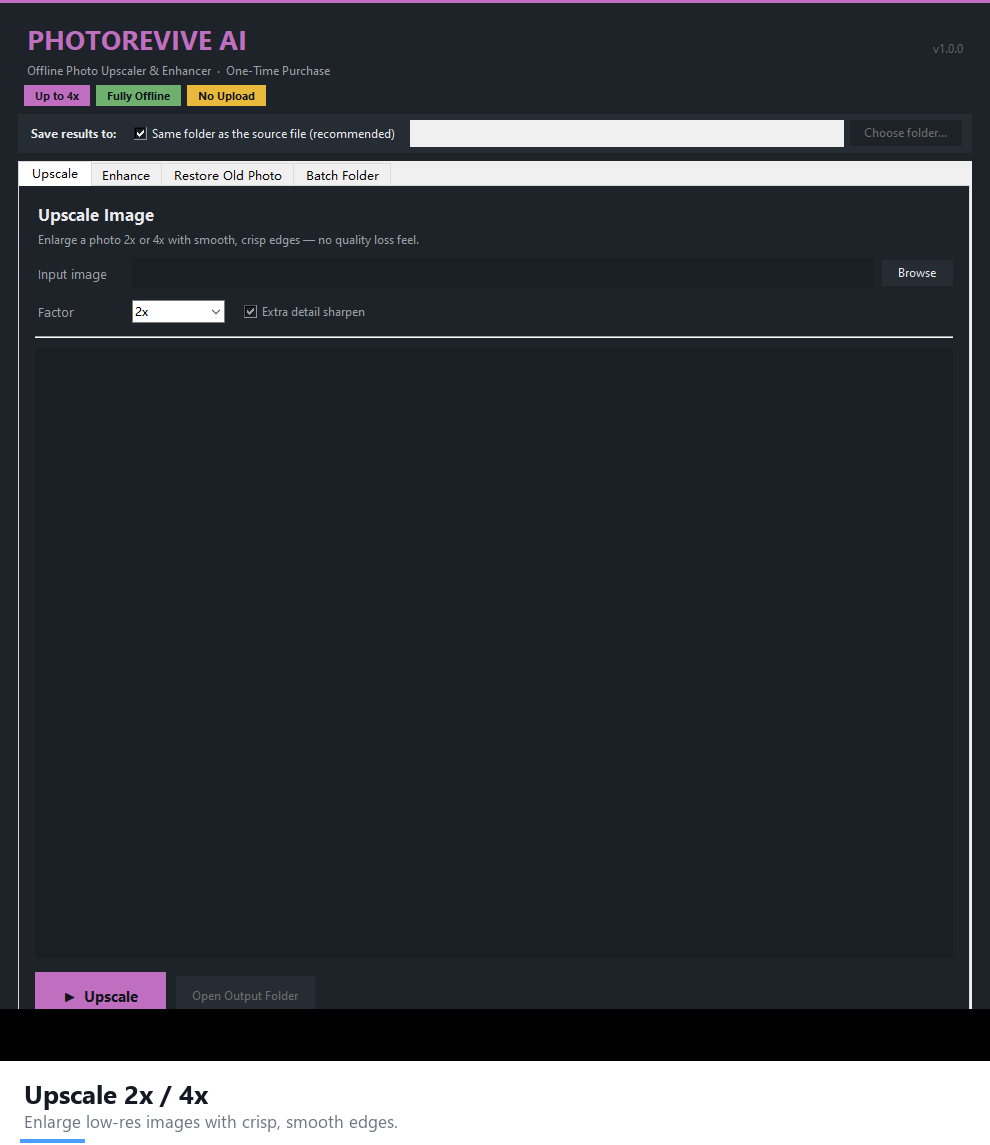
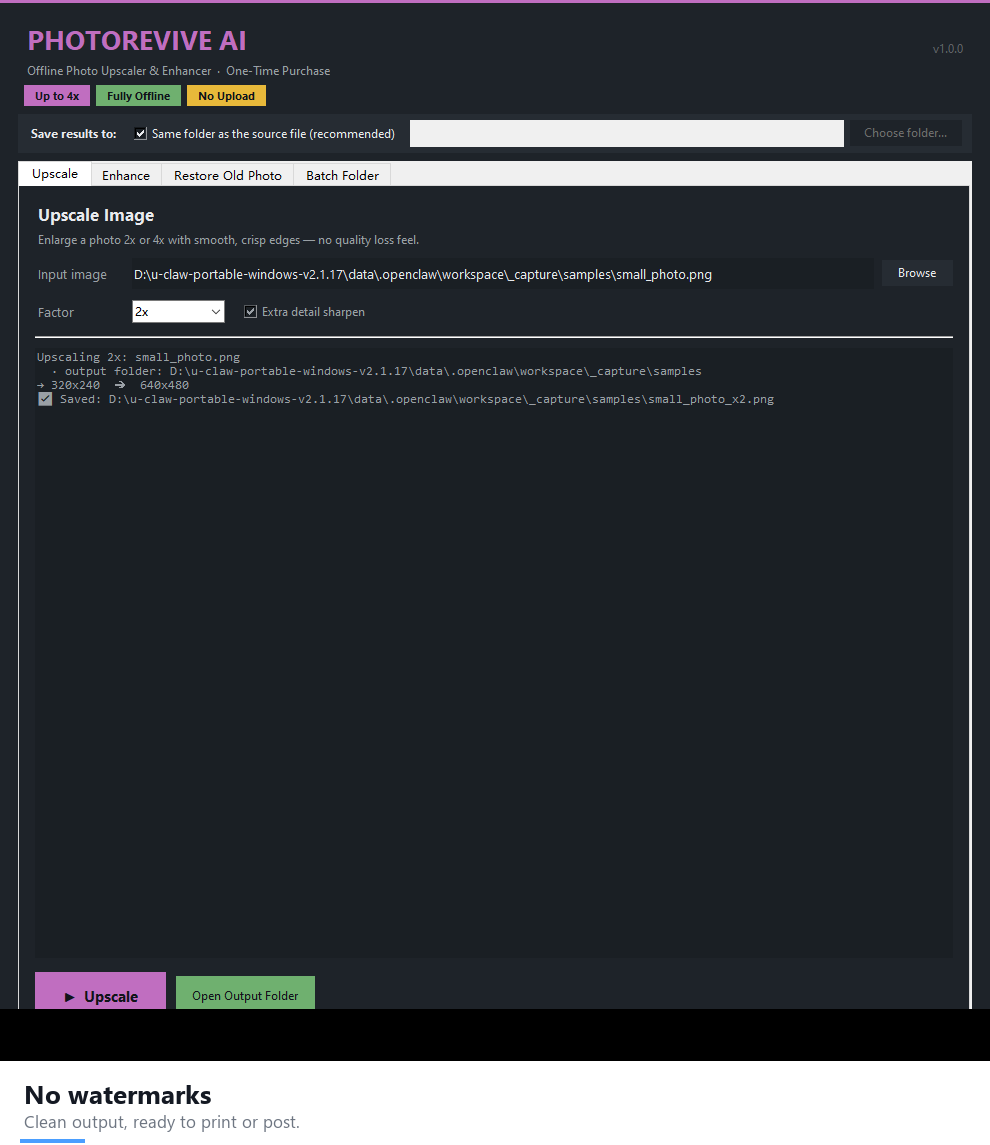
- Upscale 2x / 3x / 4x — high-quality Lanczos resize with a detail-recovery sharpen pass.
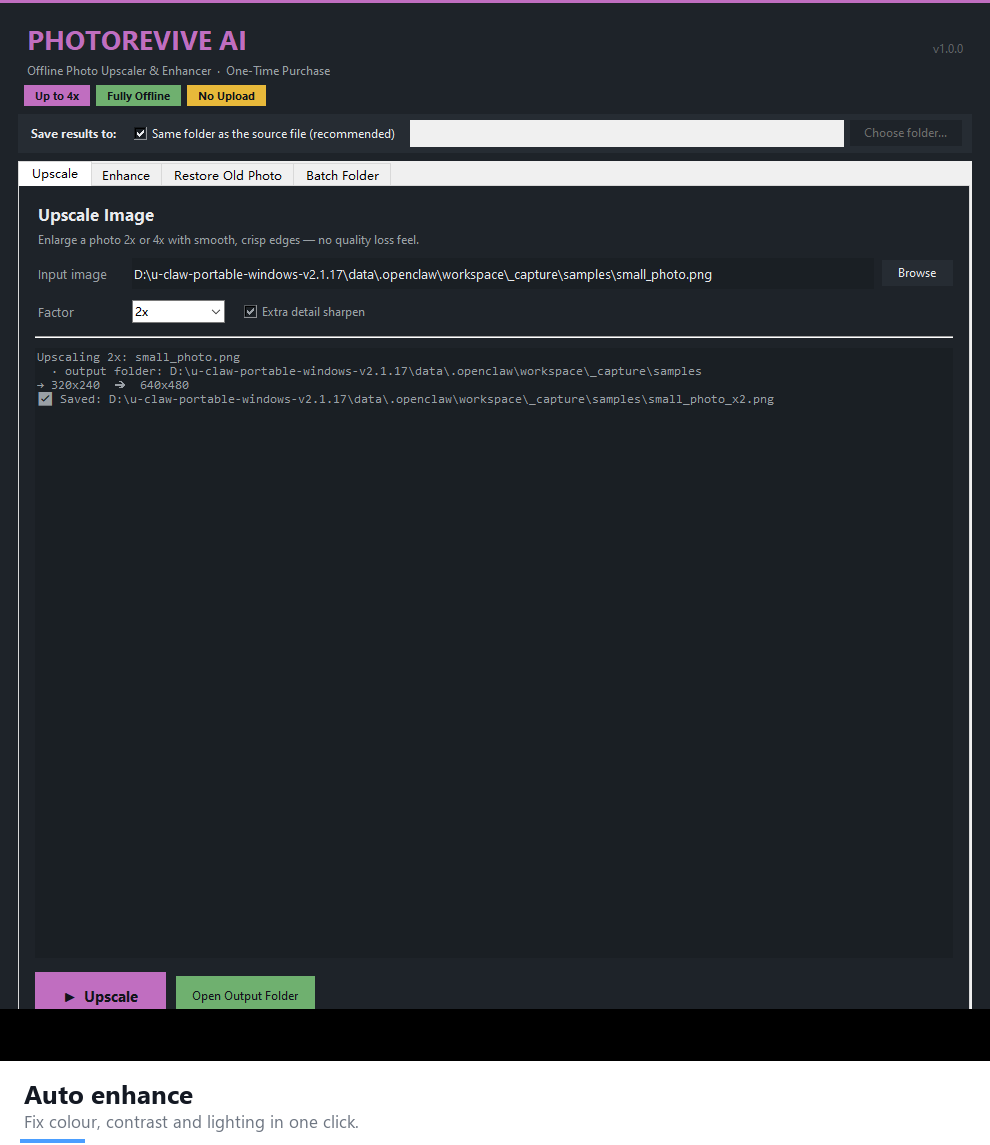
- Auto Enhance — color, contrast and brightness fixed in one click.
- Denoise — remove grain and sensor noise.
- Sharpen — crisp, clean edges.
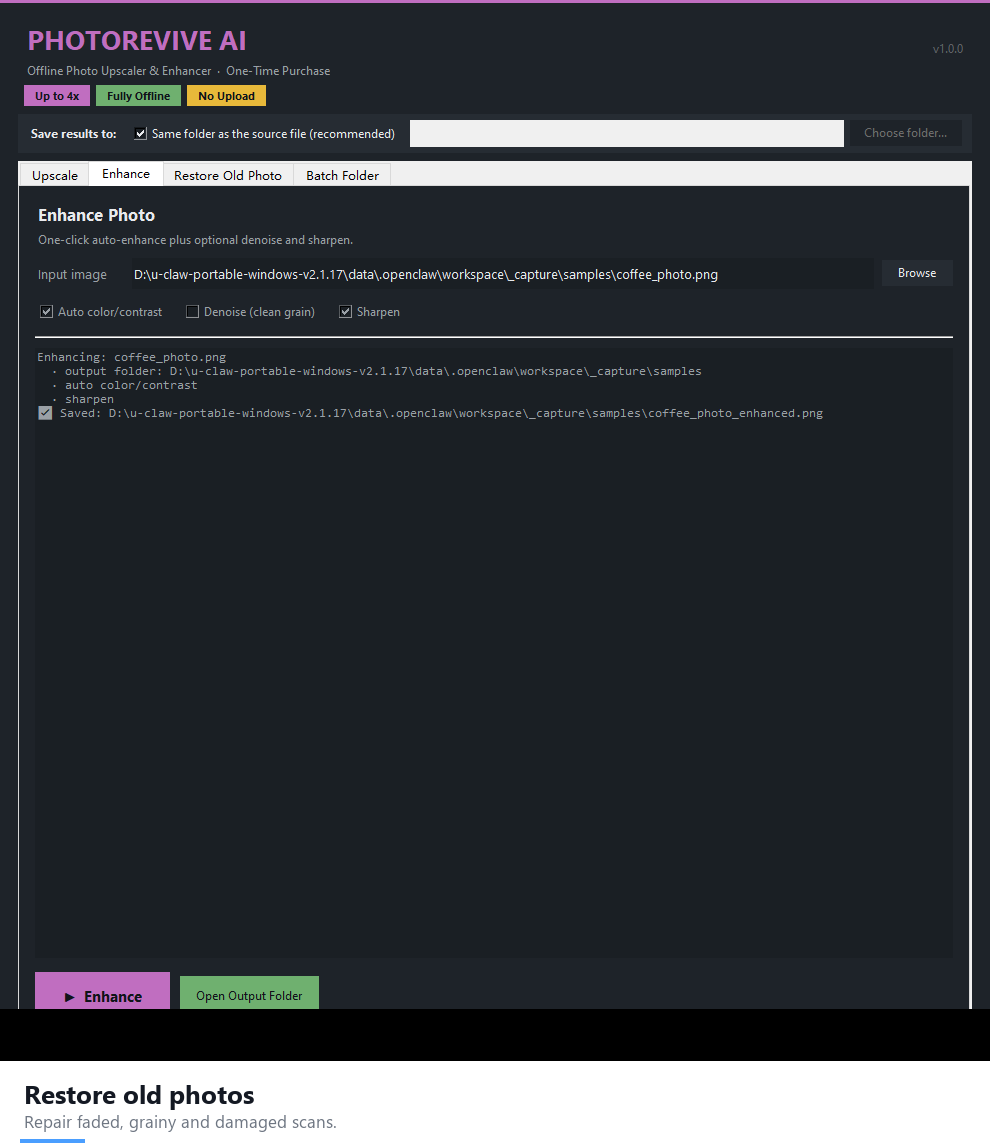
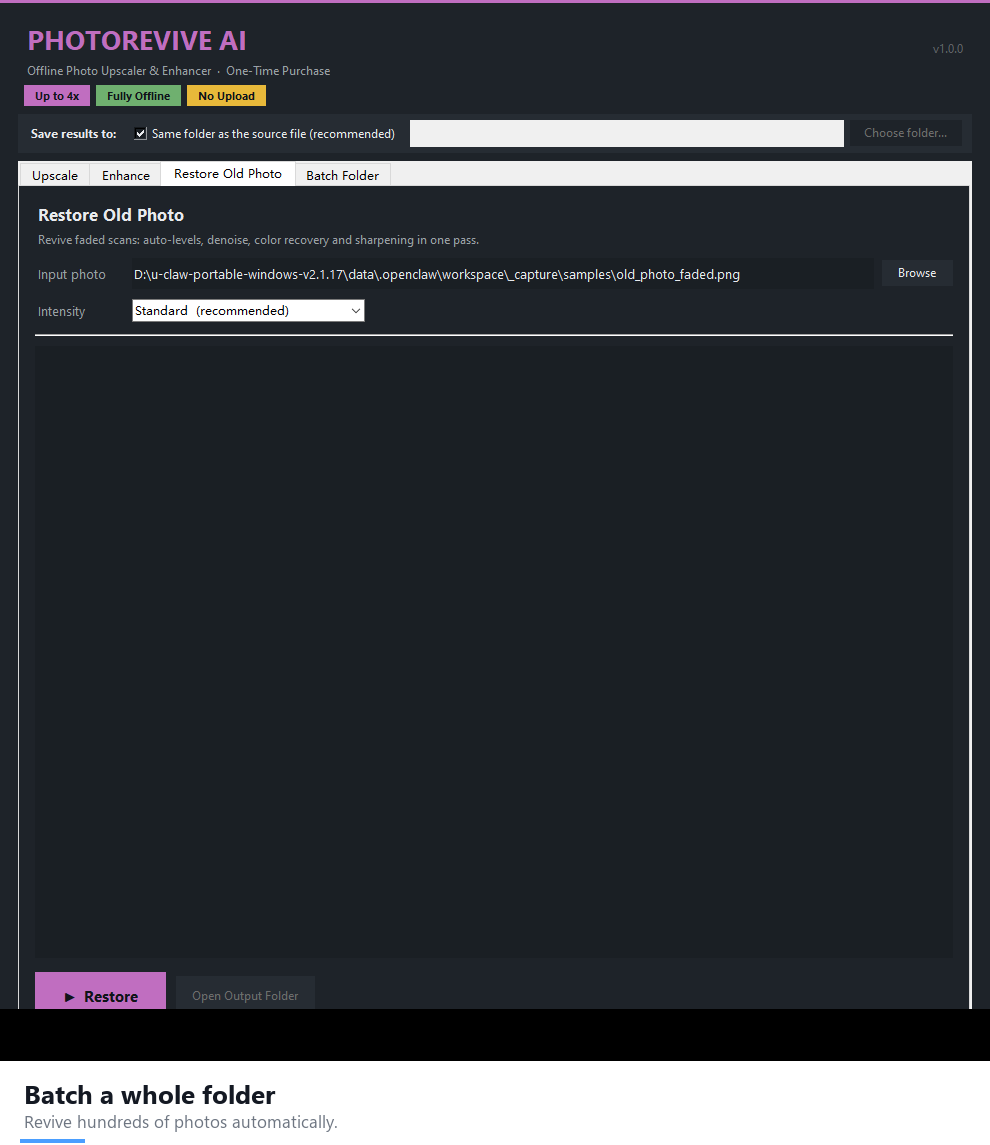
- Restore Old Photo — Gentle / Standard / Strong recovery levels.
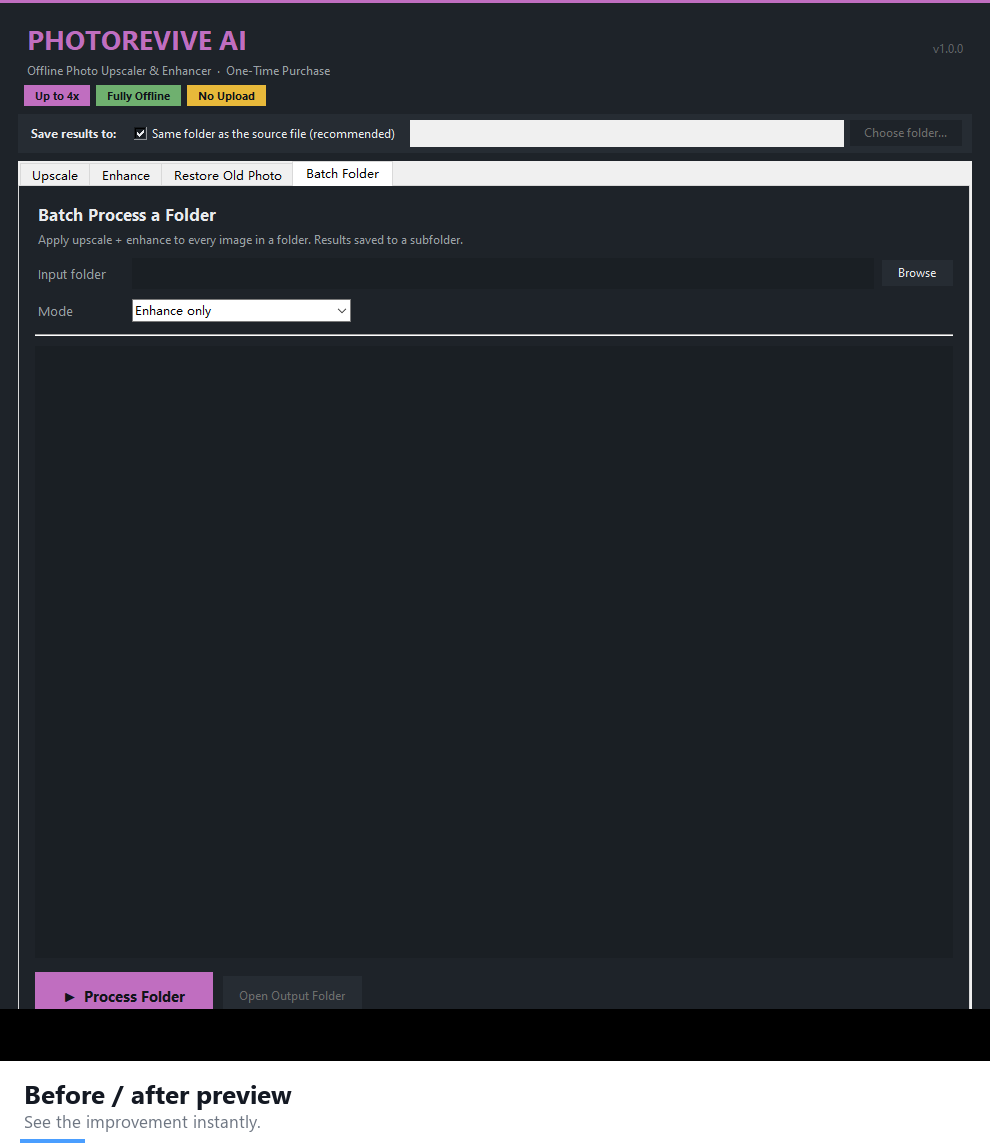
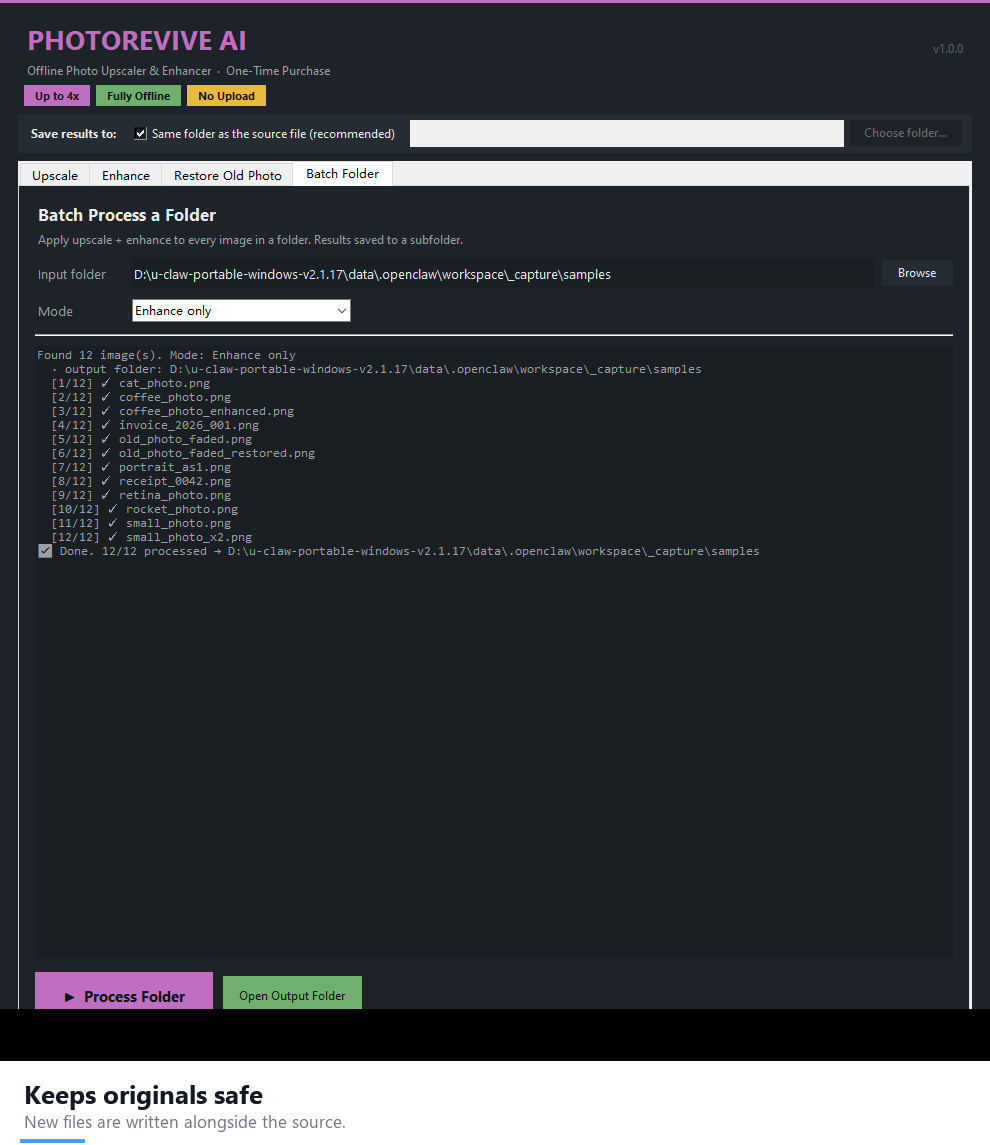
- Batch mode — process an entire folder in one go.
- Export as PNG, JPG or WEBP.
Why people choose PhotoRevive AI as their offline photo upscaler
- 100% offline & private — your photos never leave your computer. No uploads, no accounts, no telemetry.
- One-time purchase — pay once, use it forever. No monthly fees, ever.
- No watermarks, no per-image credits — process as many photos as you like.
- Portable .exe — no installation, no Python required. Just double-click.
- Results saved next to your source file (or pick any folder).
What you can do with PhotoRevive AI
- Restore old family photos — scan a faded print, run Restore, then Upscale for a crisp, shareable result. Full workflow: how to restore old photos offline.
- Upscale low-res images for print — turn a small photo into a 4x version that survives a larger canvas.
- Clean up noisy smartphone shots — denoise and sharpen in one pass.
- Batch-clear a whole folder — fix a wedding album or product shoot without touching each file.
- Sell restoration as a service — the same tool powers a paid old-photo restoration workflow.
PhotoRevive AI vs. cloud upscalers
Most online upscalers cap your free images, add watermarks, or upload your family photos to a server. PhotoRevive AI runs entirely on your PC: no upload, no credits, no watermark, no subscription. Your images — and the people in them — never leave your machine.
System requirements
- Windows 10 / 11 (64-bit)
- No internet connection required
FAQ
Is this a subscription?
No. It is a one-time purchase. You own it forever with no recurring fees.
Are my photos uploaded anywhere?
Never. All processing is local on your PC.
How many photos can I process?
Unlimited. There are no credits, watermarks or caps.
How much can I upscale an image?
Up to 4x. A 1000px photo becomes roughly 4000px wide — enough for a large print or a big social post.
Does it work on macOS or Linux?
PhotoRevive AI is built for Windows 10/11 64-bit.
Can I get it inside a bundle?
Yes — PhotoRevive AI is part of the AI Power Suite — 9 Premium Tools Bundle, nine offline tools for one one-time price of $169 (a $281 value).
Download PhotoRevive AI today and make your photos look their best — for one small one-time price.





Reviews
There are no reviews yet.