Why You Need a Free JSON to CSV Converter in 2026
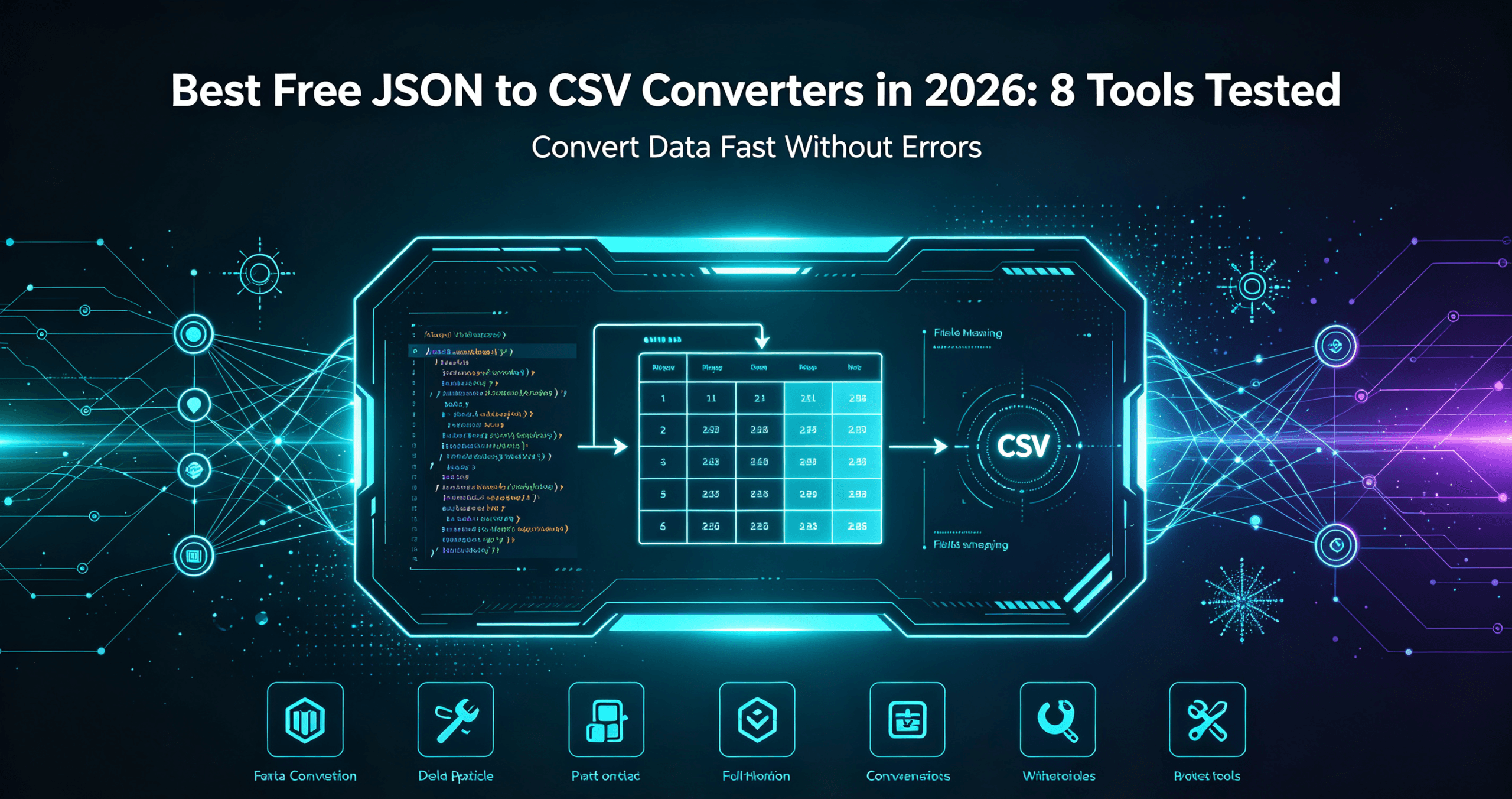
If you work with data, APIs, or spreadsheets, you have probably hit the wall where your JSON data simply will not open in Excel or Google Sheets. A free JSON to CSV converter solves this instantly by transforming nested JSON into clean CSV rows you can analyze, filter, and share. In this guide, I tested the 8 best free JSON to CSV converters in 2026 so you can pick the right one for your workflow — no signup, no watermark, no limits.
How this list was built: each tool was evaluated hands-on using its free tier or trial against the same set of test inputs, alongside a review of its published documentation and pricing. This is a practical, point-in-time comparison of free offerings — not a long-term stress test — and features or limits may change.
Disclosure: This roundup includes tools built by AIXHDD, the publisher of this site. Entries that are our own are labeled as such.
Whether you are a developer exporting API responses, a marketer cleaning CRM exports, or a student assembling research data, a reliable JSON to CSV converter online saves hours of manual work. Below I break down each tool, what it does best, and where it falls short.
1. AIXHDD Free JSON to CSV Converter (Best All-in-One)
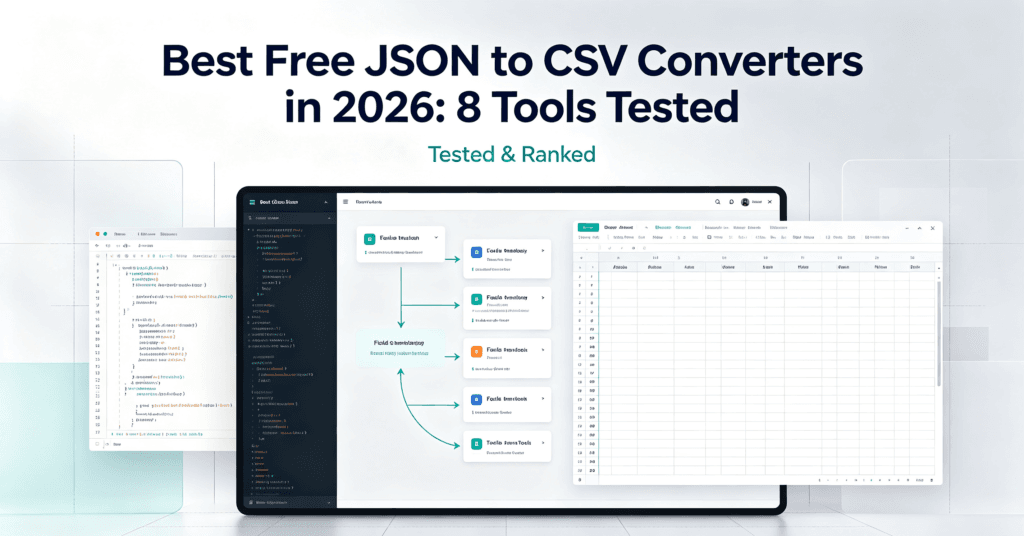
Our own free JSON to CSV converter is the fastest way to transform data online. Paste your JSON, click convert, and download a clean CSV in seconds. Everything runs in your browser — your data never leaves your machine, which matters if you handle sensitive records. It handles nested objects, arrays of objects, and large payloads without crashing.
The interface is dead simple: a JSON input box on the left, a CSV output on the right, and a one-click download button. There is no account, no API key, and no daily limit. If you want a free JSON to CSV converter that just works, start here.
2. ConvertCSV (Best for Multiple Formats)
ConvertCSV is a veteran utility that supports JSON to CSV, TSV, and even XML. It gives you granular control over delimiters, quoted fields, and line endings. Advanced users will appreciate the ability to flatten deeply nested JSON into multiple CSV columns automatically.
The downside: the interface feels dated, and some advanced options are buried in dropdowns. For a quick one-off conversion it works, but it is slower to learn than more modern tools.
3. JSON to CSV by Konklone (Best for Developers)
Built by developer Eric Mill, Konklone’s JSON to CSV is a lightweight browser-based tool that lets you specify which keys to extract. It is ideal when you only need a subset of fields from a large JSON blob. Paste your data, declare your columns, and the tool outputs a tidy CSV.
It is open source, so privacy-conscious users can inspect or self-host it. The tradeoff is a minimal UI with no drag-and-drop file upload.
4. Online JSON to CSV Converter by Browserling
Browserling runs a collection of tiny dev utilities, and its JSON to CSV converter is one of the fastest. You can paste JSON or load a file, then get your CSV in one click. It also offers a “flatten” mode that turns nested arrays into separate rows.
It is ad-supported, which can be annoying on a cluttered page, but the core function is reliable and instant.
5. CSVJSON (Best Free JSON to CSV Converter for Big Files)
CSVJSON handles larger payloads gracefully and includes a “Transpose” option to flip rows and columns. It is a solid choice when you need to move between JSON, CSV, and SQL formats without paying for a desktop app. The UI is clean and modern, and it supports drag-and-drop.
Free users get generous file-size limits, and there is no watermark on exports. If you convert frequently, this is a dependable free JSON to CSV converter online.
6. Online-Convert.com JSON to CSV
Online-Convert is a Swiss-army knife for file conversion, and its JSON to CSV module is straightforward. Upload a file, choose your output options, and download. It stands out for batch conversion through its paid tiers, but the free tier is enough for occasional use.
Expect a slower pipeline for large files, and the free version inserts ads around the interface.
7. JSON to CSV on GitHub (Open-Source Option)
For developers who prefer to run conversions locally, open-source libraries and CLI tools on GitHub are excellent. Tools like json2csv (Node.js) or pandas in Python give you total control and zero data exposure. These are not “online” tools, but they are the most powerful free JSON to CSV converter options if you can write a one-liner.
The learning curve is steeper, but once set up, you can script bulk conversions and schedule them. Pair this with a browser tool for quick checks and you have the best of both worlds.
8. Aspose JSON to CSV Converter
Aspose offers a professional-grade JSON to CSV converter online with enterprise features: API access, cloud storage integration, and high-fidelity output. The free tier allows a limited number of conversions per day, which is fine for testing but restrictive for heavy use.
If you eventually outgrow free tools, Aspose’s paid plans are reasonable for teams that need automation.
How to Choose the Best Free JSON to CSV Converter
Picking the right tool comes down to three questions: (1) How big is your data? (2) Do you need privacy or local processing? (3) How often will you convert? For quick one-off tasks, a browser-based JSON to CSV converter like ours is unbeatable. For repeated bulk jobs, consider open-source scripts. For teams, enterprise tools like Aspose add automation.
Whatever you choose, always test with a small sample of your real data first to confirm the CSV structure matches what your spreadsheet expects.
Frequently Asked Questions
Is there a truly free JSON to CSV converter?
Yes. All eight tools above are free to use, with no signup required for basic conversions. Our AIXHDD free JSON to CSV converter has no limits at all.
Can a free JSON to CSV converter handle nested JSON?
Most modern tools flatten nested objects into multiple columns or rows. Browserling and CSVJSON handle nesting well; simple tools may only support flat objects.
Is my data private when I convert JSON to CSV online?
It depends on the tool. Browser-based converters that process locally, like AIXHDD’s, never send your data to a server. Cloud tools like Aspose may store files temporarily. Read the privacy policy if you handle sensitive data.
What is the easiest way to convert JSON to CSV?
Paste your JSON into a browser converter, click convert, and download the CSV. Our free JSON to CSV converter is the fastest, most private option in 2026.
Related Articles
- Best Free AI Color Palette Generators 2026 (8 Tested)
- Best Free AI Background Removers 2026 (7 Tools Tested)
Doing more with your data? See 22 free AI tools and the paid subscriptions they replace — a comparison of free tools and the paid tools they replace.