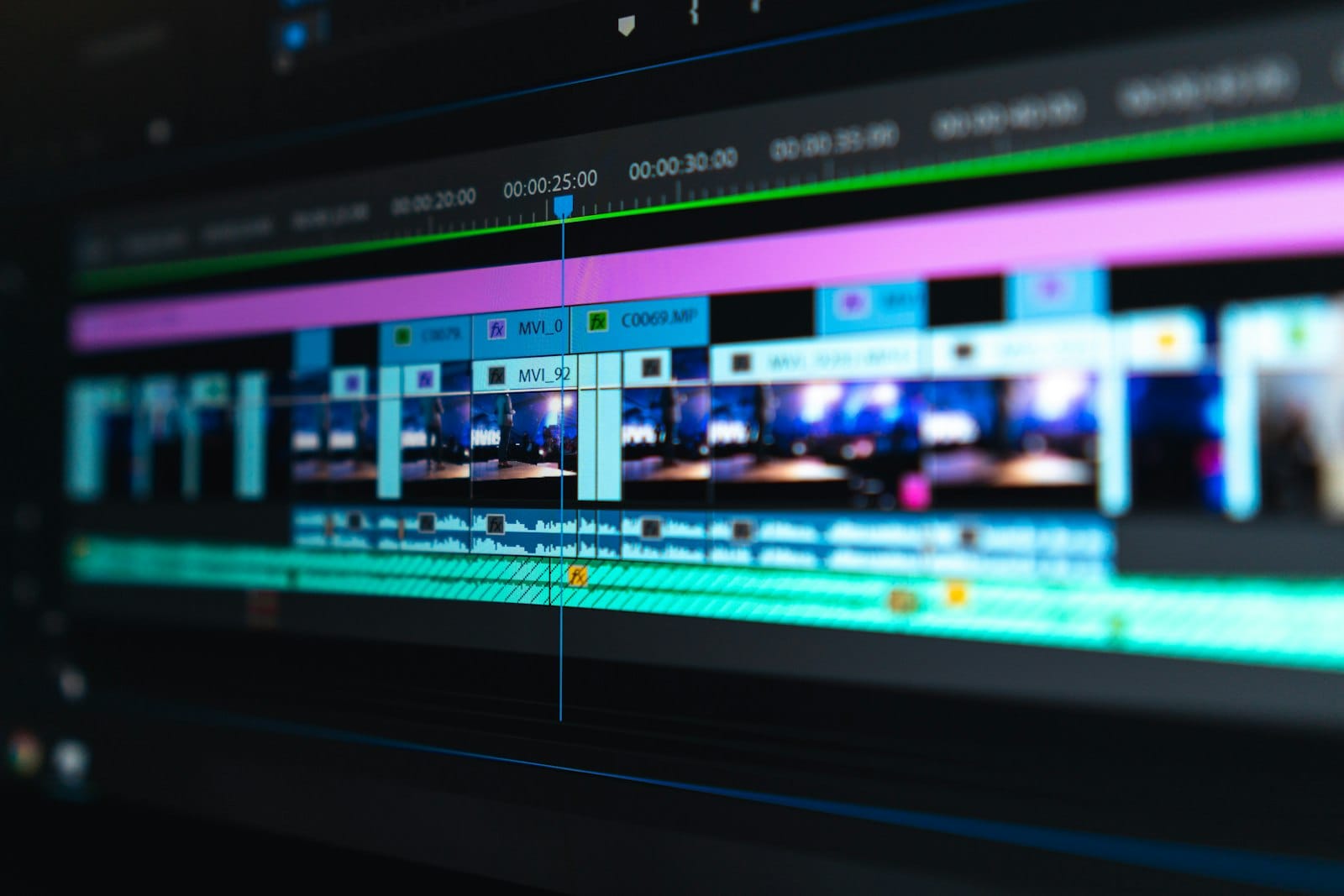
Six months ago I landed my first paid video editing client with $0 in software. No Adobe. No $40-a-month editor. Just a beat-up laptop, a handful of genuinely free AI tools, and a workflow I could run on a coffee budget. Today that same workflow is how I cut short-form videos for two creators and a small brand — and it still costs me nothing in monthly subscriptions.
This isn’t a listicle of “cool free software.” This is the exact free AI video editing for client work pipeline I run: how I get footage, rough-cut it, clean the audio, burn in captions, and deliver a file the client can post the same day. Every tool below is free at the tier that matters, and I’ll tell you exactly what each one is good for — and where the free ceiling will make you want to upgrade.
Why Free AI Video Editing for Client Work Is Viable in 2026
Two things changed the freelance video game. First, editing software went freemium in a serious way — the free tiers of CapCut and DaVinci Resolve now cover 90% of short-form work. Second, AI ate the slow parts: transcription, captioning, background removal, and even rough assembly. When the boring 70% of the job is automated, a solo editor with free tools can deliver what used to take a small agency.
The math is why clients pay. A 60-second short for a creator runs anywhere from $50 to $250 depending on polish and turnaround. A brand wants a 3-video package? That’s $400–$900. Your software bill: $0. Your margin is basically your time.
My Free Video Editing Workflow, Step by Step

Here’s the exact sequence I run for every client short. Steal it.
Step 1 — Collect the raw material
Most clients hand me raw talking-head footage or a stack of b-roll. When they don’t, I pull the client’s own long-form videos and repurpose the best 10–15 seconds. Free AI tools like the audio tools on our free tools page help me pull clean clips and grab background music options without a licensing headache.
Step 2 — Rough cut in DaVinci Resolve (free)
DaVinci Resolve’s free version is not a demo — it’s a full editor with no watermarks and no export limits. It handles 4K, has serious color tools, and its auto-transcription feature builds a text timeline you can cut by deleting words. For a talking-head short, I cut the whole piece in Resolve in under an hour.
Step 3 — Speed edits and captions with CapCut (free)
For punchy vertical shorts, CapCut’s free tier is my workhorse: auto-captions, animated text, beat-synced transitions, trending templates. It reads the audio, generates word-perfect captions, and I just restyle them to the client’s brand color. This is where 80% of the “wow” comes from for social clips.
Step 4 — Clean the audio (free)
Bad audio kills client videos faster than bad visuals. I run dialogue through a free noise-reduction pass (DaVinci’s built-in voice isolation is excellent) and keep a free voice tool handy for fixing a flubbed word by regenerating a clean line. If you want a fast path to studio-quality voice work on a budget, an AI voice suite is the single highest-leverage tool an editor can own.
Step 5 — Deliver
I export to MP4 at the client’s required aspect ratio, and if they need variations, I re-render in a few aspect ratios (vertical 9:16, square 1:1, horizontal 16:9). One master edit — three deliverables. That’s a billable upsell that costs me nothing extra.
The Honest Ceiling of Free Tools
Free AI video editing for client work gets you shockingly far, but I’ll be straight about the limits. Free tiers usually mean: no team collaboration, cloud-only projects that vanish if you stop paying, weaker export codecs, and the nagging need to be online. If a client sends you 200GB of footage to cut into a 15-minute branded documentary, the free apps start to strain.
This is where I made a deliberate call that keeps my costs at zero while upgrading my capability: instead of stacking monthly subscriptions that quietly eat $30–$80 a month, I bought tools once. For heavy, privacy-sensitive offline work, I keep a portable AI toolkit on a local setup loaded with local editing-adjacent AI — no subscription, no watermark, fully offline. And for clients who want automated faceless-style content at scale, a local AI video generator replaces what would otherwise be a $30+/month cloud tool. If you want that offline layer ready to run out of the box, the AIXHDD Tool Suite ships a ready-made local AI environment on a stick.
Where to Find Editing Clients (and What to Charge)
You don’t need a portfolio of 50 videos to start. You need three decent samples and a niche. Creators on YouTube and TikTok constantly outsource shorts; local businesses want 30-second social ads; podcasters want clip cutdowns.
Realistic starting rates in 2026: $50–$100 per 60-second short, $150–$350 for a packaged vertical series, $200+ for a 5–10 minute edit with captions and color. Raise prices as you build testimonials. The free-tool edge means you can undercut on price early without losing margin.
FAQ
Can I really edit client videos with only free tools?
Yes — for short-form and most social content, DaVinci Resolve’s free version plus CapCut’s free tier cover captions, cuts, color, and export with no watermark. I run a paying freelance video gig on exactly this stack.
What’s the fastest free AI tool for auto-captions?
CapCut’s auto-caption is the fastest for social clips — it transcribes and styles captions in one pass. For longer projects, DaVinci Resolve’s built-in transcription lets you cut by editing text.
How much should I charge per client video?
Start at $50–$100 for a 60-second short and scale with turnaround time, extra deliverables (multi-aspect exports), and caption styling. Deliverables packages ($400–$900 for 3-video sets) pay better than single clips.
Bottom Line
You do not need a paid suite to start earning as a video editor in 2026. Free AI video editing for client work is real — I do it every week. Learn DaVinci Resolve’s free tier for cutting and color, lean on CapCut for punchy captioned shorts, keep the audio clean, and deliver more than the client asked for. Then, when the volume or privacy demands it, upgrade to one-time-purchase local tools instead of bleeding monthly subscriptions — VideoForge handles offline compression and format conversion, so client files never leave your machine. That’s how you turn a $0 software stack into a paid workflow that compounds.
For a deeper comparison, see our guide to best AI tools for content creation.
For a deeper comparison, see our guide to AI side hustles that actually make money.