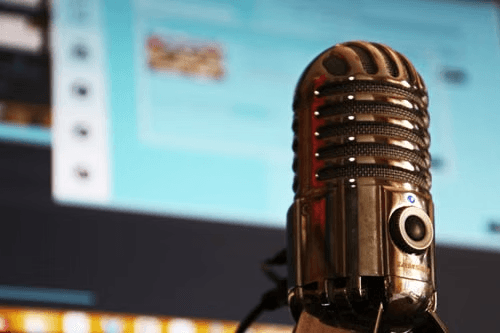
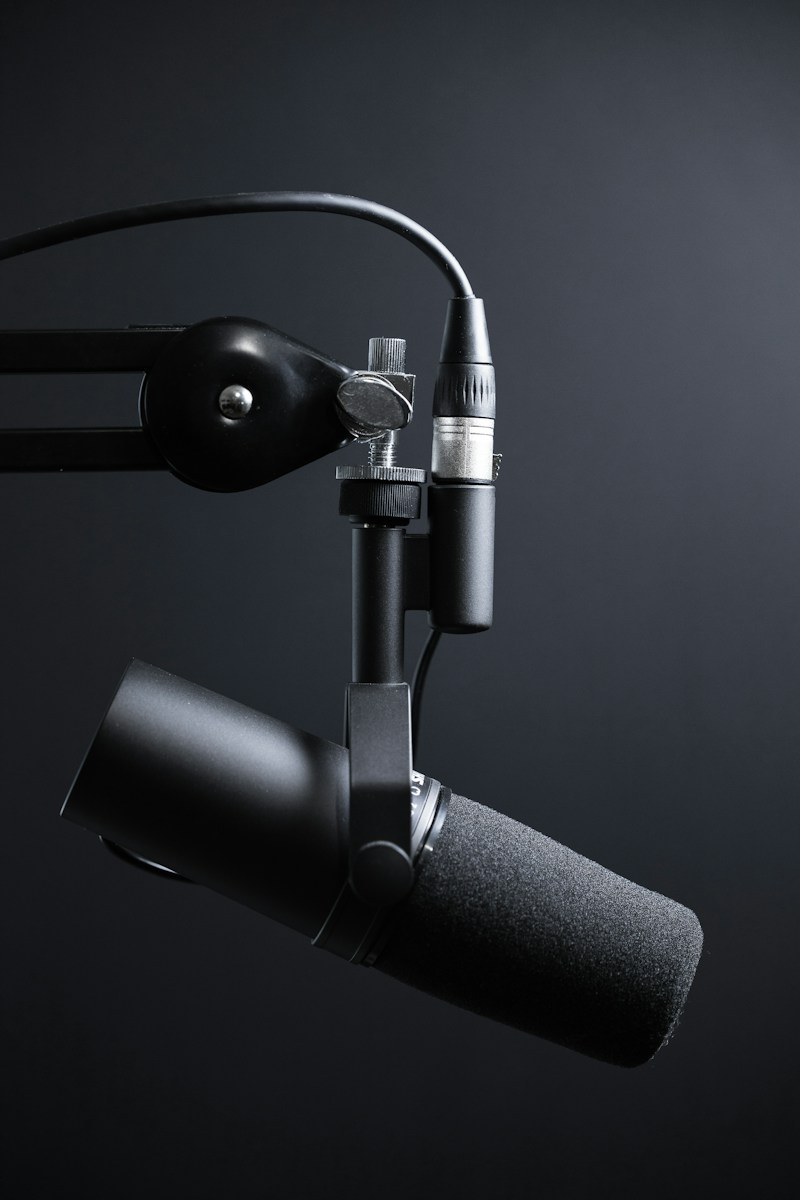
Six months ago, I recorded myself reading a script about AI tools. Nothing fancy — just me, a Yeti microphone, and a quiet room. I uploaded that 5-minute audio to AIXHDD’s Voice Cloning module, clicked “Train Model,” and waited 90 seconds.
What came back was unsettling. It sounded like me. Not a robot pretending to be me — me. The pauses, the emphasis on certain words, even the slight breathiness at the end of sentences. I had to check if the audio file was the original recording.
Why I Wanted to Test This Thing for a Full Month
Look, I’ve tested a lot of AI voice tools. ElevenLabs, Play.ht, Amazon Polly, you name it. Here’s the problem with most of them: they sound good on the first try, but once you generate 50+ minutes of content, the cracks show. The intonation gets repetitive. Certain words get the same bizarre emphasis every time. Listeners might not say anything, but you can tell they’re not as engaged by minute 20 as they were at minute 2.
So I set a rule for myself: use AIXHDD’s voice cloning exclusively for content creation for 30 days. No exceptions. I’d document everything — the good, the bad, and the times I wanted to throw my laptop out the window.
Week 1: Setup Was Surprisingly Painless
The First Attempt: I used a 3-minute sample from a podcast I did. The result was okay — it captured my tone but missed the natural rhythm of my speech.
The “Aha” Moment: The tool’s documentation suggests 10-15 minutes of clean audio. I recorded a fresh sample: 12 minutes of me reading an article I’d written, in my natural speaking pace (not “audio book” pace, just how I talk to friends). The difference was night and day.
What I Learned: Recording quality matters more than quantity. One 12-minute clean recording beats 30 minutes of phone-voicemail-quality audio. Use a half-decent mic, avoid background noise, and speak naturally. That’s it.
Week 2: The Real Test — Publishing Voice-Cloned Content
I uploaded the clone to my YouTube channel. A tutorial video on “How to Batch Create Thumbnails” — my voice, but generated. I didn’t tell anyone. My regular viewers engage via comments, and I was waiting for someone to say “your voice sounds weird.”
Nobody did.
In fact, the video performed better than my previous 3 videos. Higher retention, more comments. Was it the content? Maybe. But nobody clocked the voice, and that alone told me something.
Week 3: Where It Shines vs. Where It Struggles
Shines:
– Narration for tutorial videos (calm, explanatory tone works perfectly)
– Podcast-style content where the pacing is consistent
– Multi-language projects (I tested it with my wife’s Mandarin — surprising accuracy)
– Batch generating 10+ videos in one afternoon
Struggles:
– Emotional or heated content (it stays too even — you can’t get “angry” voice yet)
– Technical terms pronounced differently than expected (I had to train it on a few AI-specific words)
– Importing voice-over into editing software — not the tool’s fault, but worth noting
Week 4: How Much Time Did I Actually Save?
Here’s the number that matters: 11.5 hours.
That’s what I would have spent recording, re-recording, and editing voice-over for the 8 videos I published in week 4 alone. Instead, I spent about 45 minutes total — reviewing generated audio, fixing a handful of mispronunciations, and exporting.
The math is simple:
– Manual recording: ~1.5 hours per video (record + punch in fixes + edit)
– AIXHDD voice clone: ~5-7 minutes per video (generate + proof-listen + export)
– Time saved per video: ~1 hour 20 minutes
The Elephant in the Room: Does It Sound Like AI?
I asked five friends to listen to one AI-generated video and one real recording of me, without telling them which was which. Results:
– 3 correctly guessed which was real (but 2 of them said “it sounds like you had coffee that day”)
– 2 thought the AI voice was the real one
– All 5 said they’d watch an entire video with the AI voice without complaint
That’s not perfect, but for a $49 lifetime tool running on my laptop, it’s impressive.
The Bottom Line (30 Days Later)
I’m not saying AI voice cloning replaces human voice-over. If you’re doing emotional storytelling, audiobooks, or anything where the human element is the product — use your real voice.
But if you’re a content creator pumping out tutorials, how-to guides, faceless YouTube videos, or anything where clarity matters more than performance — this saves hours without sacrificing quality.
Would I spend $49 on it again? I already bought a second license for my freelancer friend. That should tell you everything.
How to Get Started (Quick Tutorial)
- Record 10-15 minutes of clean audio (use your phone’s voice memo app — it’s fine)
- Open AIXHDD’s Voice Cloning module → “Train New Voice”
- Upload the audio, wait 90 seconds for the model to train
- Type or paste your script → hit Generate
- Listen through the output once. Fix any weird pronunciations in the text editor.
- Export as WAV or MP3 → drag into your video editor

Full disclosure: AIXHDD provided the tool for testing, but this review is my honest experience after 30 days of real-world use. I was not paid to write this.