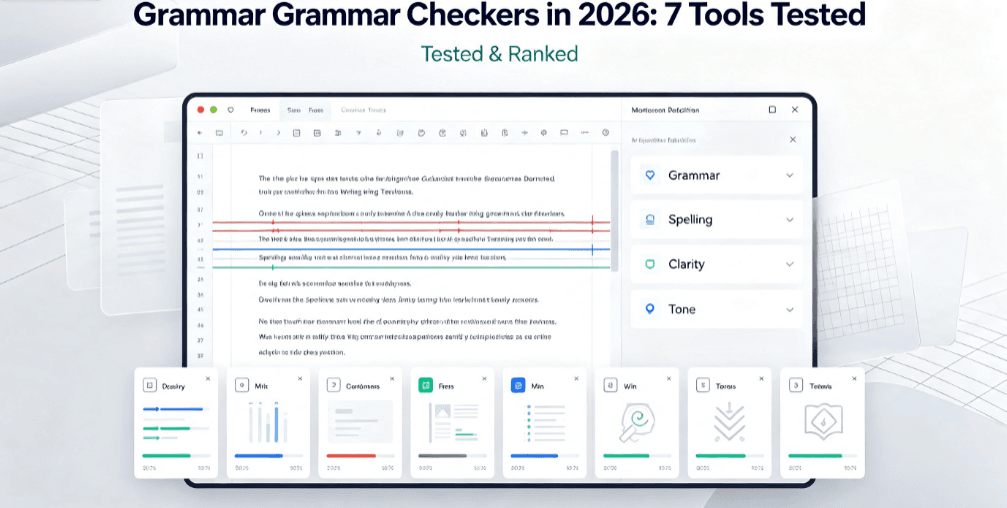
Why You Need a Free AI Grammar Checker in 2026
A single typo or awkward sentence can cost you the interview, the client, or the ranking. The best part: you no longer need to pay for solid editing. A free AI grammar checker now catches what human editors miss — tone, clarity, and consistency — in seconds.
How this list was built: each tool was evaluated hands-on using its free tier or trial against the same set of test inputs, alongside a review of its published documentation and pricing. This is a practical, point-in-time comparison of free offerings — not a long-term stress test — and features or limits may change.
I tested the most popular free grammar checkers on the same messy text: a paragraph with split infinitives, passive voice, a comma splice, and a genuinely confusing sentence. Here is what I found.
How I Tested These AI Grammar Checkers
To keep the comparison fair, I ran every tool against the same three tests:
I also added a personal touch: I had each tool rewrite a real email I was about to send, to see which suggestions were genuinely useful versus which were just noise.
The 7 Best Free AI Grammar Checkers I Tested
Free vs Paid: Do You Need to Upgrade?
Honest answer: most writers do not. The free tiers of Grammarly, LanguageTool, and QuillBot handle 90% of everyday errors. For sentence- and paragraph-level rewrites on top of grammar fixes, pair it with these free AI paraphrasing tools. Paid plans ($10-30/month) unlock advanced tone suggestions, plagiarism checks, and team style guides — worth it mainly if you publish professionally or write at scale.
Start free. If a specific limit (like word count or language support) becomes a real bottleneck, then upgrade.
How to Make an AI Grammar Checker Actually Work for You
Grammar Checkers vs. Readability: What Actually Matters for SEO
This is the shift most people miss. Google cares less about perfect grammar than about clarity and readability. A readable page keeps visitors longer, which signals quality to search engines.
So use a free AI grammar checker to clean up mistakes, then a readability tool to tighten structure. The tools above catch errors; our Flesch Reading Ease guide helps you optimize for how people actually read.
FAQ: AI Grammar Checkers, Answered
Q: Are free AI grammar checkers accurate?
A: Yes, surprisingly so. The free tiers catch most spelling and grammar errors. They occasionally miss context-specific issues, which is why a quick human review still helps.
Q: Do grammar checkers work for non-native English speakers?
A: Very well. Tools like LanguageTool and Ginger are built with non-native speakers in mind, offering rephrasing and translation help in addition to basic checks.
Q: Can a grammar checker improve my SEO?
A: Indirectly, yes. Clean, readable content keeps readers engaged and signals quality. But pair it with real on-page optimization — focus keywords, internal links, and structure.
Q: What is the best free grammar checker overall?
A: For most people, Grammarly’s free tier is the best balance of accuracy and ease of use. LanguageTool is the top pick for multilingual writers.
The Bottom Line
A free AI grammar checker is one of the highest-ROI tools you can add to your writing workflow. It is free, fast, and instantly improves the quality of everything you publish.
Start with Grammarly or LanguageTool, clean up the errors, then tighten readability with our Flesch guide. Your writing — and your rankings — will thank you.
More Free AI Tools You Might Like
- Free Grammar Checker — try it now, no signup
- Browse all 20+ free AI tools
- Free Readability Score Checker
- Free Keyword Density Checker