A client sent me a spreadsheet last month with 2,000 rows of supplier contacts. Half the phone numbers had spaces and dashes in random places. Fourteen rows had duplicate emails. The “Country” column had six different spellings for the same three countries — including “USA”, “US”, “U.S.A.”, and one memorable “United States of America (the)”.
They wanted it clean, deduplicated, and returned with a summary report. I did the whole thing in about 40 minutes with free tools, no cloud upload, and no per-row fees. That job paid $240. It was the third data cleaning job I had taken that week.
If you can open a spreadsheet and follow a checklist, you can run a data cleaning service for clients — one of the most reliable freelance offerings you can build in 2026. This is the exact workflow I use: the tools, the pricing, and the client pitch that turns a $40 cleanup into a $500 retainer.
Why a data cleaning service for clients is the easiest freelance service to start
Most freelance services have a chicken-and-egg problem: clients want portfolio proof before they hire you. Data cleaning is different, because the deliverable is self-evidently verifiable. The client already knows their data is messy — that is the entire reason they contacted you. You do not have to convince them the problem exists.
Three things make it a strong fit for a free AI workflow:
- The work is rule-based. Duplicates, whitespace, inconsistent capitalisation, broken date formats — these are deterministic problems. You do not need judgement, just a repeatable pipeline.
- The input is standard. Almost every client hands over a CSV or XLSX. You build the pipeline once and reuse it forever.
- The output is easy to price. Clients pay per file or per hour, and they can see exactly what changed.
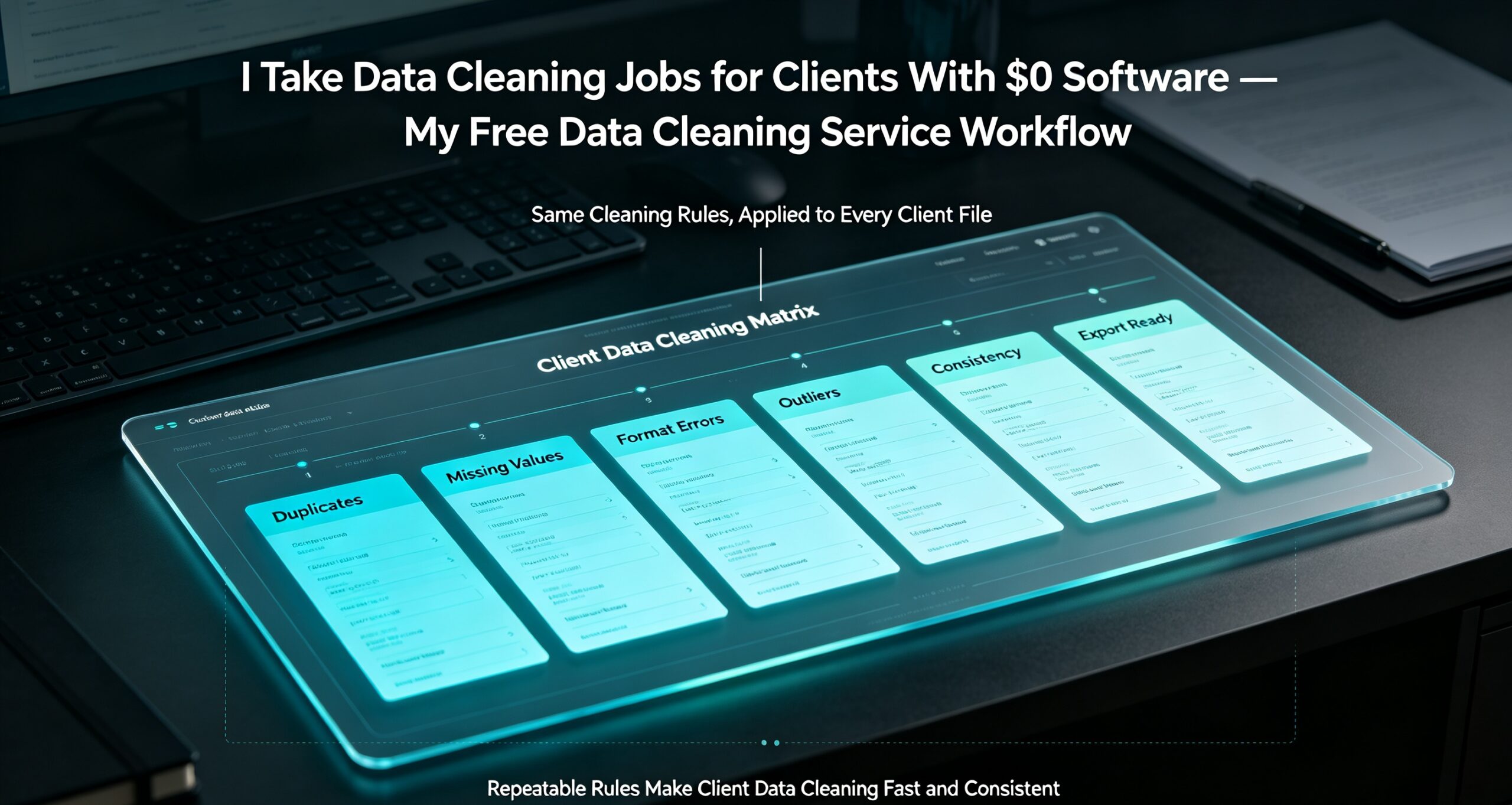
The five data problems that make up 90% of jobs
After a few dozen jobs, you start to notice the same issues over and over. Here is what I actually find, roughly in order of frequency:
| Problem | What it looks like | Fix |
|---|---|---|
| Inconsistent formatting | “USA” / “US” / “U.S.A.” / “united states” | Normalise to one canonical value |
| Duplicate rows | Same email twice, different casing | Case-insensitive dedupe on key column |
| Stray whitespace | Leading spaces, trailing tabs, non-breaking spaces | Trim all cells |
| Broken dates | “03/04/2026” — is that March or April? | Standardise to ISO 8601 |
| Missing values | Blank phone, empty country | Flag, fill, or drop — client decides |
I always show the client this table before I start, with counts from their own file. It takes five minutes and it almost always closes the deal, because they can see you understood their data better than they did.
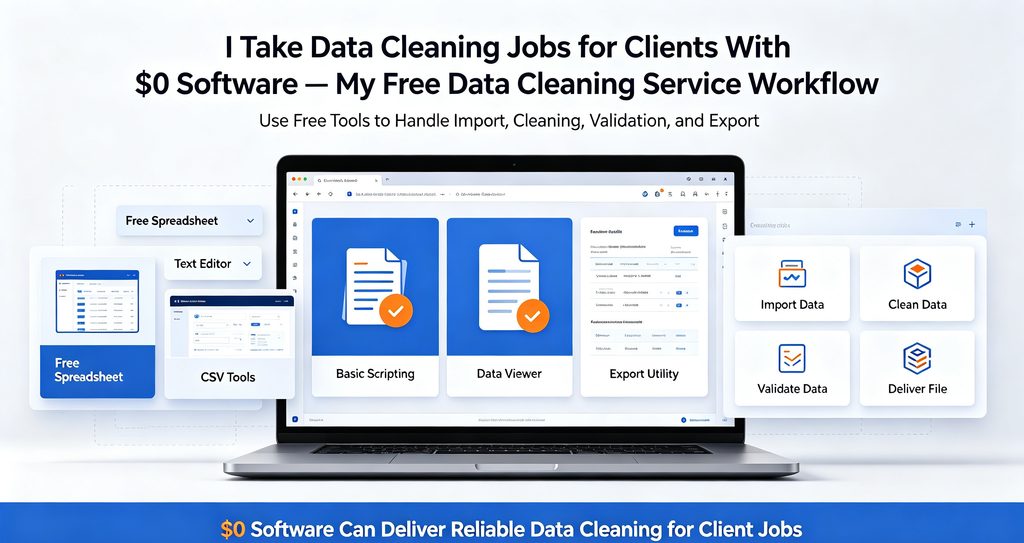
The free tool stack I use for data cleaning
You do not need a paid data platform. Here is the free stack I run on every job:
1. A desktop spreadsheet for the first pass
Excel, LibreOffice Calc, or Google Sheets all work. I use a desktop app because clients’ files often contain personal data, and keeping the work local avoids any awkward conversation about where their customer list has been uploaded.
2. A dedicated converter for format wrangling
Half the job is format conversion — CSV to XLSX, JSON to CSV, TSV to anything. Standing on the command line for this is fine, but when a client sends a file with a broken encoding or a strange delimiter, a proper converter saves you twenty minutes of guessing. I keep a batch file converter in my toolkit for exactly this, and I tested the free options side by side here as well.
3. A rule-based cleaning script
For the repeatable parts — trim, dedupe, normalise, validate — I use a short script so the process is identical on every job. This is what turns a 3-hour task into a 30-minute one. You can write it in Python or JavaScript; the logic is simple.
Step by step: my end-to-end cleaning pipeline
Here is the exact sequence I run, from client file to final delivery.
Step 1 — Profile the data before touching it
Before I clean anything, I count the problems. How many rows? How many unique values per column? How many blanks? How many near-duplicates? This gives me a baseline and, more importantly, gives the client a reason to trust the invoice at the end.
Step 2 — Normalise the messy columns
Country names, phone formats, and date fields are almost always inconsistent. I map every variation to one canonical value and standardise dates to ISO 8601 (2026-03-04). This single step removes most of the visual noise the client noticed in the first place.
Step 3 — Deduplicate on the right key
Never dedupe on the whole row — you will delete legitimate records. Pick the column that should be unique (usually email or customer ID), lowercase it, trim it, and dedupe on that. Log how many rows you removed so the client can audit your work.
Step 4 — Validate and flag
Rules for what a valid row looks like: emails matching a basic pattern, phone numbers within a length range, dates falling in a sane window. Anything that fails gets flagged in a separate column rather than silently deleted. Clients hate surprises more than they hate gaps.
Step 5 — Deliver a clean file plus a report
The clean spreadsheet is the product, but the report is what gets you rehired. I generate a one-page PDF summarising what I found, what I changed, and what still needs the client’s input. When the client has fifty files a month, that report becomes the reason they keep sending work to you instead of the next freelancer. If you are generating those reports in bulk, the same approach I use for turning one spreadsheet into 50 client documents works here too.

How I price data cleaning jobs
Here is the pricing structure I use with clients. It is deliberately simple, because complexity scares away small business owners:
| Job size | Typical price | Turnaround |
|---|---|---|
| Single file, under 500 rows | $40 – $75 | Same day |
| 1,000 – 5,000 rows, one file | $120 – $250 | 1 – 2 days |
| Recurring monthly batch | $300 – $800 / month | Agreed schedule |
| One-off migration project | $500 + | Project quote |
The recurring batch is where the real income is. A client who sends fifty files a month is worth more than ten one-off jobs, and the pipeline you built for job one works for all of them.
Where to find your first clients
- Local small businesses. Ask a dentist, gym, or restaurant whether their customer list has duplicate entries. The answer is always yes.
- E-commerce sellers. Product catalogs and order exports get messy fast. Marketplace sellers usually have no in-house solution.
- Marketing agencies. They receive dirty lists from every client and hate dealing with them. One agency relationship can feed you work for a year.
- Freelance marketplaces. Search for “data cleaning” and “spreadsheet cleanup”. There is steady demand and surprisingly little competition at the quality end.
Frequently asked questions
Do I need to know how to code?
No. For files under a few thousand rows, a spreadsheet and a checklist will get you 90% of the way. Coding helps once you start handling recurring batches, because you can automate the boring parts.
Is it safe to handle client data?
Keep it local. Do the work on your own machine, avoid uploading customer lists to random web services, and delete the files once the job is delivered and paid. Mention this in your pitch — small businesses care, and it is a genuine differentiator against freelancers who paste client data into anything with a free tier.
How long does a job take?
A single file under 1,000 rows takes me under an hour. The first job is slow because you are building the pipeline; every job after that gets faster. That is the whole point of a repeatable workflow.
What if the data is too messy to fix?
It is rare, but when a file is genuinely irrecoverable, I say so and charge only for the assessment. Reputation is worth more than one invoice, and honesty in the assessment is what makes clients come back with better files.
Bottom line
Data cleaning is unglamorous, which is exactly why it pays. Clients do not want to do it, they cannot easily automate it themselves, and the result is trivially verifiable. With a free tool stack and a repeatable pipeline, you can turn a $40 cleaning job into a $500 monthly retainer.
Put this into practice: open your own contacts list or any spreadsheet you have lying around. Count the duplicates and the inconsistent entries. That number is your first case study — and your first pitch. If you would rather not hand-build the reporting step, the DocGenTool turns a cleaned sheet into white-label PDF reports, and PDF Magician handles the merging and batch export.
A note on tooling and disclosure
Everything in this workflow can be done with free software — that is the point. The two paid tools I mention are ones I use and sell on this site, at a one-time price rather than a subscription. If you would rather stay entirely free, the script-and-spreadsheet approach in steps 1 to 5 works without them. Disclosure: this page contains links to products sold by this site. I only recommend tools I actually use in client work.