If you run a WordPress site for long enough, you eventually learn an uncomfortable truth: most of what holds a site back isn’t the writing. It’s the plumbing.
I learned this the slow way. For two years I treated my site like a publishing machine — new post on Monday, new post on Thursday, tweak the titles, hope for the best. Traffic crawled. I blamed the algorithm. I blamed “the niche.” I bought a $129/month SEO suite and stared at dashboards full of red and orange, week after week.
The dashboards were never the problem. The problem was what I did with them: nothing.
Finding problems is easy. Fixing them is where everyone quits

Here’s what a typical audit tells you:
- 14 pages have no internal links pointing to them. (Orphan pages — Google may never find them, and even if it does, they carry almost zero weight.)
- 38 images are missing alt text. (Invisible to search, invisible to screen readers.)
- A handful of internal links are 404s. (You’re sending visitors — and crawlers — into a wall.)
- Dozens of pages have thin or duplicated meta descriptions.
- Some old posts still link to images that no longer exist.
Now multiply that by a few hundred posts. Every one of those is a small fix. None of them is hard. But there are hundreds of them, spread across your entire site, and no human being wants to spend their weekend doing them one by one in the WordPress editor.
So they don’t. The list sits there. The site leaks authority a little more every month. And everyone keeps writing new posts on top of a foundation that’s quietly cracking.
The expensive tools are great at finding. Almost none of them are built to fix. They hand you a list and wish you luck.
What I actually wanted
I didn’t want another dashboard. I wanted something that would:
- Scan my whole site and find the boring-mechanical stuff: broken internal links, missing image alt text, orphan pages, weak SEO titles and meta descriptions, dead images.
- Show me exactly what it planned to change, before changing anything.
- Make the fixes — safely, in a batch, and with a complete undo if I changed my mind.
- Never touch a server I didn’t control.
That last point turned out to matter a lot.
The thing nobody says out loud about cloud SEO tools
When you paste your site into a cloud audit tool, you’re handing a third party a complete map of your site — its structure, its content, sometimes its credentials if you want the “fix” features to work. For a personal blog, fine. For a client site under an NDA, or a site where you’re the person who promised the data wouldn’t leave the building? That’s a real problem.
I wanted my audits to run on my own machine. No upload. No account. No subscription that quietly renews while I forget about it.
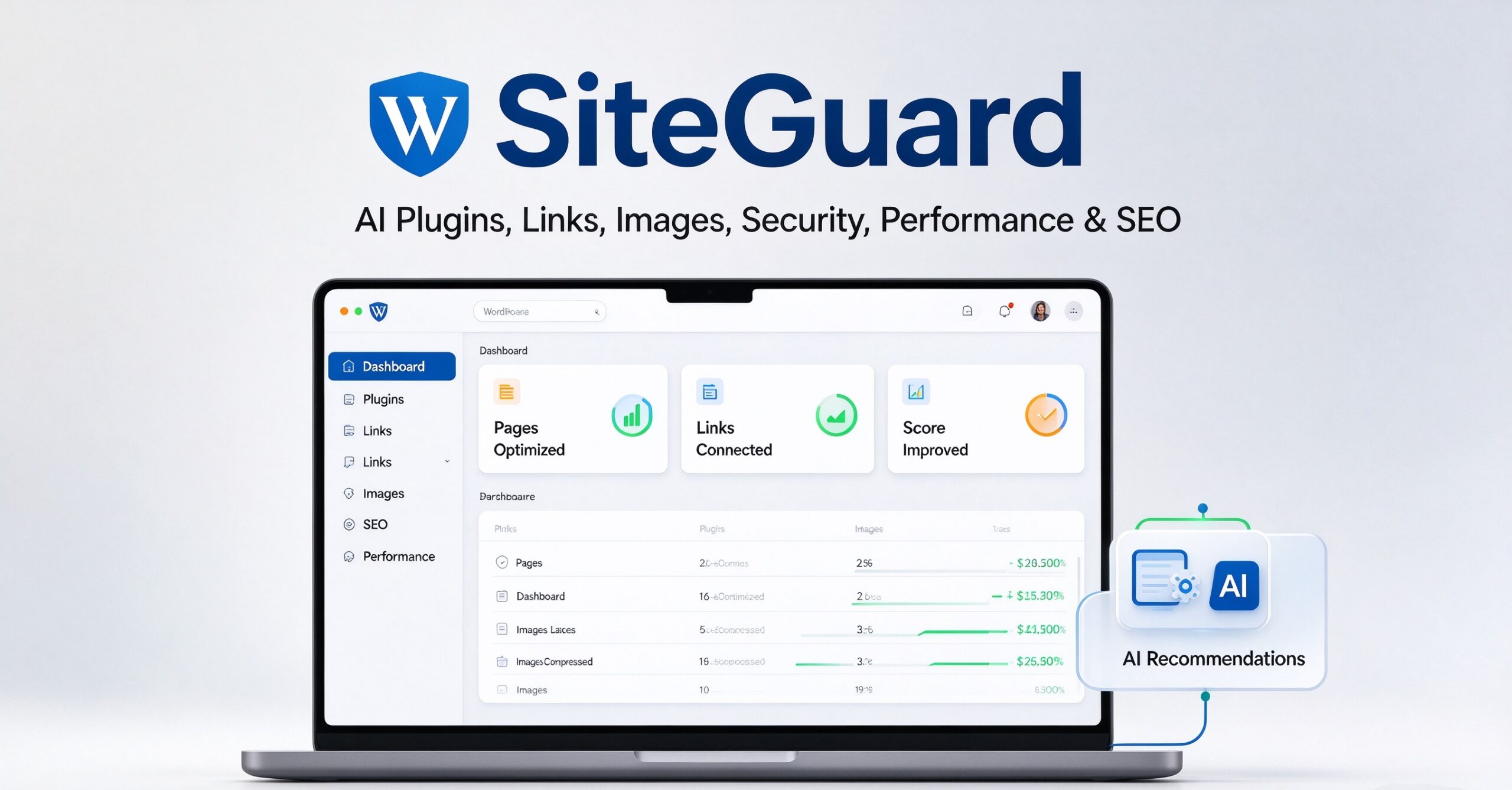
So I built one. I call it SiteGuard.
What SiteGuard does
It’s a small desktop app for Windows, and it does four things well:
It finds the problems that quietly cost you rankings.
Broken internal links, missing alt text, orphan pages with zero internal links, thin or duplicated meta descriptions, dead images, and basic security gaps (exposed files, weak headers). It checks them across your whole site, not just the homepage.
It fixes them — for real.
This is the part that’s different. SiteGuard doesn’t just flag a broken internal link; it can repair it. It doesn’t just count your missing alt text; it can write it. It rewrites SEO titles and meta descriptions, removes dead images, and injects internal links into orphan pages. You review every change first, approve what you want, and apply it in a single batch.
It can always be undone.
Before anything changes, SiteGuard takes a full snapshot. One click rolls the entire batch back. If you don’t like a fix, it’s gone — no cleanup, no “oops.”
It never phones home.
Your site URL, your content, your credentials — none of it leaves your PC. It’s built for people who take that seriously.
What it costs (and what it doesn’t)
You can scan unlimited sites for free, forever, read-only. Scan as much as you want, see every issue, understand your site better than you ever have. No credit card, no trial timer.
When you actually want the fixes, it’s $49 — once. Not $49 a month. Not $129 a month. Once. It comes with an offline license that works on up to three machines, and no account is required to use it.
I know how that sounds. “$49, one time, and it fixes things?” I get the skepticism — it’s the same skepticism I had when I built it. The reason it’s possible is that it’s a desktop app, not a SaaS. There’s no server to pay for, no team to feed, no investor expecting a growing subscription line. It’s a tool, priced like a tool.
Who it’s for
- People who run one or more WordPress sites and are tired of staring at audit reports they never act on.
- Freelancers and agencies managing client sites, who need to fix things quickly and be able to prove they can undo them.
- Anyone who’s uncomfortable handing a third party a full map of their site just to find a broken link.
It runs on Windows, works fully offline, and starts with a free scan.
A small honesty note
SiteGuard won’t write your content. It won’t magically rank you #1. It won’t do the part that requires taste.
What it will do is clear away the mechanical drag — the broken links, the invisible images, the orphans, the wasted metadata — so that the work you do put in actually gets rewarded. That’s the unglamorous part of SEO. It’s the part that’s been worth more to me than any dashboard I ever paid for.
If you want to see what your own site is quietly leaking, the scan is free:
👉 Scan your WordPress site with SiteGuard — free
Runs locally. No signup. Nothing leaves your computer.
SiteGuard is a local-first WordPress inspection and repair tool. Free unlimited read-only scans; Pro is a one-time $49 with automatic fixers and one-click rollback. Works on Windows, fully offline.