How to Remove Backgrounds in Bulk for E-Commerce Product Photos: A BulkPhoto AI Walkthrough
Bulk ecommerce product photos are the hardest part of selling online: every angle, every lighting setup needs a clean background before you can list it. If you sell in volume, editing bulk ecommerce product photos can swallow hours every single week and cost a fortune in per-image fees. A dedicated AI tool for bulk ecommerce product photos lets you process hundreds of images in minutes for a flat one-time price.
For a deeper comparison, see our guide to free AI background removers.
Put this into practice: I broke the full end-to-end version of this down step by step in my 240-photo marketplace batch pipeline.
Bulk Ecommerce Product Photos, Solved With One Tool
If you’ve ever listed products on eBay, Amazon, or Shopify, you know the pain. You snap 50 photos of a single product — different angles, different lighting — and every single one needs its background removed before you can upload it. That’s 50 manual edits. Or you pay $0.20 per image to some online service and watch the costs pile up.
I run a small vintage electronics shop on the side. Last month I listed 30 items. That’s roughly 180 photos. At $0.20/image on Remove.bg, that’s $36 — for one batch. Do that every month and you’re looking at $432/year just to remove backgrounds. Absurd.
So I started looking for alternatives. That’s when I picked up BulkPhoto AI from AIXHDD for a one-time $29. I’ve been using it for about a month now, processing roughly 500-700 images per week. Here’s my honest walkthrough.
What BulkPhoto AI Actually Does
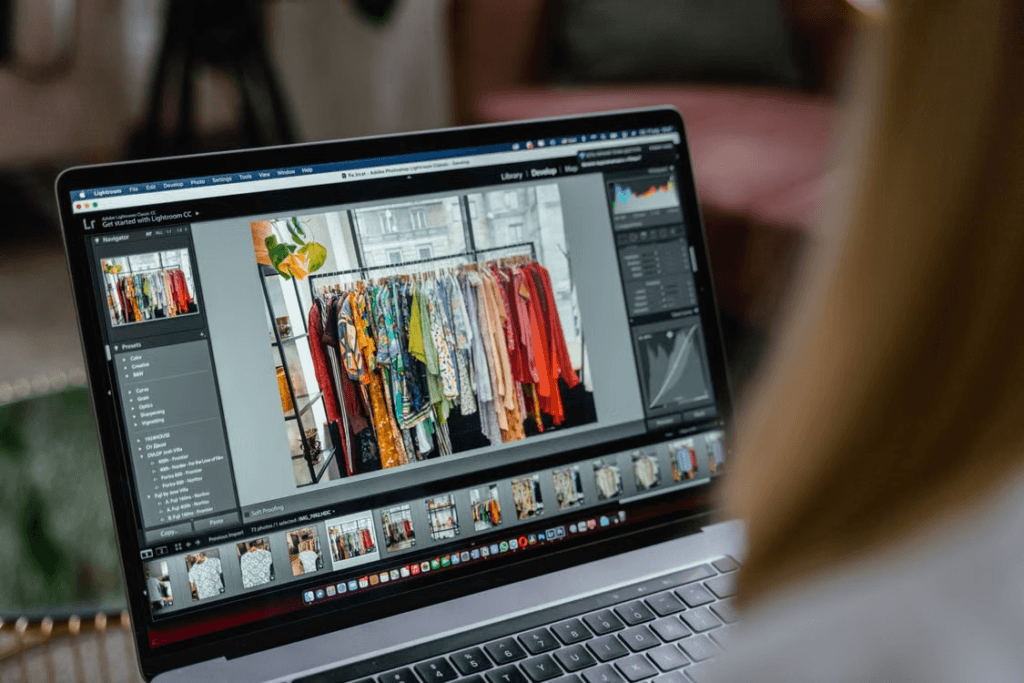
BulkPhoto AI is a desktop app for Windows that processes images in batch. Think of it as a local, offline version of those pay-per-image web services — but you own it forever.
- AI Background Removal — Uses the RMBG-1.4 model locally. No uploads, no waiting.
- Batch Resize — Presets for Amazon (1000×1000), Shopify, eBay, Etsy
- Watermark — Text or image watermarks on every photo in batch
- Format Conversion — JPG, PNG, WebP, AVIF with adjustable quality
- Auto Rename — Custom prefix + sequence numbering
- Batch Queue — Drop 200 images, walk away, come back to 200 clean files
My Real-World Workflow
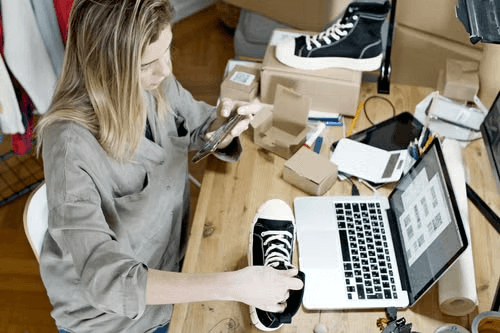
I’m not a power user who digs into every setting. I’m a guy who wants clean product photos fast. Here’s the exact 4-step workflow I follow:
Step 1: Drag and Drop
Open BulkPhoto AI, create a new batch job, and drag your entire folder of product photos into the queue. I usually drop 40-60 images at once. The app reads them instantly and shows thumbnails with file names and sizes. No pre-processing lag.
Step 2: Apply Background Removal
Select “AI Background Removal” from the action list. That’s one checkbox. The RMBG-1.4 model handles everything automatically. For most product shots — electronics on a white table, clothing on a hanger — the results are clean in under 3 seconds per image.
Does it handle tricky edges? Reasonably well. Hair? You’ll need some manual cleanup maybe 1 in 10 images. Glass objects? The model does a solid B+ job — there’s some transparency artifact but nothing a quick manual touch-up won’t fix. For a $29 tool, that’s impressive.
Step 3: Resize to Platform Specs
Amazon requires 1000×1000 for main images. eBay recommends 1600×1600. Shopify handles anything but prefers square. BulkPhoto AI has presets for all of them. I select “Amazon” for my main images and “eBay” for the listing gallery — it processes both sets in one go.
Step 4: Export with Auto-Rename
This is a small thing that saves me hours. I set a prefix like “vintage-radio-model-x-” and let the app auto-number the output. No more renaming 200 files individually. The exported folder comes out sorted and ready to upload.
The Numbers That Matter
Let’s talk cost per image, because that’s what matters for anyone running an e-commerce operation.
| Method | Cost per 1000 images | Annual (10K images) |
|---|---|---|
| Remove.bg (pay-per-image) | $200 | $2,000 |
| Canva Pro ($12.99/mo) | ~$156/yr unlimited | $156 |
| Photoshop ($22.99/mo) | ~$276/yr | $276 |
| BulkPhoto AI | $29 (one-time) | $29 |
The catch? Canva and Photoshop have more features. But if you’re doing one thing — batch background removal + resize — BulkPhoto AI wins on pure economics. The offline processing also means I’m not throttled by API limits or internet outages.
Where It Falls Short (Honest Take)
No tool is perfect, and I want to be upfront about what BulkPhoto AI doesn’t do well:
- No batch color correction — You still need a separate tool if your photos have inconsistent lighting.
- Windows-only — Mac users need Wine to run it. I haven’t tried that myself.
- Not a full editor — You can’t do fine-grained pixel-level edits inside the app. It’s a batch processor, not a replacement for Photoshop.
- Processing speed depends on hardware — On my Ryzen 5 with 16GB RAM, background removal takes ~2-3 seconds per image. On an older laptop, it might be 5-7 seconds.
These aren’t dealbreakers for me. The tool does exactly what it promises: batch image processing with AI background removal, all offline, one-time purchase. The limitations are clearly spelled out before you buy.
Who Should Get This?
Based on my month of daily use:
- ✅ eBay/Amazon/Etsy sellers — If you list more than 5 items a month, it pays for itself in one batch.
- ✅ Small business owners — Managing product catalogs for your store.
- ✅ Freelance photographers — Delivering batch-edited photos to clients.
- ❌ Professional retouchers — You need pixel-level tools. This complements your workflow but doesn’t replace it.
- ❌ Mac-only users — Consider the compatibility risk.
For me personally? I wish I had found this two years ago. The $29 one-time purchase has already paid for itself in the first week of use. No subscription anxiety, no “your credits are running low” emails, no upload time. Just drag, process, done.
Where to Get It
BulkPhoto AI is available from AIXHDD for $29 (one-time, lifetime access). They offer a 14-day money-back guarantee so there’s no real risk in trying it.
→ Download BulkPhoto AI at AIXHDD.com →
Disclosure: I purchased BulkPhoto AI myself for my e-commerce business. This is an honest review based on real usage. Some links in this article are affiliate links. If you buy through them, I earn a small commission at no extra cost to you. The opinions are my own.
Related Reads
Related Articles
- Stop Paying Per Image for Background Removal. BulkPhoto AI Lifetime Access ($29)
- How to Remove Background from 100 Photos in 2 Minutes with BulkPhoto AI
- AI Power Suite — 9 Premium Tools Bundle
For a step-by-step guide to adding AI backgrounds across an entire catalog, see our walkthrough on how to add AI backgrounds in bulk to product photos.