Video is the king of content in 2026. Whether you’re creating for YouTube, TikTok, Instagram Reels, or LinkedIn, video content consistently outperforms static posts by a wide margin. But professional video editing has traditionally been time-consuming, expensive, and required specialized skills.
That’s changed dramatically. AI-powered video editing tools have transformed the landscape, making it possible for anyone — regardless of experience — to create polished, engaging videos in minutes instead of hours. And many of the best tools are completely free.
This guide covers the best AI video editing tools available in 2026 and the workflows that will save you the most time.
The AI Video Editing Revolution: What’s Changed
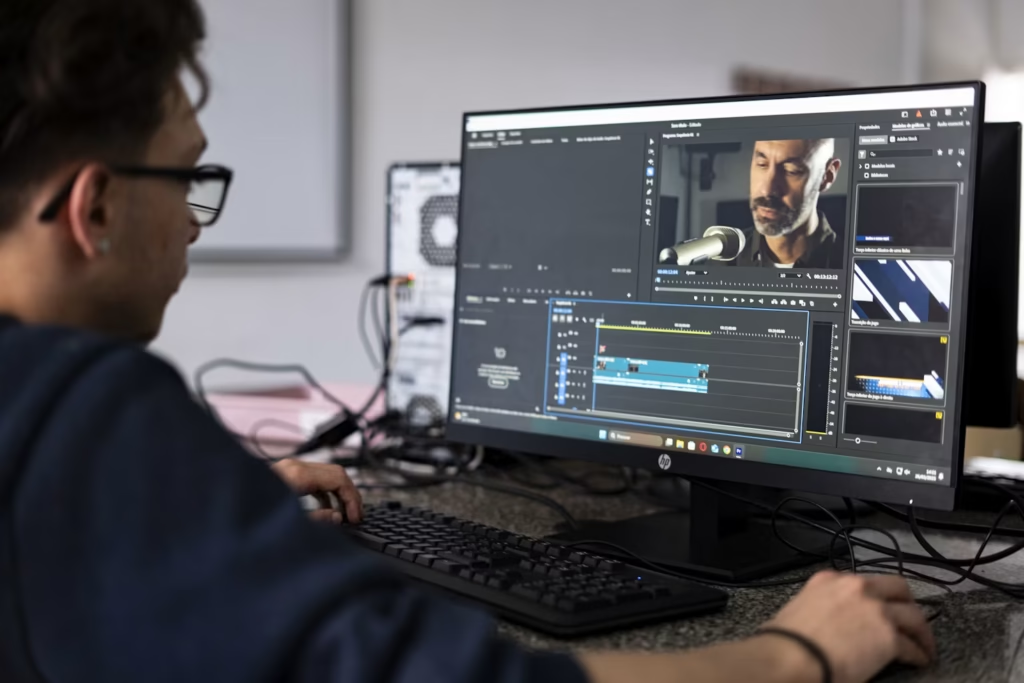
In 2025-2026, AI video editing has matured from basic auto-captions to full-featured editing assistants. Here’s what modern AI video tools can do:
- Auto-editing: AI analyzes your raw footage and creates a polished edit with cuts, transitions, and pacing optimized for engagement
- Smart silence removal: Automatically trims pauses, ums, and dead air
- AI voiceovers: Generate professional narration without a microphone or recording studio
- Auto-captioning: Accurate, styled subtitles in any language (essential since most people watch without sound)
- Scene detection: AI identifies and separates different scenes automatically
- Color correction: One-click AI color grading that matches professional looks
Best Free AI Video Editing Tools in 2026
1. CapCut (Free)
CapCut, owned by ByteDance (TikTok’s parent company), is arguably the best free AI video editor available. It offers an impressive range of AI features:
- AI AutoCut: Analyzes your footage and creates a rough cut in seconds
- Auto captions: Industry-leading accuracy, supports multiple languages
- Text-to-speech: Multiple AI voices with natural intonation
- AI effects: Motion tracking, background removal, and style transfer
Best for: Short-form content (TikTok, Reels, Shorts) and social media creators.
2. Clipchamp (Free, Windows Built-in)
Microsoft’s Clipchamp is now built into Windows 11 and offers solid AI features:
- Auto-compose: AI generates a complete video from your clips, photos, and music
- AI voiceover: Generate narration with natural-sounding voices
- Auto captions: Good accuracy with customizable styles
Best for: Windows users who want a simple, integrated editing experience. Great for YouTube content and tutorials.
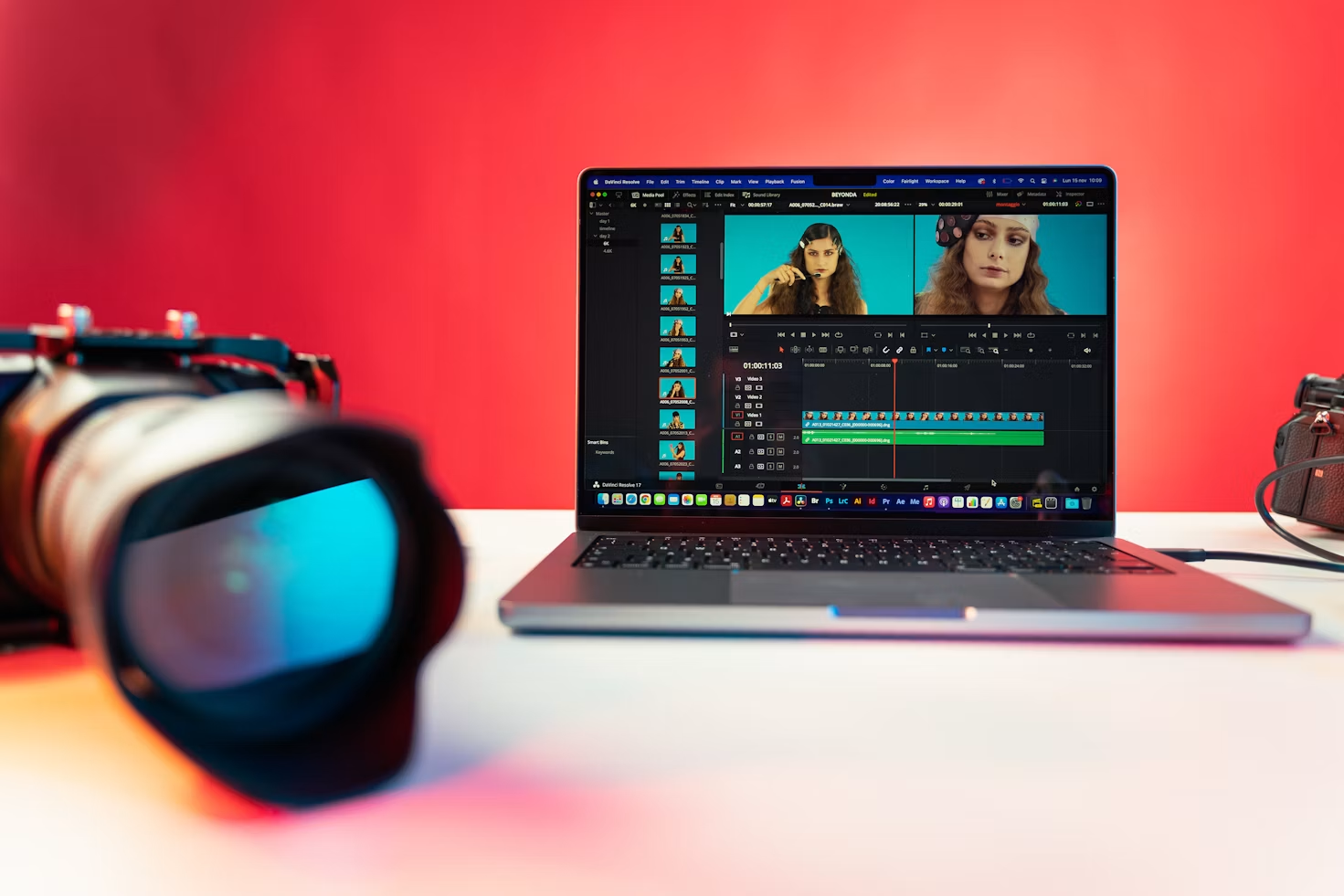
3. DaVinci Resolve (Free Tier with AI)
DaVinci Resolve is a professional-grade editor with powerful free AI features. While it has a steeper learning curve than CapCut, it offers unmatched capabilities:
- Magic Mask: AI-powered object and person tracking without green screens
- Auto color grading: Industry-standard color science with AI assistance
- Fusion compositing: Node-based visual effects with AI enhancements
Best for: Serious creators who want professional-grade tools for free. Ideal for YouTube long-form content.
4. OpenShot (Free, Open Source)
OpenShot has integrated AI features while remaining fully open source and free:
- Keyframe animation with AI smoothing
- Chroma key (green screen) with edge detection improvements
- Cross-platform (Windows, Mac, Linux)
Best for: Linux users and anyone who prefers open-source software.
The AI-Powered Video Editing Workflow
Here’s the optimal workflow for creating a video in 2026 using AI tools at every stage:
Phase 1: Pre-Production with AI
- Script with AI: Use ChatGPT or Claude to write your video script. Include specific timing cues and visual descriptions.
- Generate voiceover: Convert your script to speech using AIXHDD’s free TTS tool. Choose from natural-sounding neural voices that match your content’s tone.
- Plan visuals: Generate thumbnail ideas or background visuals using AI image generation.
Phase 2: Production with AI
- Record or generate footage: Use your camera or AI-generated b-roll
- Import into editor: Open your chosen AI editing tool (CapCut is great for short-form, DaVinci for long-form)
- Apply auto-captions: Generate subtitles immediately — this should be your first editing step
- Smart cut: Use AI silence removal to trim awkward pauses from your narration
Phase 3: Post-Production with AI
- AI color grade: Apply automatic color correction for consistent, professional looks
- AI transitions: Add smart transitions that match the video’s pacing
- Background removal: Use AIXHDD’s free background remover to clean up video thumbnails and profile images
- Export: Export in platform-optimized formats (9:16 for TikTok/Reels, 16:9 for YouTube)
Using AI Voiceovers for Video Content
One of the biggest time-savers in AI video editing is the ability to generate voiceovers without recording. In 2026, AI voice quality has improved dramatically — neural text-to-speech systems produce voices that are nearly indistinguishable from human narration.
AIXHDD’s free TTS tool supports multiple high-quality voices and languages, making it perfect for:
- YouTube tutorial voiceovers
- Faceless video narration
- Multilingual content (use AI to translate and voice your videos for different markets)
- Product demos and explainer videos
For creators who want a consistent voice brand, AIXHDD’s text-to-speech guide shows you how to create a custom voice model that sounds exactly like you — so every video has your unique voice, without recording each time.
AI Video Tools Comparison Table
| Tool | Price | AI Features | Best For | Learning Curve |
|---|---|---|---|---|
| CapCut | Free | AutoCut, captions, TTS, effects | Short-form social videos | Low |
| Clipchamp | Free | Auto-compose, voices, captions | Windows users, tutorials | Low |
| DaVinci Resolve | Free | Magic Mask, auto color | Professional long-form | High |
| OpenShot | Free | Keyframe, chroma key | Open-source users | Medium |
Pro Tips for AI Video Editing
- Always add captions: 85% of videos are watched without sound. Auto-captions are non-negotiable for reach.
- Use AI for consistency: If you’re creating a video series, use the same AI voiceover across all episodes for brand consistency.
- Don’t over-edit: AI can add too many effects. Less is often more — especially for educational content.
- Repurpose with AI: Turn one long YouTube video into 10 short-form clips using AI-powered repurposing tools. Many editors now offer one-click clip extraction.
- Optimize per platform: Different platforms have different specs. AI tools can auto-format your video for TikTok (9:16), YouTube (16:9), or LinkedIn (1:1).
Final Thoughts
AI has turned video editing from a specialized skill into an accessible tool for every creator. The barrier to entry has never been lower — you can create professional-looking videos entirely with free tools, from AI voiceovers to auto-editing to automatic captions.
The winning strategy in 2026 is to embrace AI for the tedious parts of editing (silence removal, captioning, color grading) while focusing your creative energy on what matters most: storytelling, engagement, and your unique perspective.
Try it yourself: write a 60-second script, generate a voiceover with AIXHDD TTS, import your footage into CapCut, add auto-captions, and see what you can create in under 30 minutes. You might be surprised at the results.
For a deeper comparison, see our guide to AI video generator vs traditional video editing.