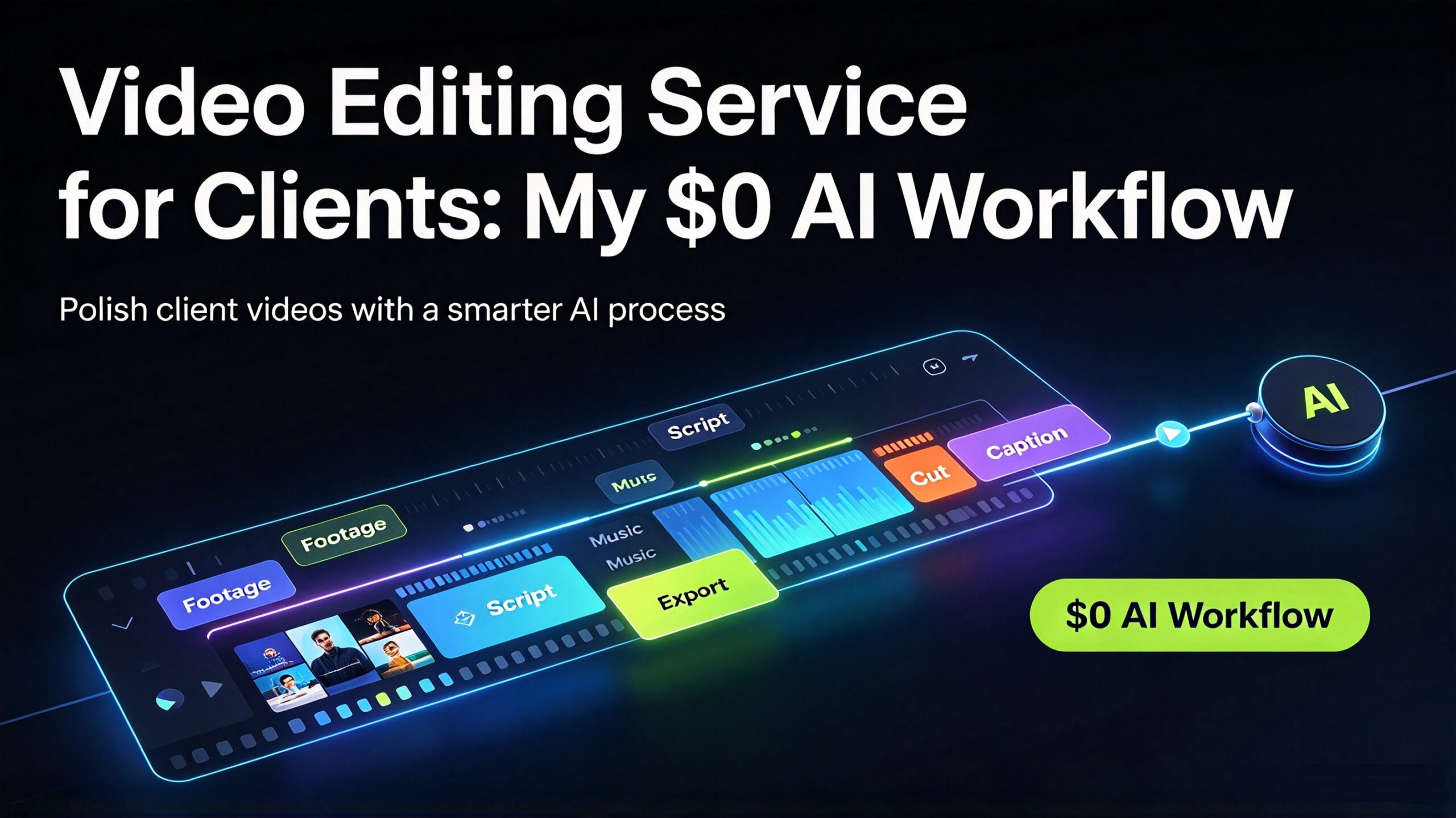
Running a video editing service for clients is one of the most in-demand freelance offers right now — and one of the most misunderstood. Most people who try it assume they need a $600/year Adobe subscription, a workstation, and years of training. They don’t. What clients actually pay for is a repeatable result: clean audio, tight cuts, captions that read correctly, and a file that plays everywhere without stuttering. You can deliver all four with a $0 stack of AI tools and a workflow you can repeat on every project. This is the exact process I use, from the raw client footage to the final exported files — including how I keep the turnaround fast and the client’s media private.
I run video editing projects for clients using a $0 stack of tools plus a fixed eight-step workflow. Everything below runs in a browser or a one-time desktop app, so client footage never sits in a recurring cloud subscription. If you’re already doing free AI video editing work, this is the productised version of it — the offer you can actually charge for.
Why a Video Editing Service Sells So Easily
Video is the format businesses can’t fake. A podcast host needs clips for social. A consultant needs a polished talking-head intro. A course creator needs twelve lessons cut, captioned, and compressed. An e-commerce brand needs product videos that fit every platform’s aspect ratio. Each of those is a concrete, recurring job with a clear deadline — which is exactly the kind of work that keeps a freelancer booked.
The reason most freelancers avoid it is the tooling. Editor subscriptions are expensive, rendering is slow, and the software is hostile to beginners. But the dirty secret of the trade is that 80% of client editing is not creative — it’s mechanical. Trimming dead air, balancing audio, burning in captions, exporting to the right resolution. That 80% is exactly what a workflow can automate, leaving you the 20% that actually needs a human eye.
Three things make a video editing service worth paying for:
- Speed — clients have launch dates. A 48-hour turnaround beats a “perfect” one that arrives late.
- Consistency — every clip has the same caption style, the same audio level, the same intro. That’s branding.
- Privacy — unreleased product footage and unreleased episodes are sensitive. Clients notice when your workflow keeps their media off third-party servers.
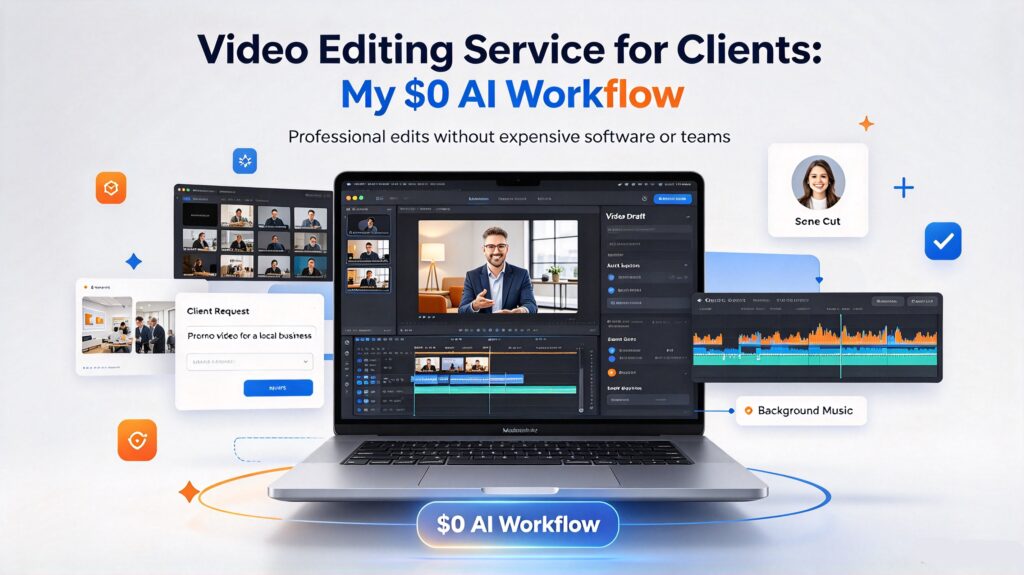
The 8-Step Workflow
1. Intake, brief, and file handoff
Before touching a timeline, I get three things in writing: the goal of the video, the exact deliverable (length, aspect ratios, caption style), and the deadline. I also ask for the raw footage up front and confirm I can handle the size — a 40 GB card dump is normal. I keep every project in its own folder and never mix client A’s media with client B’s. That sounds obvious until you’ve been asked to prove it.
2. Compress and normalise the raw files
Raw camera footage is enormous and often in a codec your editor chokes on. Before editing, I run everything through VideoForge, a one-time desktop tool that batch-compresses and converts video locally — no upload, no subscription. Getting the footage into a lean, standard format first makes every later step faster. If you want the free browser route for a quick clip, the approach in the offline video compressor workflow covers the same ground.
3. Build the rough cut
I assemble the story first and fix nothing yet. No colour, no audio polish, no captions — just the sequence. The rule is to cut on the thought, not the second: take out the “ums,” the false starts, and the tangents that don’t serve the goal. A rough cut that’s tight at this stage saves an hour later. I keep a separate “b-roll” bin organised by topic so inserting supporting footage later is drag-and-drop, not a hunt.
4. Tighten the pacing
This is where an edit starts to feel professional. I trim pauses longer than about 0.4 seconds, cut on motion where possible, and shorten the intro until it earns its place. Most amateur edits fail here — not because the cuts are wrong, but because there are too few of them. A 10-minute interview can usually land at 6 minutes with nothing of value lost. If a section is rambling, I run the transcript through a summary generator to identify the one sentence worth keeping.
5. Caption and subtitle the video
Captions are non-negotiable — most social video is watched on mute, and accessibility matters. I use ClipScribe Pro, an offline AI subtitle tool, to generate a first-pass transcript, then I correct it by hand because auto-captions still mangle names and jargon. Accurate captions are one of the fastest ways a client notices quality. For reference on why this matters for reach and comprehension, the W3C’s captioning guidelines are the standard I work to.
6. Audio cleanup
Viewers forgive soft video; they never forgive bad audio. I level the dialogue, cut room tone between takes, and reduce background hum. For projects that need a voice-over to replace or augment the client’s original audio, I generate it with VoiceForge, a local AI voice studio — no cloud upload of the client’s script, which matters when the content is confidential.
7. Colour, titles, and thumbnails
A quick contrast-and-saturation pass is enough for most corporate work; anything heavier reads as “filtered” and looks dated. Titles and lower-thirds stay minimal and on-brand. For each deliverable I also produce a thumbnail — for YouTube projects, AI Thumbnail Generator produces batch thumbnails from the footage locally, which is far faster than building each one by hand.
8. Export to every required format
One edit, many outputs. A single project often ships as a 16:9 YouTube cut, a 9:16 vertical cut, and a 1:1 square for feeds. Rather than guess the dimensions, I confirm them with the free video aspect ratio calculator so every export lands on the exact pixel size each platform wants. Then I deliver via a single organised folder with clear filenames — client_project_v1_16x9.mp4, not final_final_2.mp4.

The Client Handoff: Where Projects Get Repriced
The delivery moment is where a one-off gig becomes a retainer — or doesn’t. Most editors drop a file and disappear, then wonder why the client never comes back. The handoff is your chance to demonstrate that you run a service, not a favour.
I always deliver in a predictable structure: a read-me note that lists what’s in the folder, the specs of each file, and anything the client needs to know (for example, “the vertical cut uses a different caption size because the safe area is tighter”). I include one round of revisions by default — and I say so up front, so the client isn’t scared to ask. And I close with a short, specific offer for the next project: “If you have three more episodes of this podcast, I can deliver the whole batch at a lower per-episode rate.”
That last sentence is where the money compounds. Video is inherently a series format — nobody edits one episode of anything. Packaging a batch price turns a $150 one-off into a recurring monthly relationship, and it’s easier for the client to say yes because they already know your quality.
What I Charge for a Video Editing Service
Video pricing is usually per-project or per-minute, never per-hour (per-hour punishes you for getting fast). Here’s how I scope it:
- Short social clip (under 60s, captioned, one aspect ratio): $30–$75 each, discounted in batches of five or more.
- Standard edit (5–10 minutes, cut, captioned, audio cleaned, one format): $150–$400.
- Multi-format package (long-form plus vertical and square cuts): $300–$700, depending on length.
- Course or webinar series (per finished lesson): $80–$200 each, sold as a full-course package.
The upsells clients ask for almost every time: a batch of thumbnails, a set of social clips cut from the main video, and a podcast transcription to go with the upload. Each is a natural add-on once the footage is already on your timeline.
How I Keep Turnaround Fast Without Cutting Corners
The single biggest reason freelancers lose video clients is missed deadlines. Video work has a hard dependency chain — you can’t caption before you cut, and you can’t export before you colour — so a slow step early wrecks everything downstream. The fix isn’t working faster, it’s removing the slow steps entirely.
That’s why I do all the heavy lifting locally with tools that process files in batch. Compressing twenty raw clips one at a time is death; compressing them in one pass takes minutes. Same with captions: generating a transcript and then correcting it is faster and more accurate than typing captions from scratch. The goal is to spend your time on judgement — pacing, story, brand consistency — and let the tooling handle everything mechanical. That’s the difference between a $150 edit that takes four hours and a $150 edit that takes forty minutes.
I also build a small style template for each recurring client: their caption font, their intro animation, their export presets locked and saved. The first project is always the slowest because you’re learning their brand. By project three, half the decisions are already made, and the per-project time drops sharply — which is exactly when you can afford to raise your price or take on more clients.
Where the Money Actually Is in a Video Editing Service
The most reliable income in video isn’t the impressive brand film — it’s the boring recurring work: podcast clips, course lessons, social cutdowns, product demos. These repeat every week with a predictable format, which means you can build templates and get faster and faster at them. That’s how a video editing side hustle turns into a predictable income floor.
The high-margin layer sits on top of that base. Once a client trusts your edits, they’ll pay more for the pieces that touch revenue directly — a polished sales video, a presentation, a product launch cut. Those command two to three times the per-minute rate of routine editing because the stakes are higher.
Common Mistakes to Avoid
Before the checklist, a note on sourcing: when you cite anything about platform specs or audience behaviour, reference a real source. For video advertising benchmarks, Wyzowl’s annual video marketing report is freely available, and for platform-specific export requirements, each platform’s official creator help centre is the only source you should trust.
A short list of the traps that cost editors clients, and how to sidestep each one:
- Quoting per hour. It punishes efficiency and caps your income. Quote per project or per delivered minute.
- Skipping the written brief. A misunderstanding about length or aspect ratio wastes hours. Get it in writing before you cut.
- Ignoring audio. Viewers tolerate soft video but never bad sound. Always clean the audio before delivery.
- Auto-captions shipped unedited. A wrong name in a caption is a public embarrassment for your client — and for you.
- One export format. Clients need the vertical and square versions too. Ship them together.
- No revision policy. Unlimited revisions will eat your margin. One round included, more at an hourly rate.
Building the Offer: A Repeatable Product, Not One-Off Gigs
The editors who earn consistently stop selling “video editing” and start selling a named package: a defined scope, a fixed price, an obvious outcome, a guaranteed turnaround. “Social clip pack: 12 captioned vertical clips from your podcast, delivered in 3 business days, $400” is infinitely easier to buy than “I edit videos, let’s chat.”
I lead with a middle tier because it’s the best value and the easiest yes, keep a cheap entry tier to open the door, and use a premium tier to anchor the price. Every tier includes the same core: cut, caption, clean audio, export in the formats the client asked for. The only thing that changes across tiers is scope and how many formats ship. Once the offer is packaged, marketing it is simple — you show three sample edits and let the work be the proof.
Start With One Good Edit
Don’t wait for a dream client with a cinema-grade brief. Take the last podcast episode, stream, or product demo you can get your hands on and turn it into a properly structured offer: one tight cut, accurate captions, clean audio, exported in the three main aspect ratios. That single polished sample — delivered fast and privately — will sell your video editing service more effectively than any pitch.
If you want to try the $0 stack first, the free AI tools cover the browser-based pieces, and the AI Power Suite bundle covers the local, one-time desktop tools for compression, captions, voice, and thumbnails. Do one good edit, package it, and see how fast a video editing service can book itself out.