Canva vs. PicWish vs. Photoroom: Which AI Image Editor Is Worth Your Money in 2026?
If you’re a content creator, small business owner, or just someone who posts to social media regularly, you’ve probably stared at the pricing page of an AI image editor and thought: “Do I really need to pay for this?”
I tested three of the most popular AI image editing tools — Canva, PicWish, and Photoroom — over the course of a month. I used them for real tasks: removing backgrounds, upscaling thumbnails, cleaning up product shots, and designing quick social posts.
Here’s what I actually found.
The Short Answer
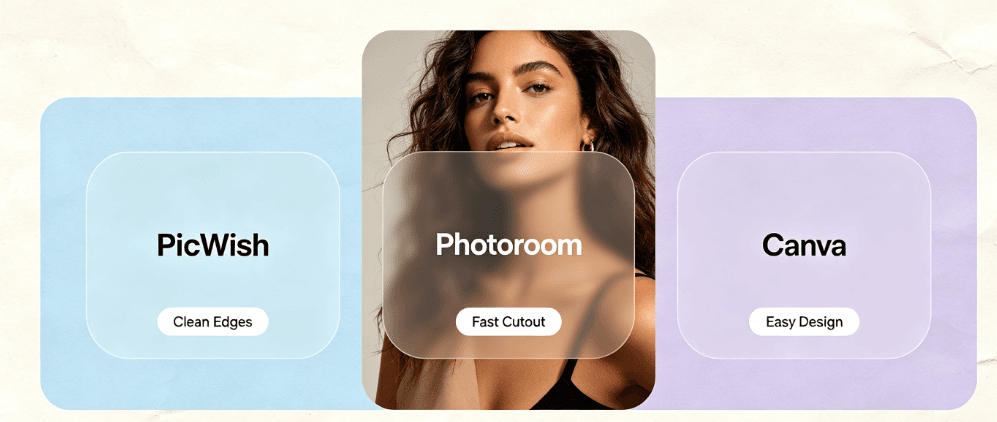
| Canva | PicWish | Photoroom | |
|---|---|---|---|
| Best for | All-in-one design | Batch background removal | Product photos and e-commerce |
| Free tier | Generous | 1 free image/day | Very limited |
| Pricing | $15/mo Pro | ~$10/mo | ~$10/mo |
| AI background removal | Good (credit-based) | Excellent | Excellent |
| Batch editing | No | Yes | Limited |
| Learning curve | Medium | Low | Low |
| Best value | 3 stars | 4 stars | 3 stars |
Canva – The Swiss Army Knife
What it is: The most popular design platform in the world, now with a hefty dose of AI built in.
What I loved:
- Everything in one place. You can design, edit photos, remove backgrounds, generate images, and schedule posts – all without leaving the app.
- Templates are unmatched. Thousands of ready-made designs for every social platform.
- Brand Kit keeps your colors and fonts consistent across everything.
What drove me nuts:
- The AI features feel gated. Background removal and magic tools consume credits, and the free tier gives you a frustratingly small amount.
- The interface is getting bloated. Too many features crammed in.
Who it’s for: Designers-at-heart, social media managers, and anyone who wants one tool to handle 80% of their visual workload.
PicWish – The Batch Workhorse
What it is: A focused AI tool built primarily around background removal, with image upscaling and retouching thrown in.
What I loved:
- Batch background removal is genuinely fast. I threw 50 product photos at it and it churned through them in minutes.
- No design clutter. It does one thing (image cleanup) and does it well.
- The upscaler is solid. Old blurry thumbnails came out sharp enough for social media without looking waxy.
- Free tier is real. You get limited daily uses without paying.
What drove me nuts:
- Not a designer. If you need layouts, text overlays, or templates, this isn’t the tool.
- Output resolution on free tier is sometimes capped, pushing you toward the paid plan.
Who it’s for: E-commerce sellers, content creators processing lots of images, and anyone tired of manual background removal.
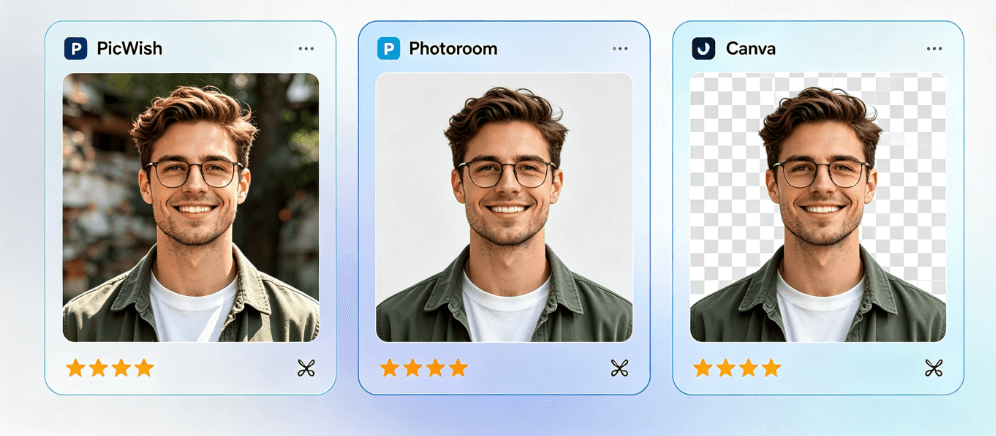
Photoroom – The Product Photo Specialist
What it is: An AI-powered app laser-focused on making product photos look professional.
What I loved:
- E-commerce magic. Remove backgrounds, add realistic shadows, place products on clean backdrops.
- AI-generated backgrounds are surprisingly good for listing images.
- Mobile app is excellent. Great for sellers who shoot on their phones.
What drove me nuts:
- The free tier is thin. You run out of premium features frustratingly fast.
- Narrow scope. It’s brilliant at product photos and not much else.
Who it’s for: Online sellers (Etsy, Amazon, Shopify), real estate agents, and anyone whose main need is clean, professional product imagery.
Real-World Test: 3 Tasks
I ran all three tools through the same three tasks to compare.
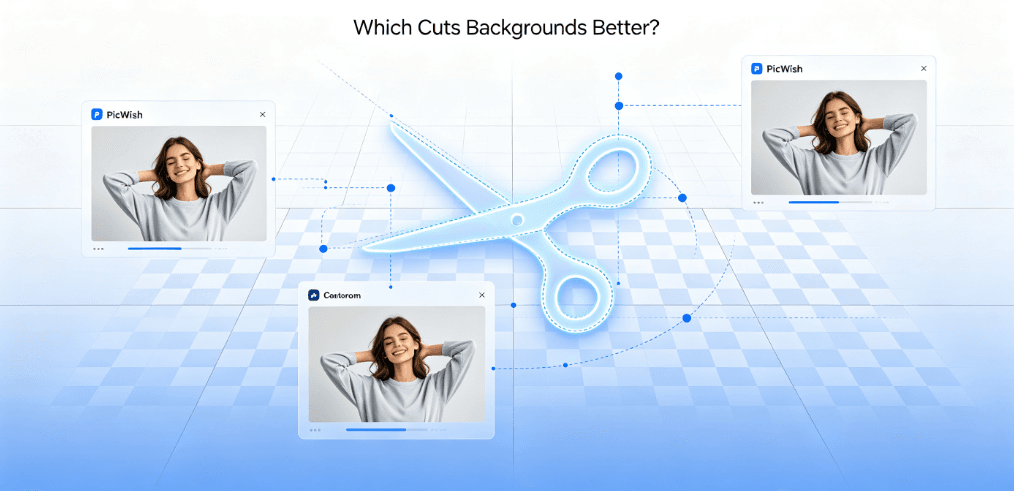
Task 1: Background Removal – I took a photo with a cluttered background. Photoroom and PicWish both gave clean, halo-free edges. Canva worked but consumed a credit and edges were slightly less crisp. Winner: PicWish.
Task 2: Upscaling a Blurry Thumbnail – A 256×256 logo that needed to be crisp at 1024px. PicWish was the sharpest, keeping logo edges clean. Canva left visible softness. Winner: PicWish.
Task 3: Designing a Quick Social Post – A 1080×1080 announcement graphic. Canva won outright with beautiful templates. The other two can’t really do this. Winner: Canva.
Pricing Reality Check
Here’s the thing nobody tells you: you probably don’t need to pay for more than one.
- If your main pain is design and content creation, Canva Pro ($15/mo) is worth it if you use it weekly.
- If your main pain is processing lots of product images, PicWish (~$10/mo) gives the best bang for the buck, especially with batch removal.
- If you’re a serious seller who needs studio-quality product shots fast, Photoroom is the specialist.
My pick: For most people, PicWish delivered the most tangible value per dollar because batch background removal + upscaling is a daily, tedious task that it genuinely automates. Canva is great, but its AI credits add up fast. Photoroom wins only if product photography is your whole life.
Bottom Line
You don’t need all three. Pick based on your actual bottleneck:
- Design bottleneck? Canva.
- Image cleanup bottleneck? PicWish.
- Product photo bottleneck? Photoroom.
And if money is tight, start with the free tiers – all three give you enough to figure out which one fits your workflow before you spend a cent.
Have a favorite AI image tool I didn’t cover? I’d love to hear what works for you in the comments. If you want more hands-on AI tool breakdowns and creative workflows, check out my site at AIXHDD.
For a deeper comparison, see our guide to free AI background removers.